Creating Files for the SprinterB PrinterPrinting from MAC applications (DTP) to PhotoPrint Server
Sprinter User's Manual 11-9
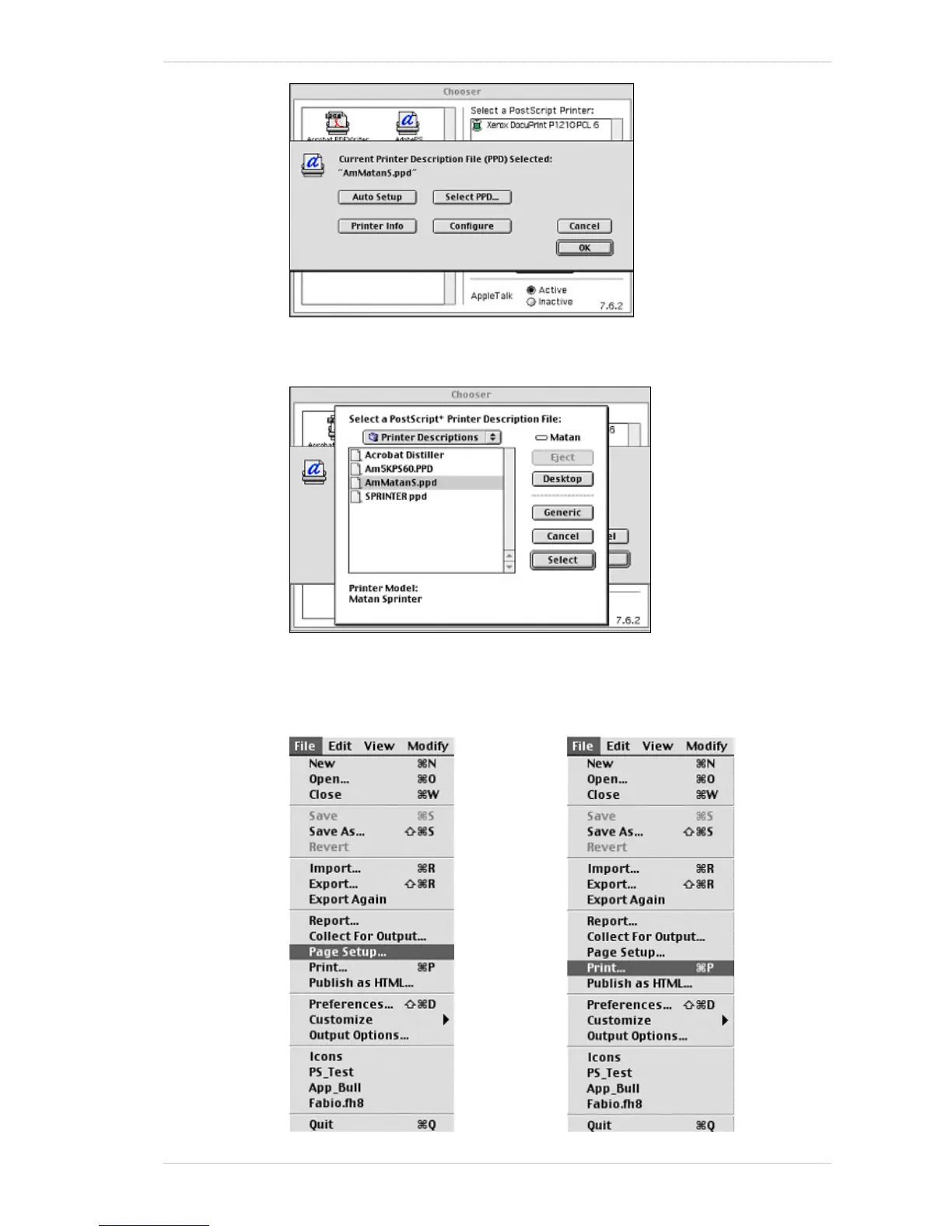
4. Click OK.
5. Click Select and a new printer icon appears on the computer desktop.
6. Once you’ve created the AdobePs printer, you can send the jobs directly
from the MAC DTP applications to the PhotoPrint Server as follows:
In the DTP application select File menu->Page Setup->select the
required PS printer from the list.



 To Next Page