24 Chapter 2: Powering and connecting to your Matrox Iris GTR
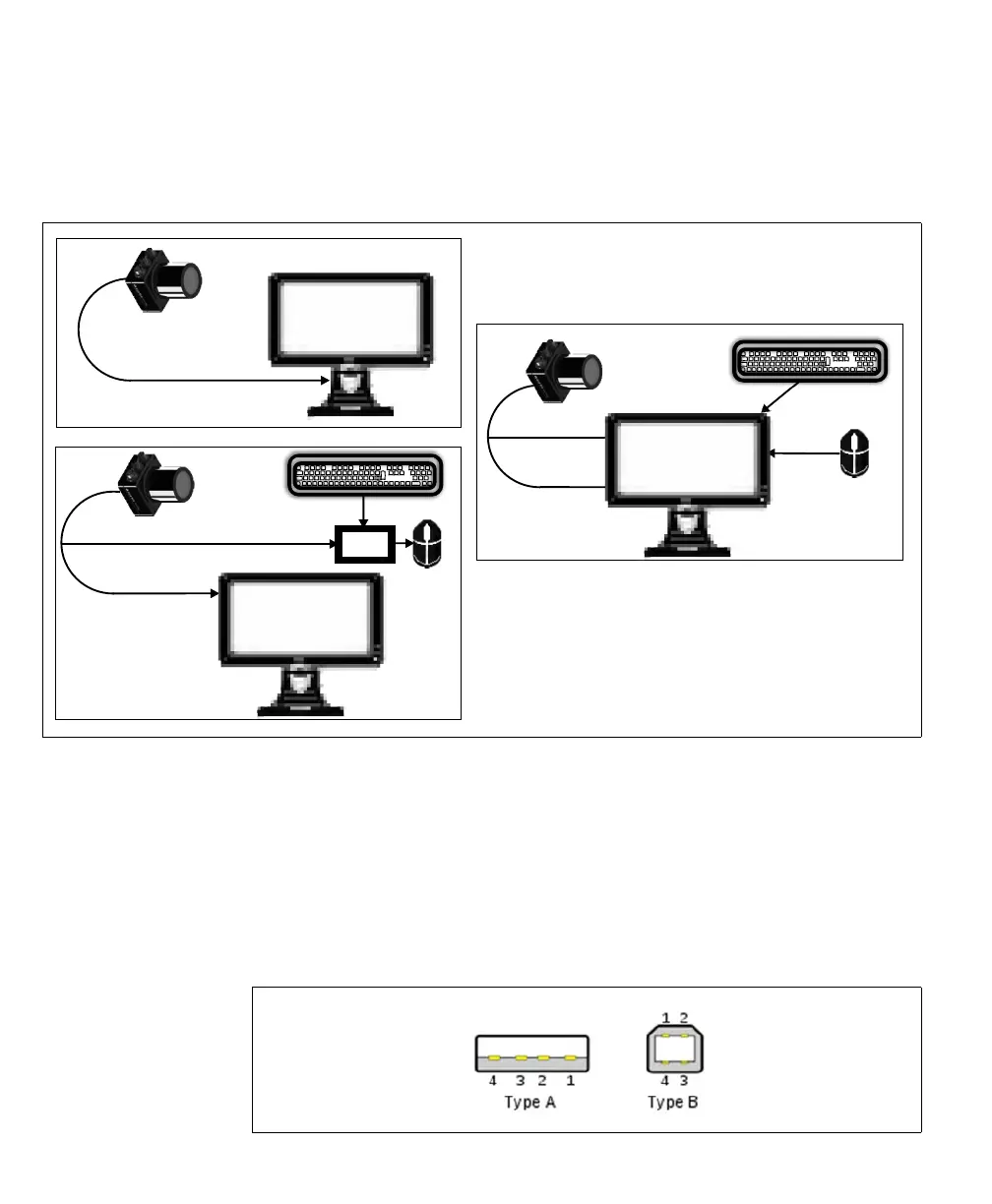
of your VGA/USB cable. Once the hub is connected, connect your keyboard and
mouse to the hub. Note that, in some cases, your display device can also act as a
USB hub.
❖ Note that if you are using a Matrox VGA/USB cable, the cable has a type A USB
connector.
If you are not using this connector, the VGA/USB cap must remain in place for
IP67 conformity.
If connecting the Matrox VGA/USB cable to a device requiring a type B connector,
use a type A to type B USB cable to connect the VGA/USB cable to your device.
[o
VGA
USB
display
device
& hub
VGA
USB
Hub
display
device
VGA
display
device



 To Next Page