Alterations reserved
Version 05/2008
Operating Manual B21-C - en
Page 85
7.3.4 Knife setting
7.3.4.1 Depth setting of knife
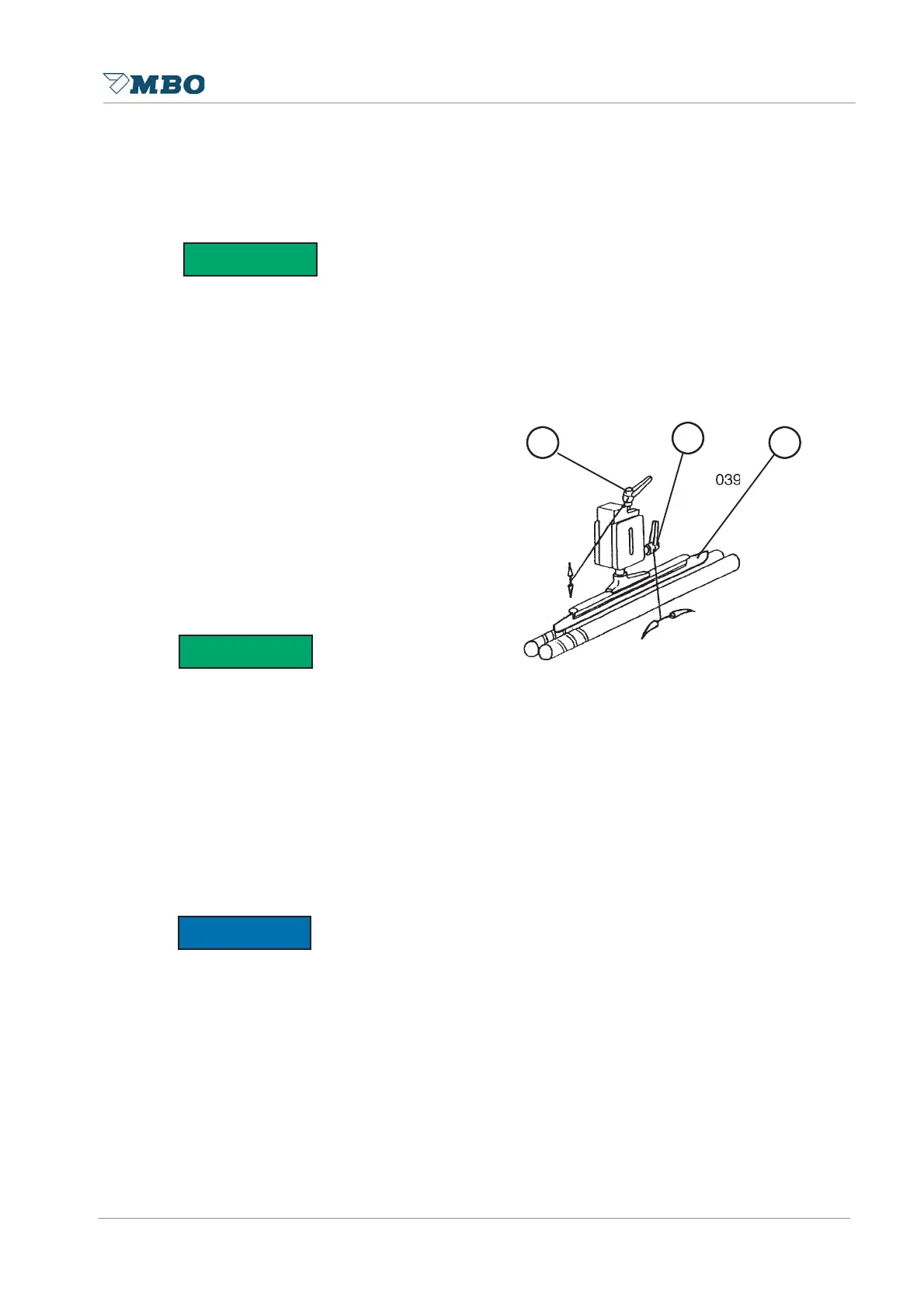
When setting the knife 7.31 turn the handwheel manually so that the sheet is moved into the
foldrollers by the knife.
To make sure that the sheet is taken correctly from the foldrollers, height corrections of the knife
can be made, however, this depends on the thickness of product.
Such height corrections can be made
through locking handle 1. Clockwise
turning of locking handle - knife moves
upwards. Counter-clockwise turning of
locking handle - knife moves downwards.
7.3.4.2 Horizontal knife setting
The precise setting of the knife into the
horizontal position is responsible for an
exact sheet infeed and the subsequent
perforating of the sheet.
In order to avoid that the sheet is pushed too hard against the sheet stop you may change the
horizontal knife position with locking lever 2!
If the sheet is not pulled parallel into the foldrollers it means that the knife is not in a horizontal
position. This can be noticed if the sheet, when it is pulled into the foldrollers, is pushed to strong
against the sheet stop or if it runs off from the sheet stop. If the sheet is pushed too strong
against the sheet stop you have to set the declination of the knife somewhat higher by clockwise
turning the clamping lever. If the sheet is pushed off from the sheet stop you should set the knife
deeper by turning the clamping lever counter-clockwise.
These settings can be carried out without
tools by using the locking handles.
For extreme horizontal positioning the knife must be set completely higher, if necessary!
6$)(7<),567
6$)(7<),567
127,&(
1
2
3


 To Next Page