Operating Instructions – Labmaster
©
130 and MB20G Systems
Instruction Manual
Chapter 9: System Operation
© MBraun, Inc. Edition 1/2007 Page 9-8
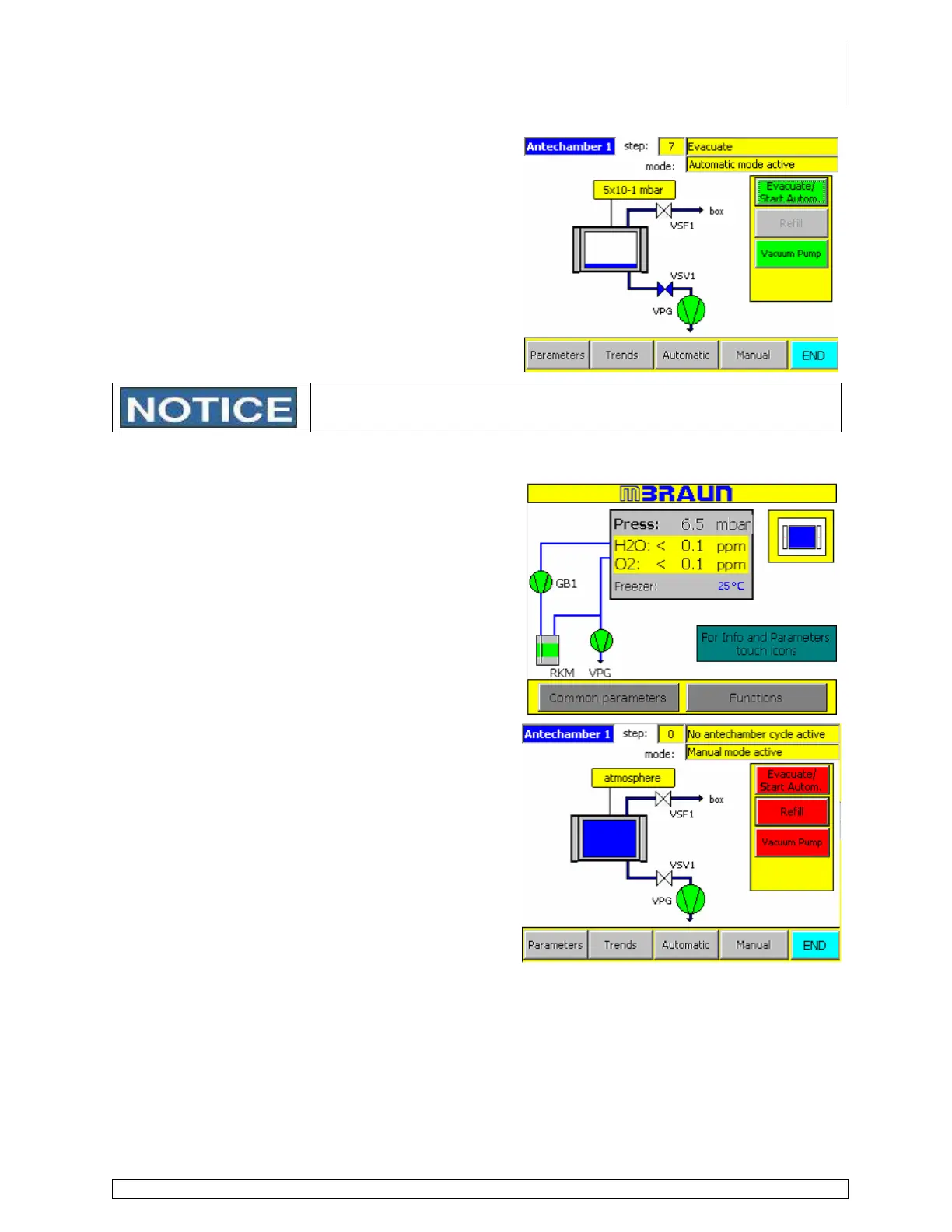
A message on the upper right hand corner of the
screen displays the active step number and
description of the cycle.
Touch Manual button any time during the automatic antechamber
cycle to abort the cycle.
Manual Mode
Touch the Antechamber icon on the Start
Screen to display the antechamber screen.
If Automatic Mode is displayed in the upper right
hand corner, touch the Manual button to switch
from Automatic to Manual mode operation.
Skip this step if Manual Mode is already
displayed.



 To Next Page