122122
t r o u b l e s h o o t i n g
MILLIVOLT RANGE GUIDELINES:
Calibrant A Calibrant B Calibrant C
pH (mV) -350 - 350 -320 - 380
PCO
2
(mV) -150 - 150 -135 - 165
PO
2
(mV) 150 - 800 less than 60
Hct 100 - 250 300 - 600
Na
+
(mV) 100 - 200 85 - 185
K
+
(mV) 100 - 200 115 - 215
Ca
++
(mV) 30 - 130 40-140 40 - 140
Cl
-
(mV) 30 - 80 90 - 190
•
Replace any electrode with mV’s out of range.
The Na
+
, K
+
, Ca
++
, Cl
-
, and pH electrodes are dependent on the reference elec-
trode mV readings. If the electrode mV readings are out of range, first verify that
the reference electrode is within its use period (refer to the Replacement Schedule
in Chapter 11).
•
In the case of multiple electrode mV failures, contact your EasyStat
dealer.
s
Continued electrode error messages may indicate elec-
trode failure.
•
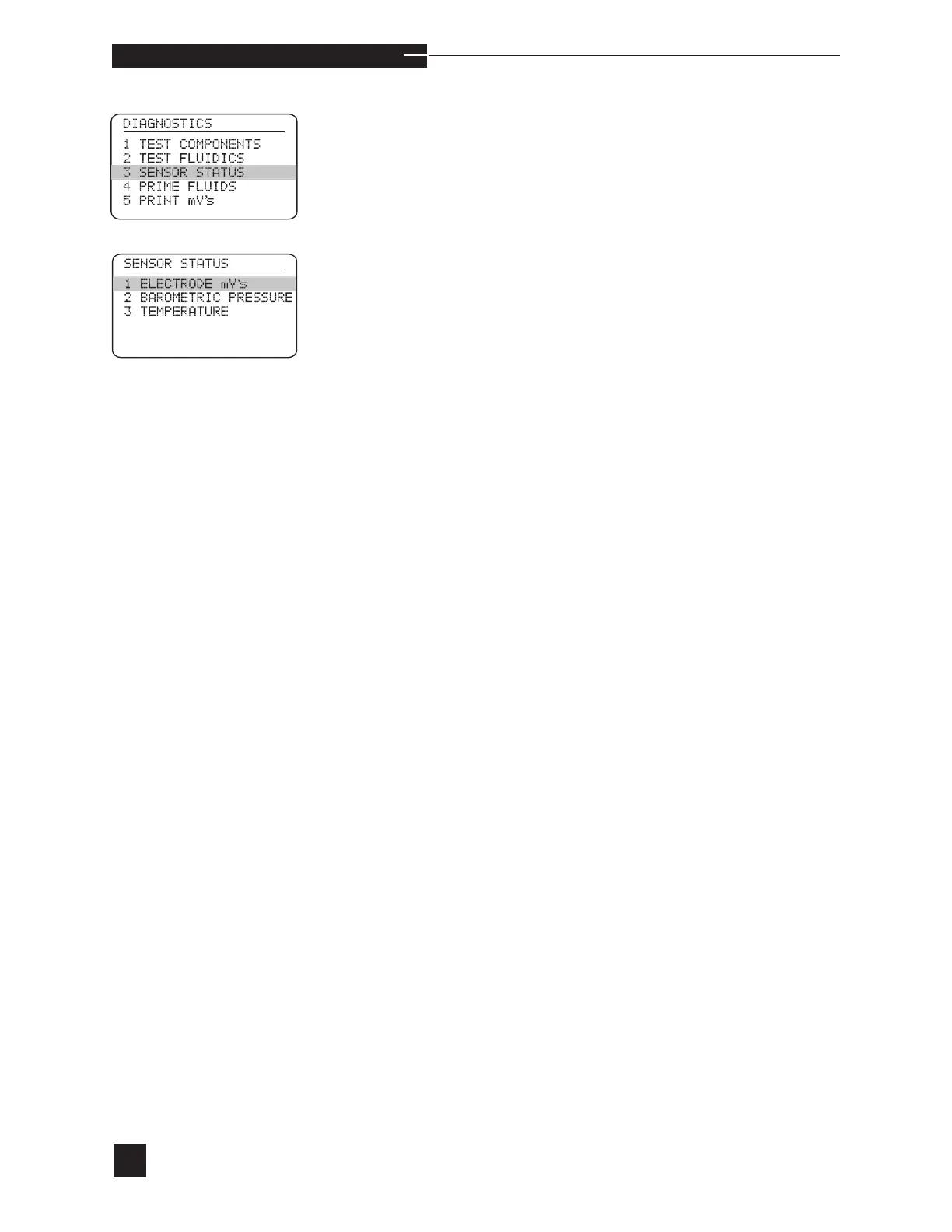
Check the electrode millivolt readings by selecting SENSOR
STATUS, then ELECTRODE mV’s from the
DIAGNOSTICS menu.
•
Check both Calibrant A, B and C mV’s. Wait 20 seconds for the
displayed mV’s to stabilize. Compare the readings to the Millivolt
Range Guidelines listed below.



 To Next Page