16
a n a l y z e r i n s t a l l a t i o n
220
r
A
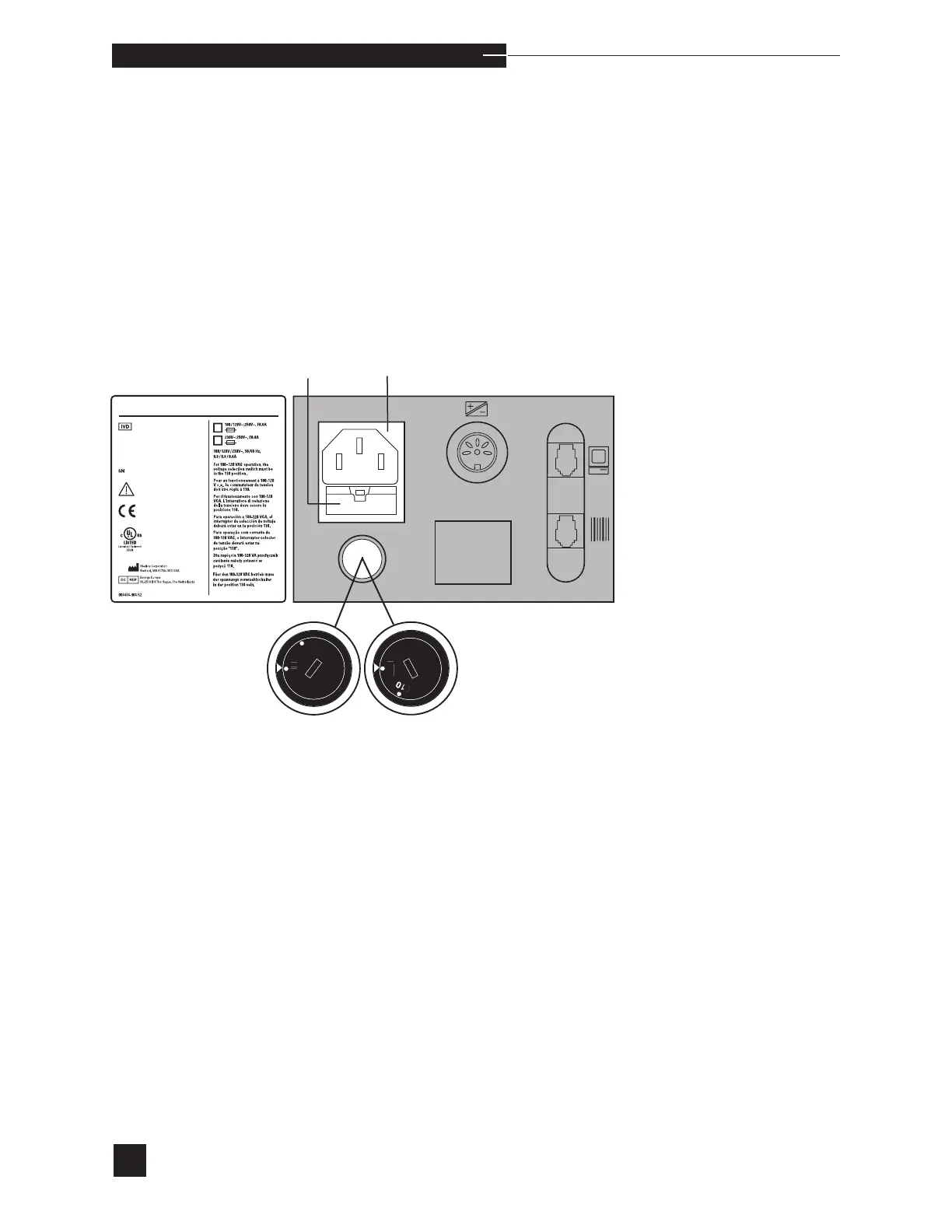
Power
ord
ocket
u
H
l
r
\EDIC@
HDo not install reagent module or electrodes at this time.
When the analyzer is powered up, the display will prompt you to set
the correct date and time.
Power Up
Before connecting the analyzer to power, confirm that the factory set
voltage (110V or 220V) of the EasyStat analyzer matches the ground-
ed outlet supplying the power. When factory set to 110V, the installed
fuses are 0.8 amp. When factory set to 220V, the installed fuses are
0.4 amp. If it is necessary to switch the EasyStat voltage setting, the
correct fuses must be installed. Refer to Replace Components/Fuses,
or contact your EasyStat dealer.



 To Next Page