43
o p e r a t i n g t h e a n a l y z e r
r
n
CONFIRM
s
Standby
Standby is activated manually or automatically to conserve fluids dur-
ing long periods of inactivity. When in STANDBY, the analyzer
discontinues automatic calibrations. The sensor module remains at
37.0°C, the valve module remains at 39.0°C, and fluid maintenance
is performed.
Manual Activation
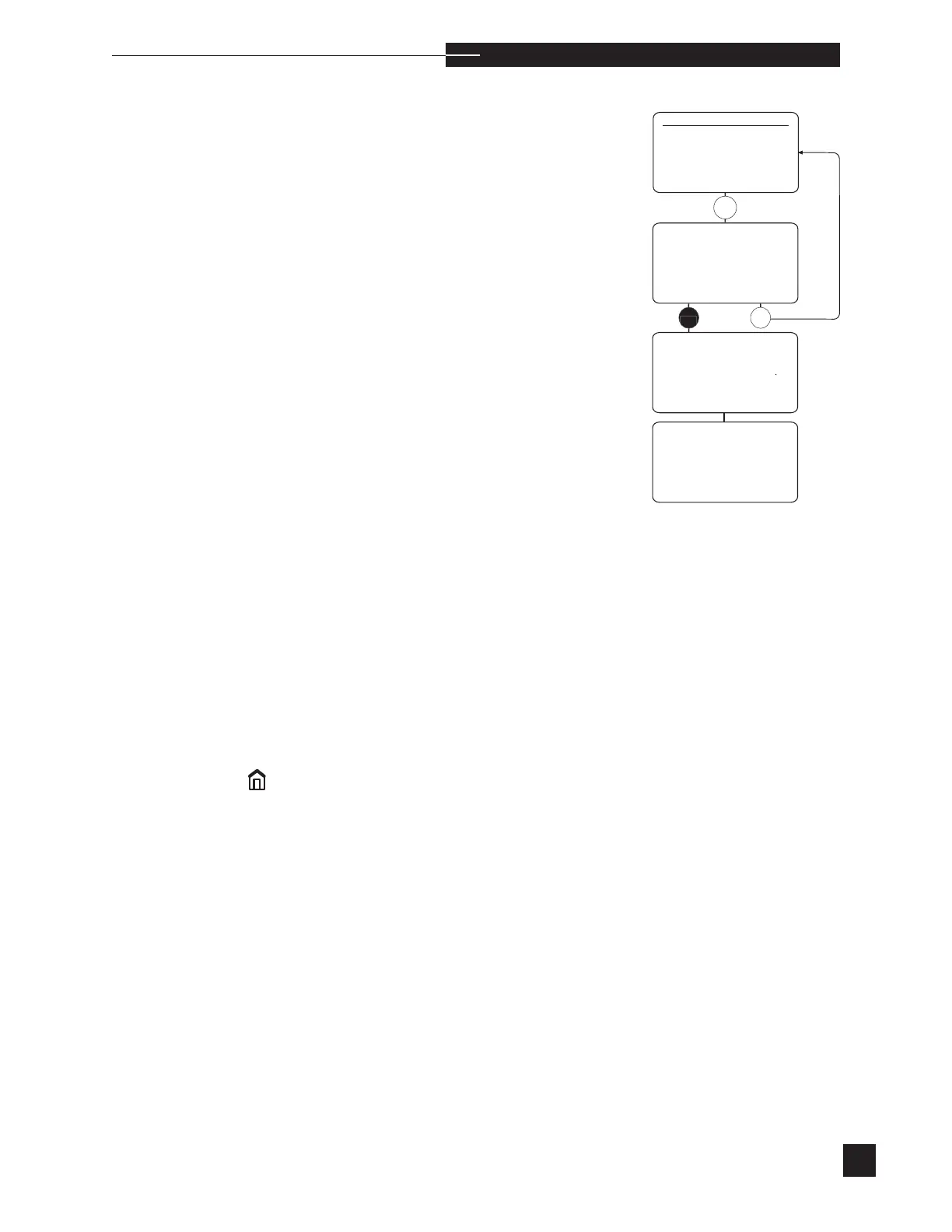
Select STANDBY from the SECOND MENU. The display reads
MANUAL STANDBY CONFIRM?. Press YES to CONFIRM?.
The display will read STANDBY IN 1 MIN. If NO is pressed,
Standby is cancelled.
Automatic Activation
Turn AUTO STANDBY ON under CONFIGURATION in the
SETUP MENU. The analyzer will enter STANDBY at the next
scheduled calibration if no patient or quality control samples have
been analyzed since the last calibration.
During Standby, the display reads STANDBY or STANDBY NOT
CALIBRATED. When STANDBY NOT CALIBRATED
is displayed, a calibration is required before sample analysis, after
deactivating Standby. When STANDBY is displayed, the analyzer
remains calibrated and sample analyses can be performed after
deactivating Standby.
Deactivation
From the STANDBY or STANDBY NOT CALIBRATED dis-
play, press NO or
. STANDBY OFF? is displayed. Press YES
to deactivate Standby. Press NO to continue Standby. Once Standby
is deactivated, the HOME MENU is displayed. If ANALYZE
SAMPLE is displayed in the HOME MENU, sample analysis can
be performed. If ANALYZE SAMPLE is not displayed, a calibra-
tion is required before sample analysis.



 To Next Page