127127
t r o u b l e s h o o t i n g
g
AIR IN CALIBRANT A AIR IN CALIBRANT B
AIR IN CALIBRANT C AIR IN SAMPLE
AIR IN CONTROL AIR IN CLEANER
FLOW
Air messages for one reagent (Calibrant A, Calibrant B
or Rinse)
•
Perform the REAGENT FLOW test under TEST
FLUIDICS in DIAGNOSTICS with the sampler
in the closed position. If all reagents pass, recalibrate.
•
If any reagent fails, remove then reinstall the reagent
module.
•
Repeat the REAGENT FLOW test.
•
If any reagent fails, remove the valve mod-
ule and flush with water as described under
VALVE MODULE/VALVE ERROR. Repeat the
REGAGENT FLOW test (sampler closed).
•
If failure continues, install a new reagent module.
Air messages for two or more reagents (Calibrant A,
Calibrant B and Calibrant C)
•
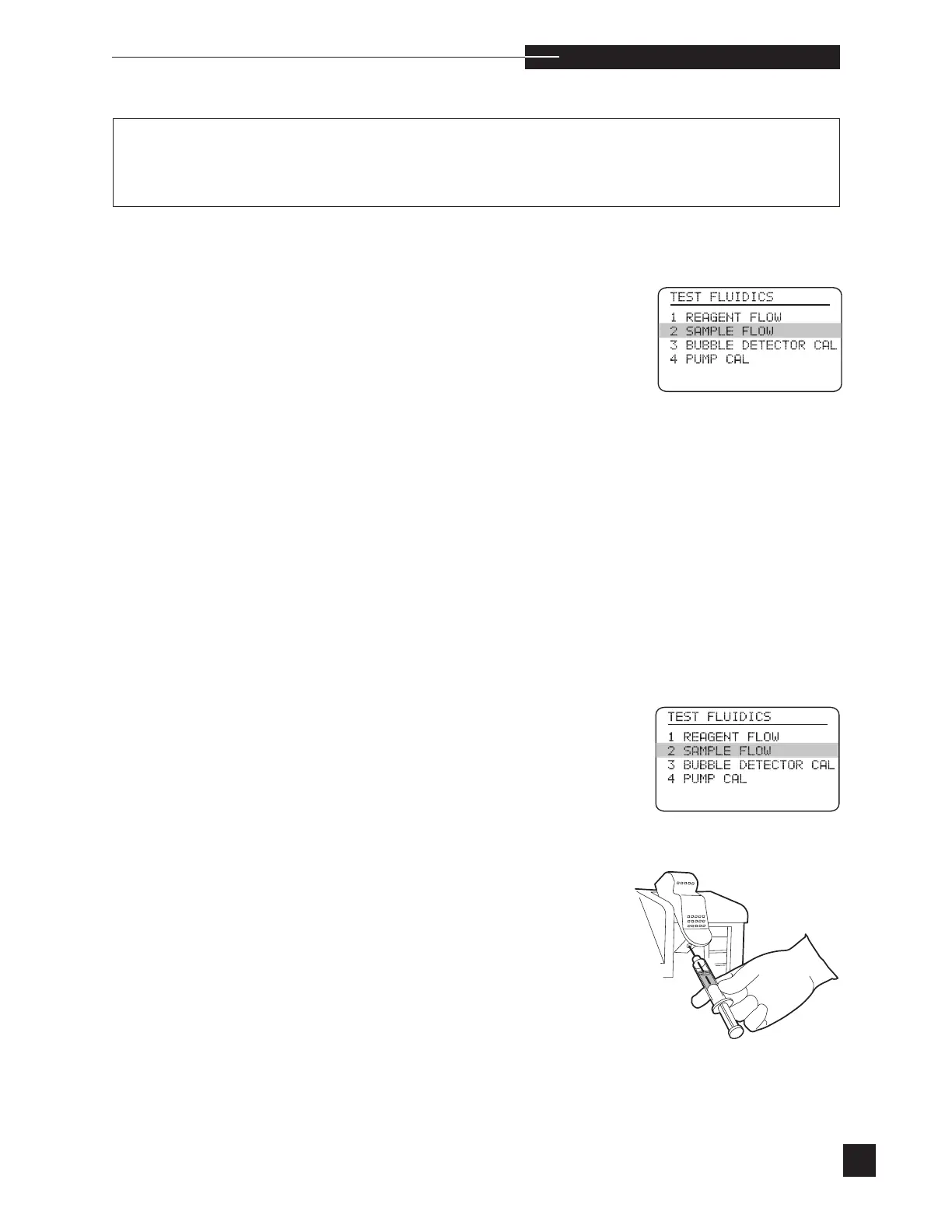
Perform the SAMPLE FLOW test under TEST
FLUIDICS in DIAGNOSTICS.
•
Fill the troubleshooting kit syringe with red test dye solu-
tion.
•
Lift the sampler into the syringe mode and use the red test
dye as a sample.



 To Next Page