131131
t r o u b l e s h o o t i n g
g
s
Sample probe/sensor module obstructions
To remove a persistent flow obstruction, or as preventive maintenance,
perform the following steps.
•
Remove the electrodes from the sensor module. Refer
to Replace Components/Electrodes in Operating the
Analyzer.
•
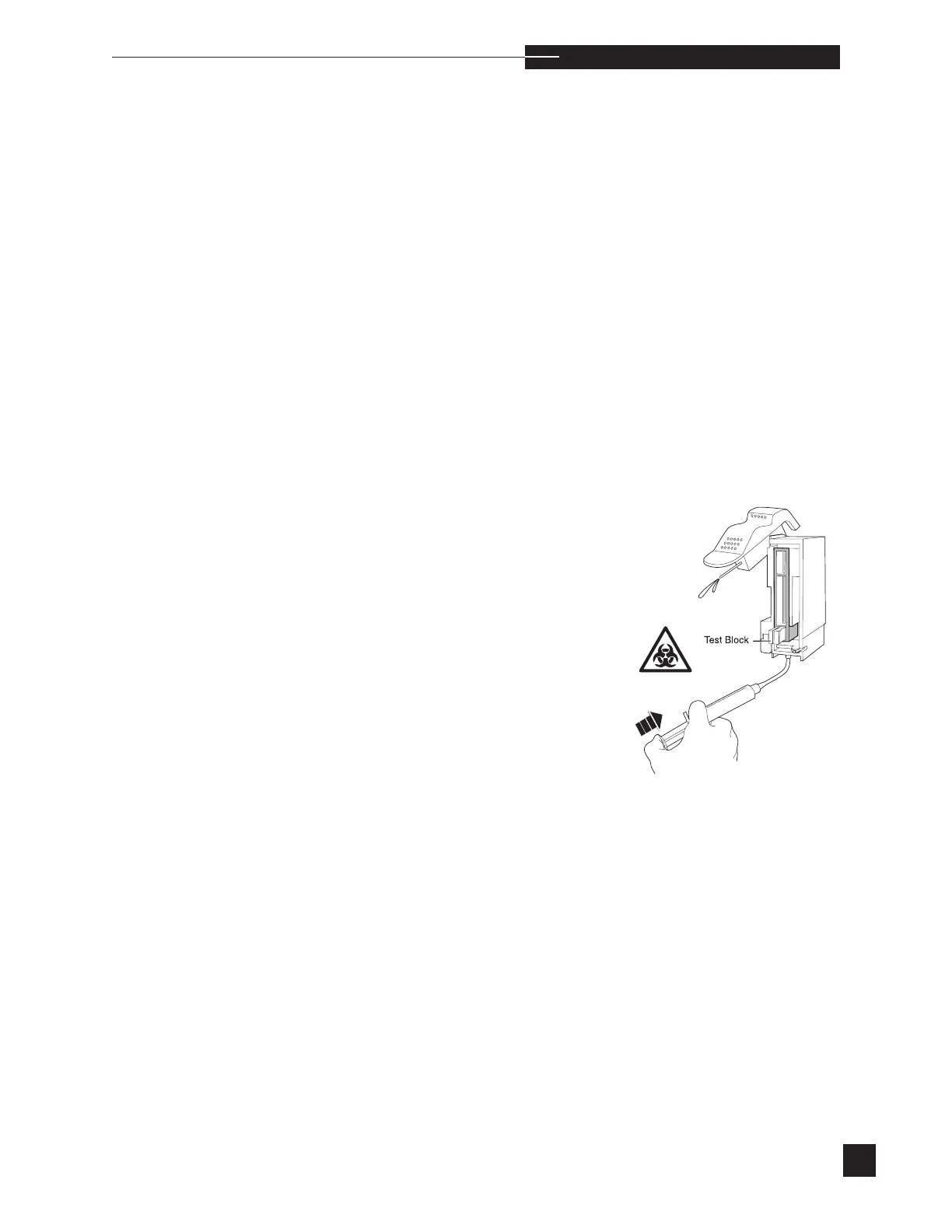
Install the test block from the troubleshooting kit into the
sensor module. Release the compression plate.
•
Disconnect the pump tubing from the bottom of the sensor
module.
•
Lift the sampler to the syringe mode position.
•
Attach the large tubing segment to the syringe from the
troubleshooting kit. Fill the syringe with a 10% bleach
(0.4-0.6% NaClO) solution.
•
Connect the tubing segment to the bottom of the sensor
module.
•
Hold a container below the sampler.
•
Flush the flow path by gently pushing on the syringe.
•
Allow the bleach to remain in the flow path for 2 minutes.



 To Next Page