68
o p e r a t i n g t h e a n a l y z e r
DOOR SWITCH
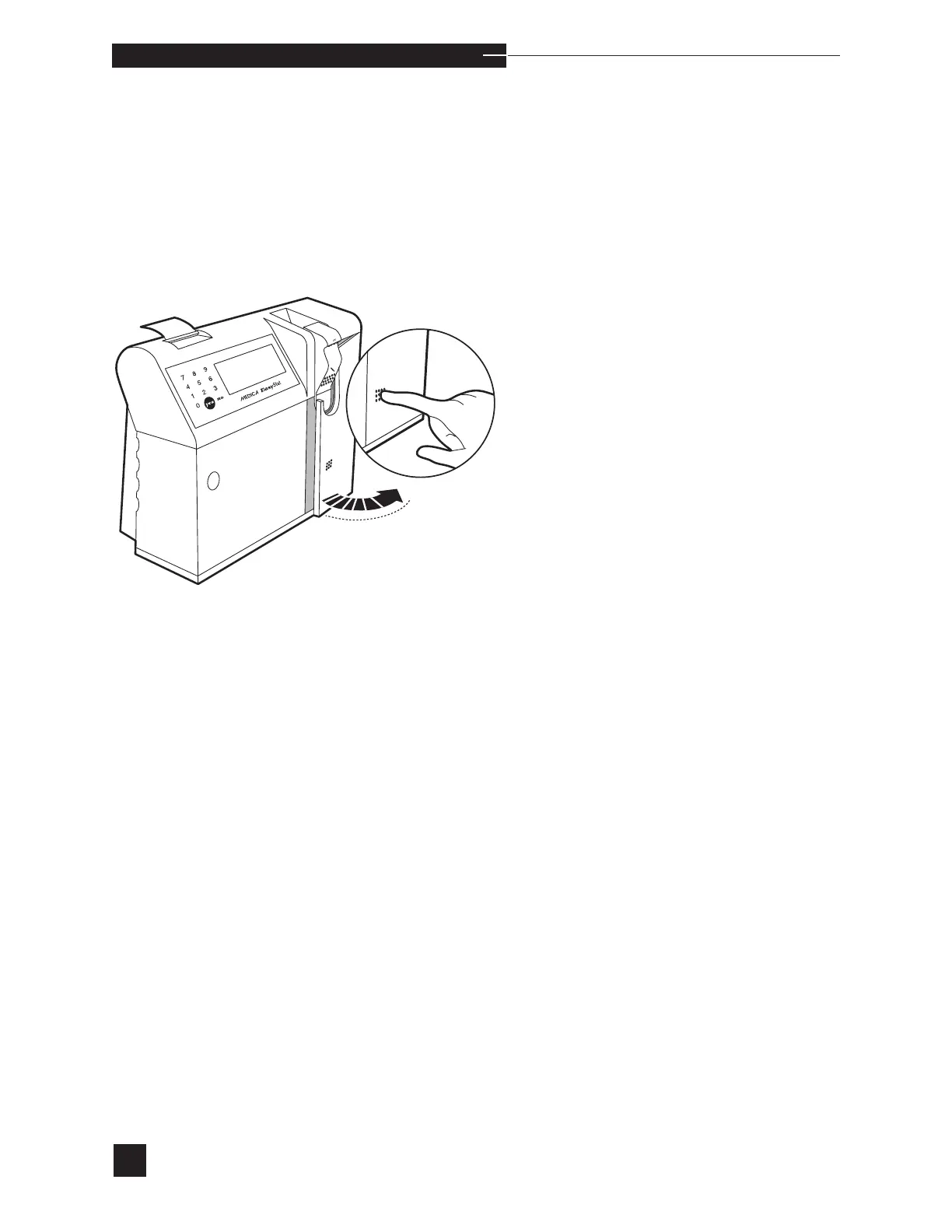
Select DOOR SWITCH to verify access door switch function. When
DOOR OPEN? is displayed, open the access door and press YES.
When DOOR CLOSED? is displayed, close the access door and
press YES. The screen displays PASS or FAIL. When the test
fails, refer to SENSOR MODULE in Troubleshooting for further instruc-
tions.



 To Next Page