125125
t r o u b l e s h o o t i n g
g
FLOW
To remove or replace the EasyStat sensor module, pump tubing or
valve module, follow the instructions under Replace Components in
Operating the Analyzer.
s
PUMP CAL FAIL BUBBLE DETECTOR!
Pump Cal failures (PUMP CAL FAIL)
•
Verify that all EasyStat components (electrodes, valve
module, pump tubing and reagent module) are installed
correctly.
•
Confirm that the sampler is down.
•
Open the access door.
•
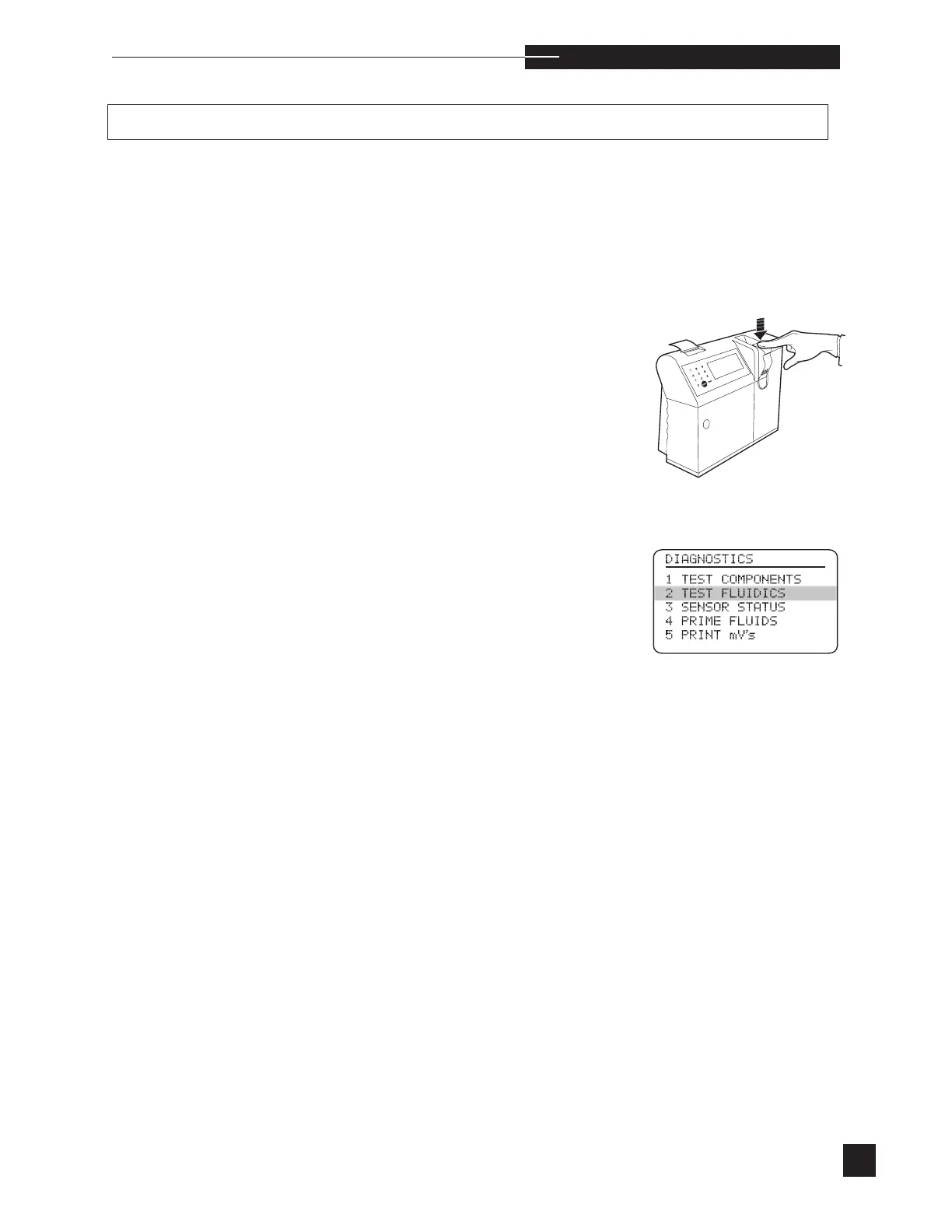
Perform the
PUMP CAL
test under
TEST
FLUIDICS
in the DIAGNOSTICS menu. Look for
liquid to flow through the pump tubing.
•
If PUMP CAL fails, but flow is present, the pump tub-
ing may be defective. Install a new pump tube and retest.
•
If the error persists, replace the probe wiper.
•
If flow is not present during the PUMP CAL test,
proceed to the troubleshooting instructions for FLOW/
“AIR” messages.



 To Next Page