138138
t r o u b l e s h o o t i n g
SENSOR MODULE DOOR OPEN
This message indicates that the access door is not
closed.
s The access door must be closed during EasyStat operation.
•
Verify that all electrodes are installed properly. If any
electrode is not pushed in completely, the door will not
close properly.
•
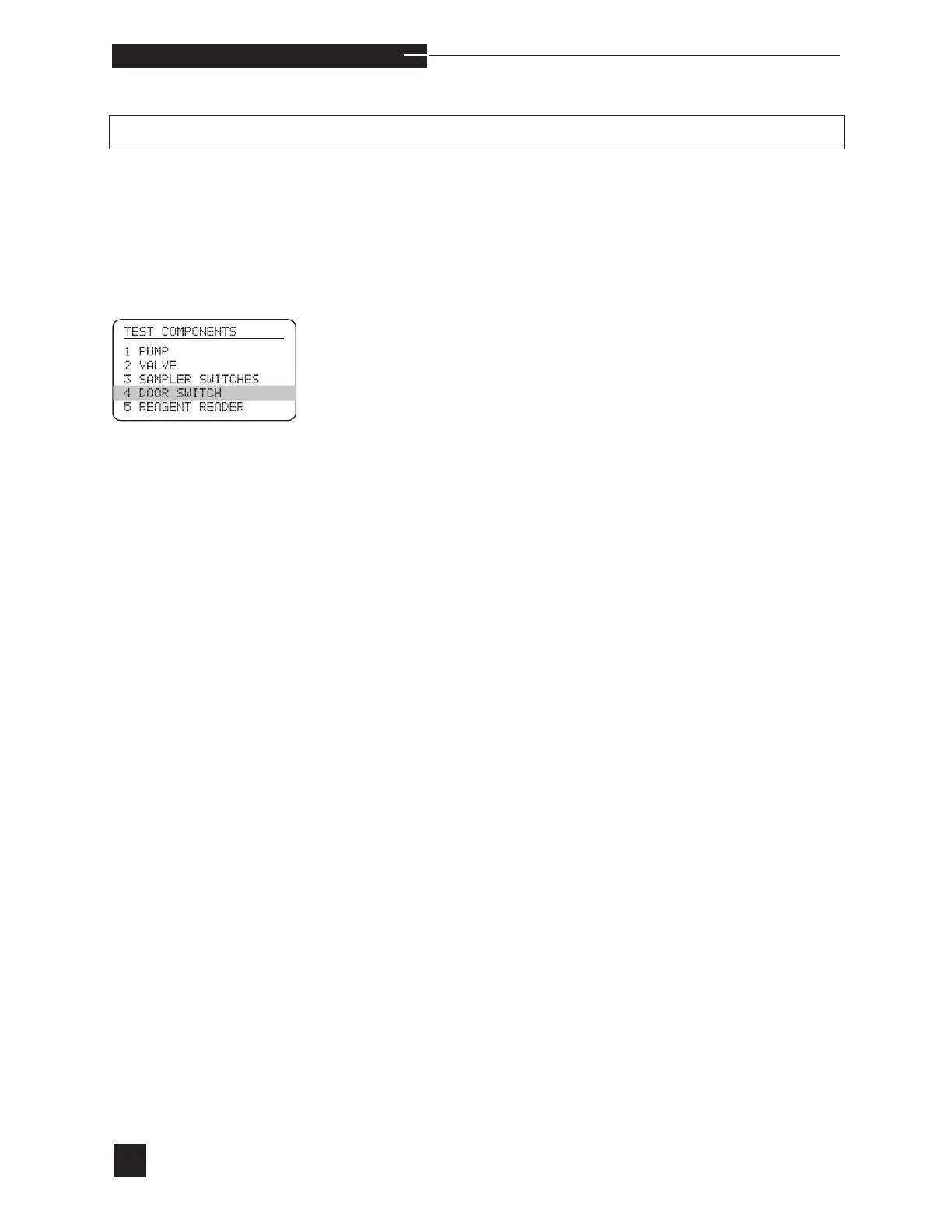
Perform the DOOR SWITCH test. When closing the
door, press against the raised dots and listen for a click.
•
If the DOOR SWITCH test fails, contact your
EasyStat dealer.



 To Next Page