123123
t r o u b l e s h o o t i n g
g
s
ELECTRODES QC DATA ↑
/
↓
Quality control result is out of range.
When quality control data is out of range, review the quality control
information under Analyze QC in Operating the Analyzer.
•
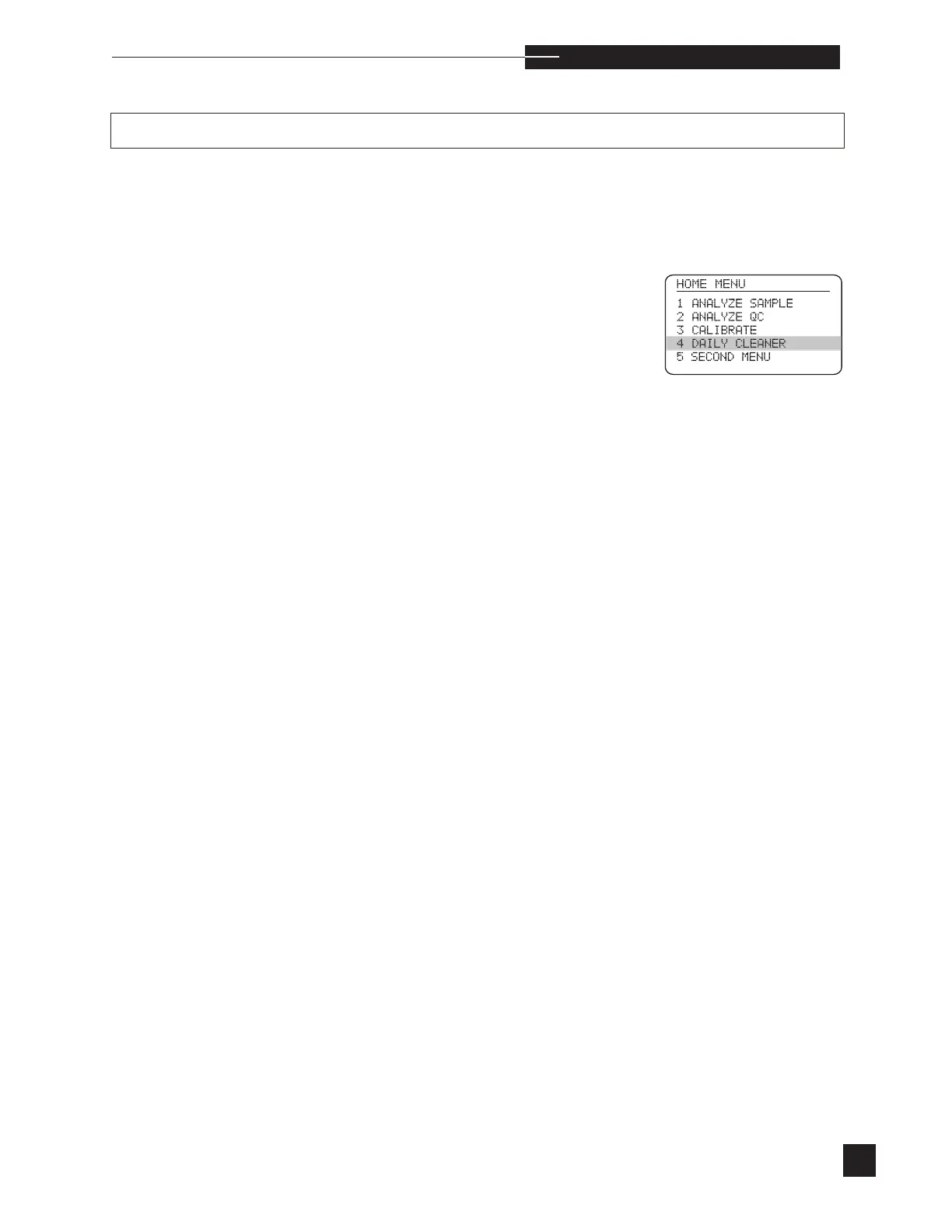
Perform DAILY CLEANER twice.
•
Recalibrate.
•
Condition the electrodes by twice analyzing a serum or
blood sample, ignore the results.
•
Repeat analysis of control.
•
Replace an electrode if it’s quality control data remains out
of range.
For electrode replacement instructions, refer to Replace Components
/
Electrodes in Operating the Analyzer.



 To Next Page