142142
t r o u b l e s h o o t i n g
Electronic failure messages
•
Power the analyzer off and then on. If the error contin-
ues, retain the printouts with the errors and contact your
EasyStat dealer.
Room temperature or barometric pressure not within
the operating specifications (15-30°C, 500-800 mmHg)
•
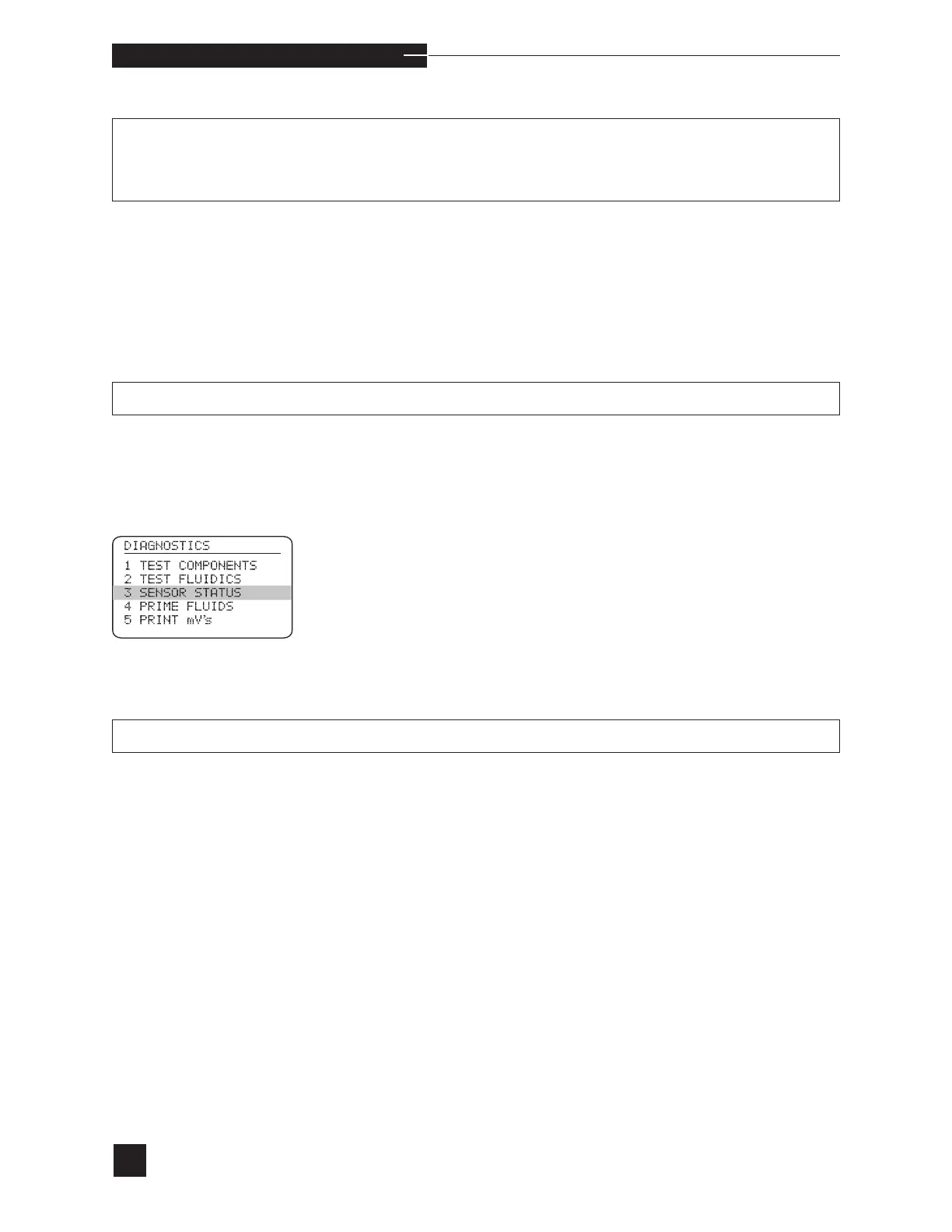
Check the room temperature or barometric pressure
by proceeding to DIAGNOSTICS and selecting
SENSOR STATUS.
•
Move the analyzer to a location where the temperature
and barometric pressure fall within the operating limits.
•
If the error continues, contact your EasyStat dealer.
Incorrect values for EasyStat.
•
Only occurs when using barcode.
•
Scan correct barcode. If problem continues, contact your
EasyStat dealer.
HARDWARE A/D ERROR DS NOT UPDATED
EEPROM ERROR MISMATCH ERROR
CLOCK ERROR
HARDWARE TEMP/BP↑/↓
QUALITY CONTROL QC ERROR 1



 To Next Page