136136
t r o u b l e s h o o t i n g
SENSOR MODULE SAMPLER UP
This error message appears when sampler is not com-
pletely down.
•
Push the sampler down into the closed position.
•
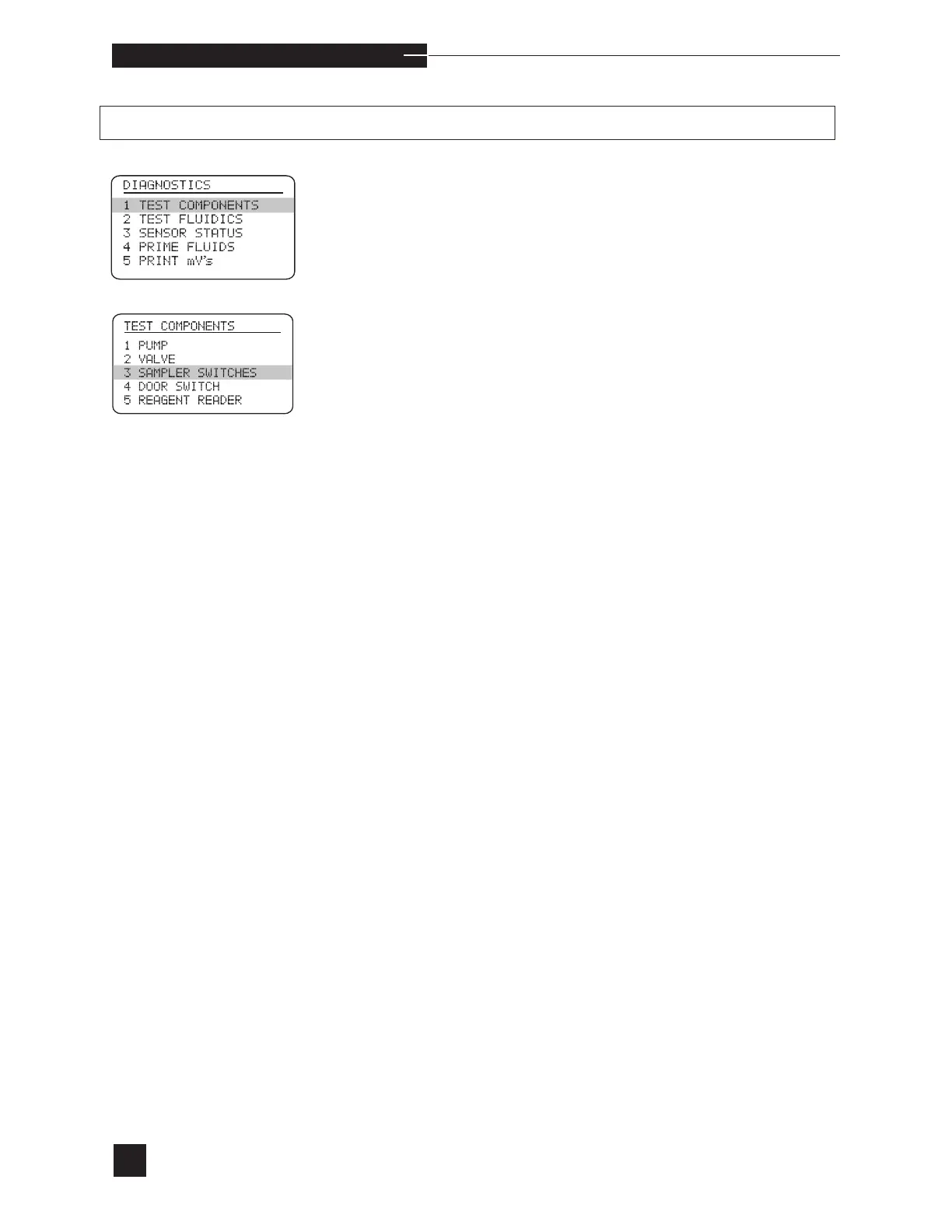
If the error continues, select TEST COMPONENTS
from the DIAGNOSTICS menu.
•
Verify that the valve module and sensor module are
pushed in completely.
•
Perform the SAMPLER SWITCHES test. Follow the
display instructions.
•
Remove the sensor module. Check the tightness of the
thumb screw on the sampler. DO NOT overtighten (refer
to Replace Components/Sampler in Operating the
Analyzer).
•
Repeat the SAMPLER SWITCHES test.
•
If any of these position tests fail, the sensor module cir-
cuitry is defective.
•
Install a new sensor module as described under Replace
Components in Operating the Analyzer.



 To Next Page