140140
t r o u b l e s h o o t i n g
Printer failure
•
Press the paper advance button . The paper should
advance.
•
If the paper does not advance, proceed to SETUP
MENU and select CONFIGURATION.
Turn the printer on.
•
If printer failure continues, carefully inspect the printer
mechanism for paper obstructions. Remove any obstruc-
tions using caution not to damage the printer assembly.
•
If the printer continues to fail, note the failure mode (paper
does not advance, printhead does not move, printhead
moves but poor or no printing), and contact your EasyStat
dealer.
•
Continue by flushing the other two ports with warm water.
•
If flow from any port cannot be established, install a new
valve module.
•
Flush each port with air by filling the syringe with air and fol-
lowing the above instructions.
•
Remove the syringe from the valve module.
•
Dry off all valve module surfaces, reinstall the valve module
and reassemble the analyzer.
•
If the valve error remains, remove the valve module from the
analyzer and tap it several times on a counter. Tap on all six
major sides of the valve module and then finally tap the valve
module on the bottom with the top oriented up. This process
may dislodge any minor salt contamination that is interfering
with the optical sensor of the valve module. Retest.
•
If these steps returned the valve module to operation, it is
strongly advised that a replacement valve module be obtained
as the valve errors recently cured may return permanently.
•
For repeated valve failure, contact your EasyStat dealer.
VALVE MODULE VALVE TEMPERATURE
The valve temperature is not in the range 36-41°C.
•
Make sure door is closed. The heating circuits will not function
with the door open.
•
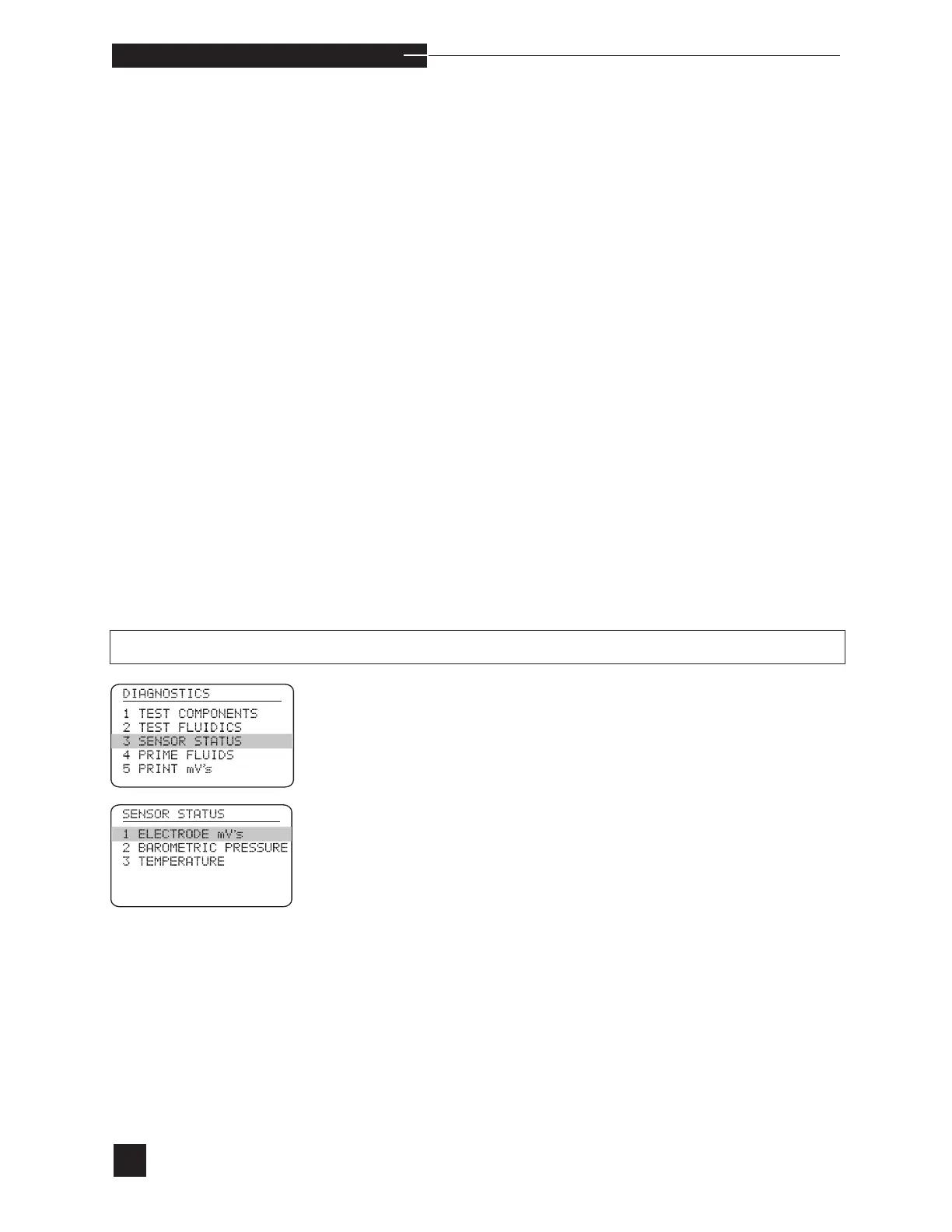
Select SENSOR STATUS from the DIAGNOSTICS
menu.
•
Select TEMPERATURE under SENSOR STATUS. If the
valve temperature is not within this range, verify that the valve
module is completely installed.
•
If Valve Temperature remains displayed after 30 minutes,
remove the valve module, check and clean the contacts, reinstall
and wait up to 30 minutes.
•
If Valve Temperature remains displayed after 30 minutes, install
a new valve module and wait up to 30 minutes.
•
Contact your EasyStat dealer if the error persists.



 To Next Page