141141
t r o u b l e s h o o t i n g
g
PRINTER PRINTER ERROR
Printer failure
•
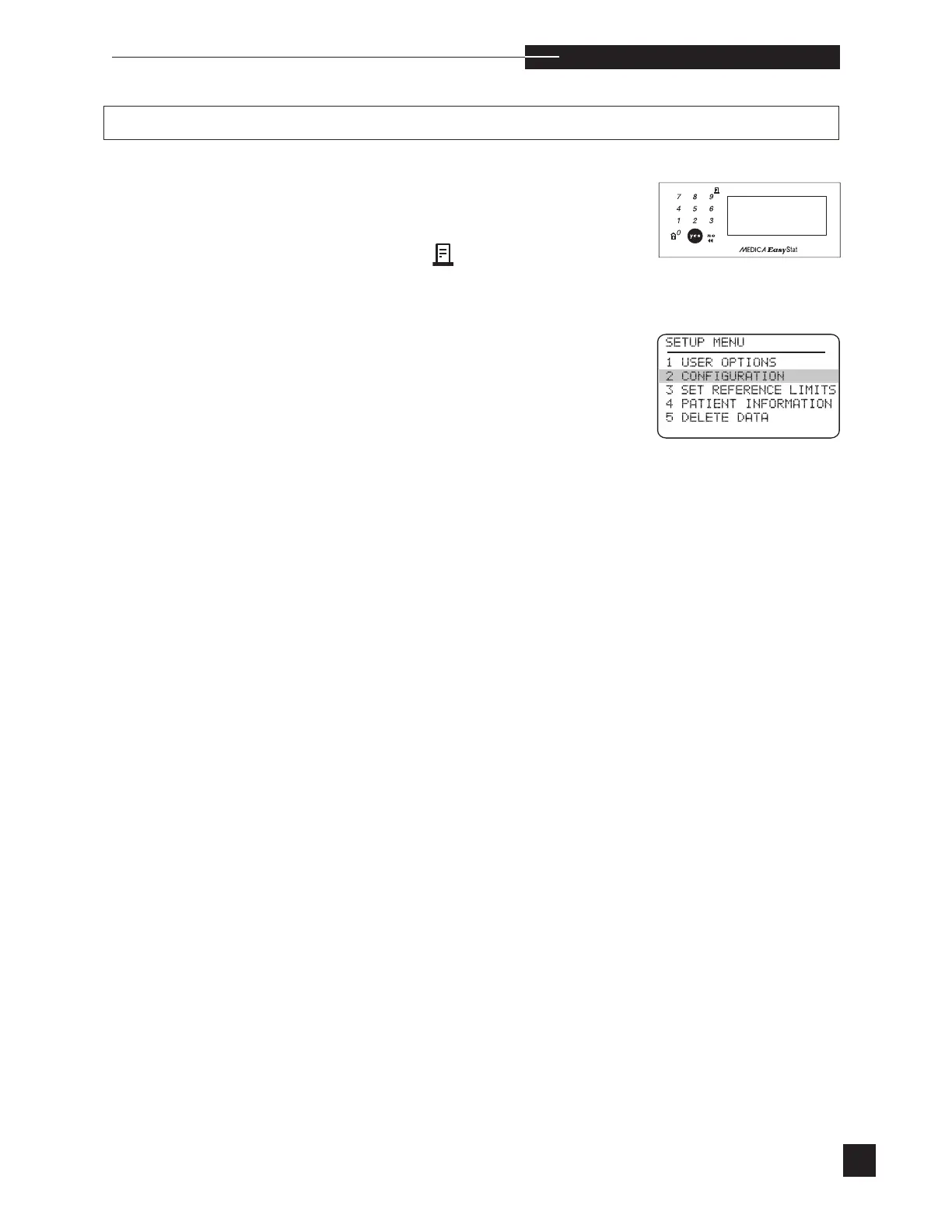
Press the paper advance button . The paper should
advance.
•
If the paper does not advance, proceed to SETUP
MENU and select CONFIGURATION.
Turn the printer on.
•
If printer failure continues, carefully inspect the printer
mechanism for paper obstructions. Remove any obstruc-
tions using caution not to damage the printer assembly.
•
If the printer continues to fail, note the failure mode (paper
does not advance, printhead does not move, printhead
moves but poor or no printing), and contact your EasyStat
dealer.



 To Next Page