22
Calibrate
.
.
P
3.0
.
.
.
.
-
-
:
4. Operating the Analyzer
s
The EasyStat analyzer requires a two-point calibration after instal-
lation and warm-up. Automatic two-point calibrations occur at
pre-selected intervals chosen under CAL FREQUENCY in the
CONFIGURATION section of the SETUP MENU. Automatic
Hct calibrations are included in each two-point calibration. On-
demand two-point calibrations can be initiated in the HOME MENU
by choosing CALIBRATE. If not calibrated, the HOME MENU
only displays options 3, 4 and 5.
The ACCESS DOOR must be closed during warm-up, calibra-
tion, and sampling.
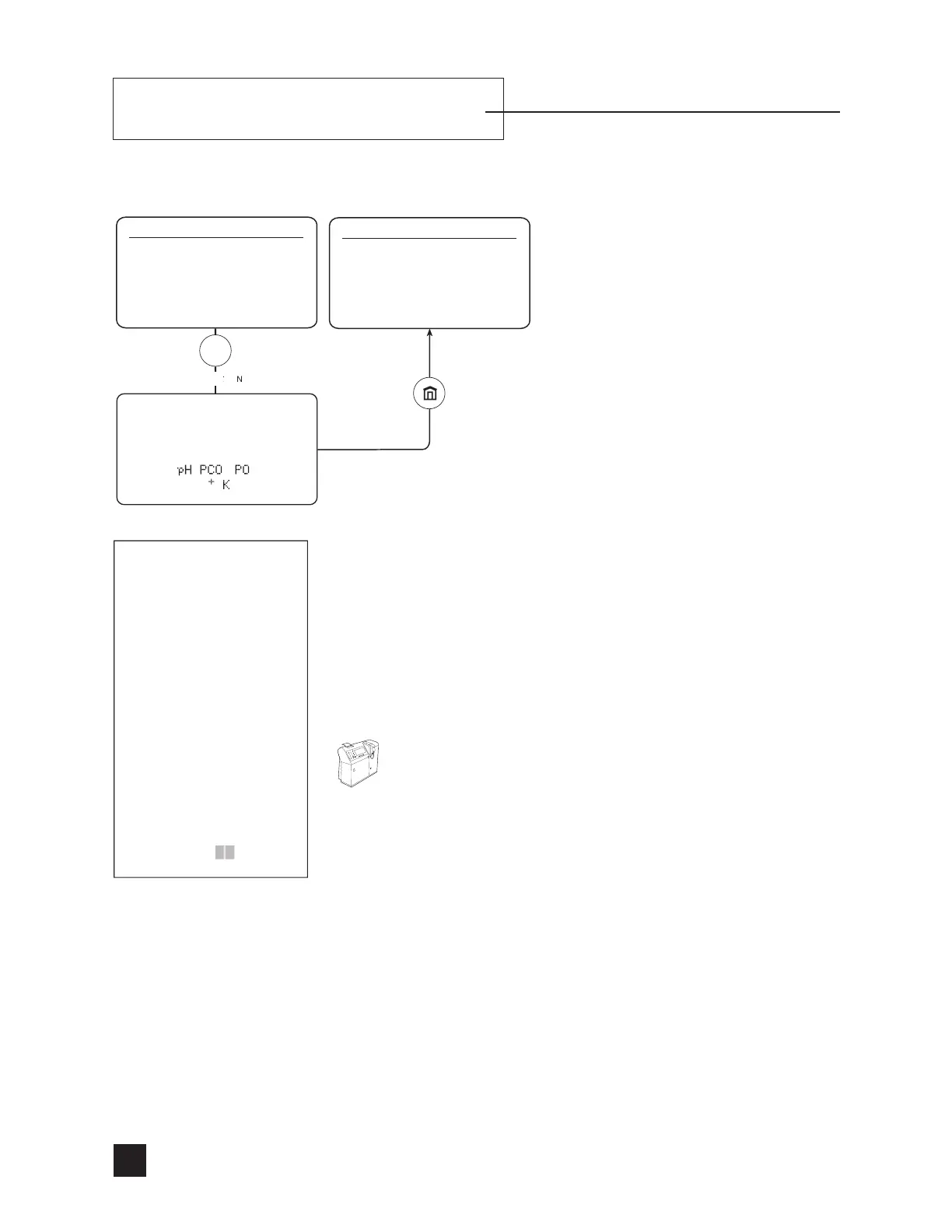
Select CALIBRATE to perform a two-point calibration and prepare
the EasyStat analyzer for sample analysis. The analyzer displays the
calibration status. Bubble detector and pump cal results are printed
at completion. After a successful calibration, the analyzer displays
and prints the slope of each electrode, the % of calibrants remaining,
and the number of days before expiration. After completion of a suc-
cessful calibration, the analyzer displays LIFT SAMPLER TO
ANALYZE pH PCO
2
PO
2
Hct Na
+
K
+
Ca
++
.
Ca
++
is replaced with Cl
-
when Cl
-
mode is selected.



 To Next Page