90
o p e r a t i n g t h e a n a l y z e r
sCa
++
is replaced with Cl
-
when Cl
-
mode is selected.
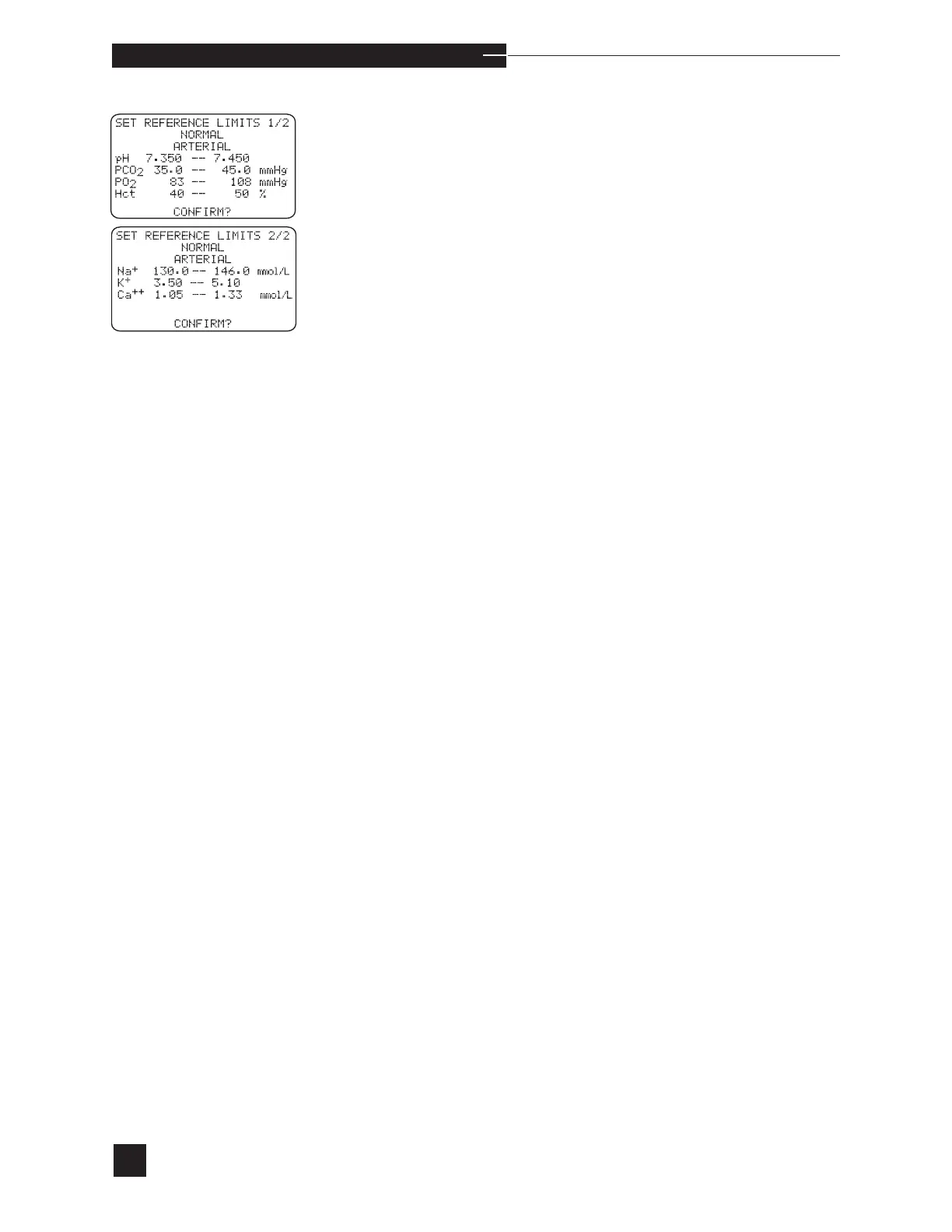
NORMAL
Set the normal range for each parameter. Select arterial, mixed
venous or venous. To change the ranges, press NO to CONFIRM?.
Press the number keys to enter the desired limits, and YES to confirm
each individual setting and advance to the next entry. When all limits
are entered, press YES to CONFIRM? to accept all entries. When
NO is pressed as a response to CONFIRM?, entries can be cor-
rected.
When patient results fall within the normal range for the EasyStat
analyzer, no arrows appear with the measured results. For example,
when the normal pH range is 7.350 - 7.450, no flags are displayed/
printed for patient pH results greater than or equal to 7.350 and less
than or equal to 7.450.



 To Next Page