135135
t r o u b l e s h o o t i n g
g
REAGENT MODULE RGNT MODULE INVALID 4
REAGENT MODULE RGNT MODULE OUT
During a calibration cycle, the PO
2
level of Calibrant A
was determined to be substantially different from the
assigned value.
This error indicates that the reagent module is defective, the measured
barometric pressure is incorrect, or the analyzer is not in an environ-
ment of atmospheric air (21% O
2
).
•
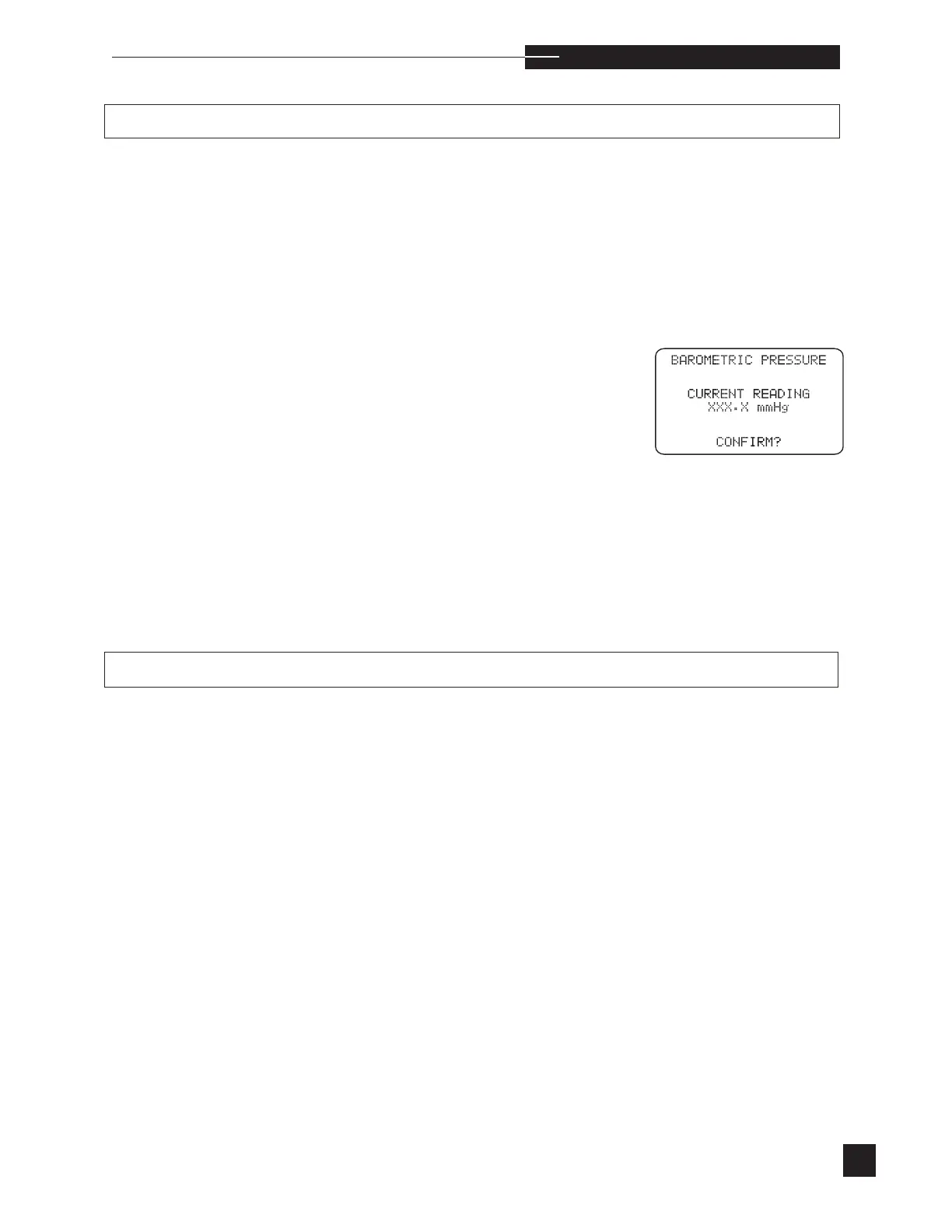
Verify the barometric pressure under USER OPTIONS
in the SETUP MENU.
•
Recalibrate.
•
If necessary, move the EasyStat to an atmospheric air
environment (21% O
2
) and recalibrate.
•
If the error continues, install a new reagent module and
recalibrate.
•
If the error continues, contact your EasyStat dealer.
The reagent module is not installed correctly or the
reagent reader is defective.
•
Remove and reinstall the reagent module. Make certain
that the reagent module is properly positioned against the
valve module.
•
There are two small metal contacts on the analyzer which
are mounted behind the reagent module and make con-
tact with the round metal tag on the reagent module.
Make sure these metal contacts are clean and spring out.
If they are loose, contact your EasyStat dealer.
•
If the RGNT MODULE OUT message continues, con-
tact your EasyStat dealer.



 To Next Page