86
o p e r a t i n g t h e a n a l y z e r
REPORTED PATIENT DATA
Select ANALYTES, then REPORTED DATA to enable or dis-
able the reporting of specific analytes. A calibration is required after
analytes are turned on or off under REPORTED DATA.
Select
CALCULATED VALUES
to enable or disable the
reporting of specific calculated values.
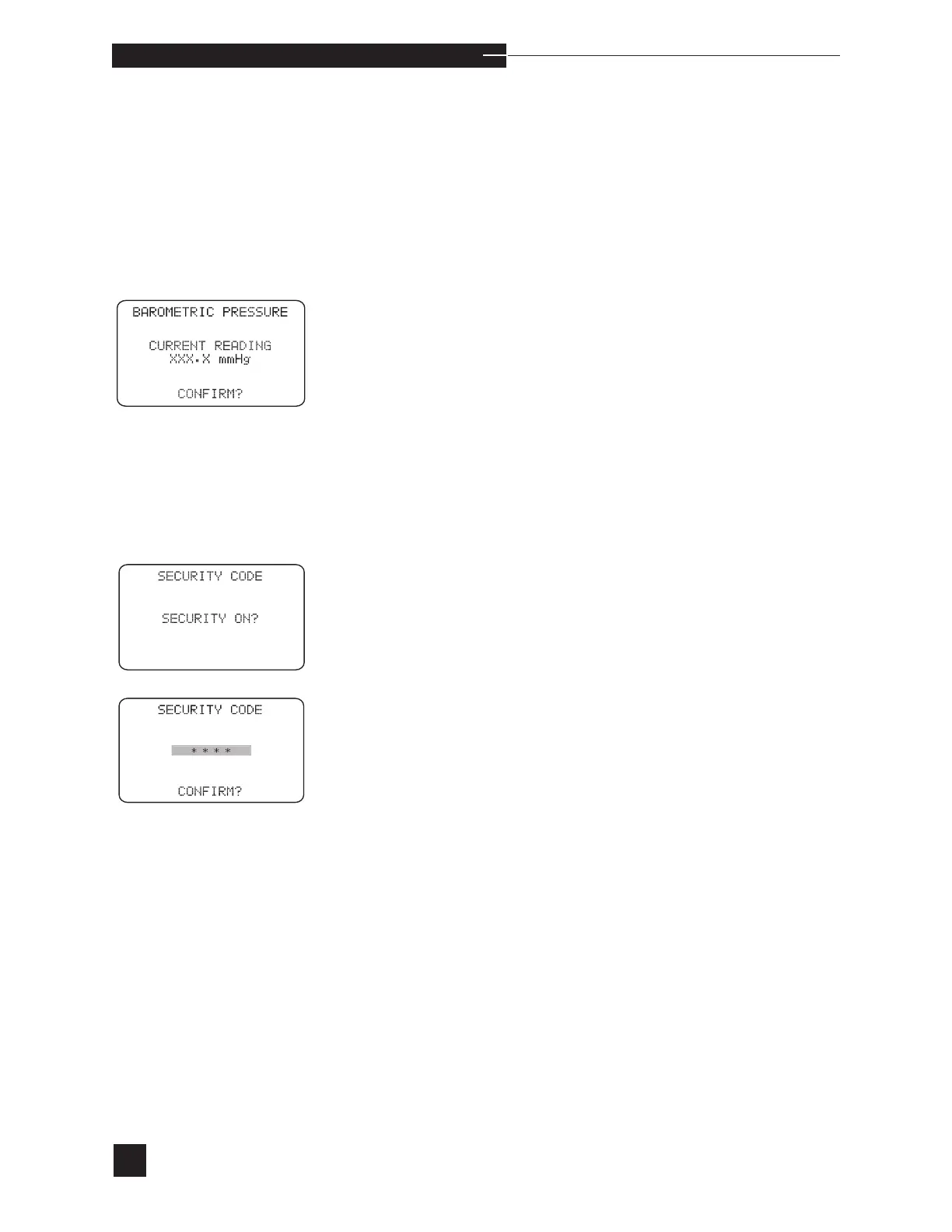
BAROMETRIC PRESSURE
View or set the measured barometric pressure. The barometric pres-
sure is measured using a factory calibrated electronic sensor. When the
displayed barometric pressure matches a reference barometer, press
YES to CONFIRM?. When it does not match a reference barometer,
press NO. Press the number keys to enter the actual barometric pres-
sure. Press YES when the entry is complete. If the barometric pressure
does not change, verify the accuracy of the reference barometer. When
the error remains, contact your EasyStat dealer.
SECURITY CODE
To activate this feature, press YES when SECURITY ON? is dis-
played.
Enter up to a four digit code and press YES to CONFIRM?. The
SETUP MENU is displayed. The security code will be required in
the future for access to the SETUP MENU.
To turn the security code off, press YES when SECURITY OFF?
is displayed. Answering NO to SECURITY OFF? will require
entering the security code in the future for access to the SETUP
MENU.



 To Next Page