93
o p e r a t i n g t h e a n a l y z e r
r
When TIME DRAWN is turned on, the operator will be prompted
to enter the time the sample was drawn.
When SAMPLE TYPE is turned on, the operator is prompted to
select arterial, venous or mixed venous.
When SAMPLE SITE is turned on, the operator is prompted to
select brachial, femoral, arterial line cord or other.
When OPERATOR ID is turned ON, the operator will be prompt-
ed to enter an operator ID for each patient and quality control sam-
ple. A maximum of 14 digits is accepted. The barcode reader may be
used to enter the operator ID.
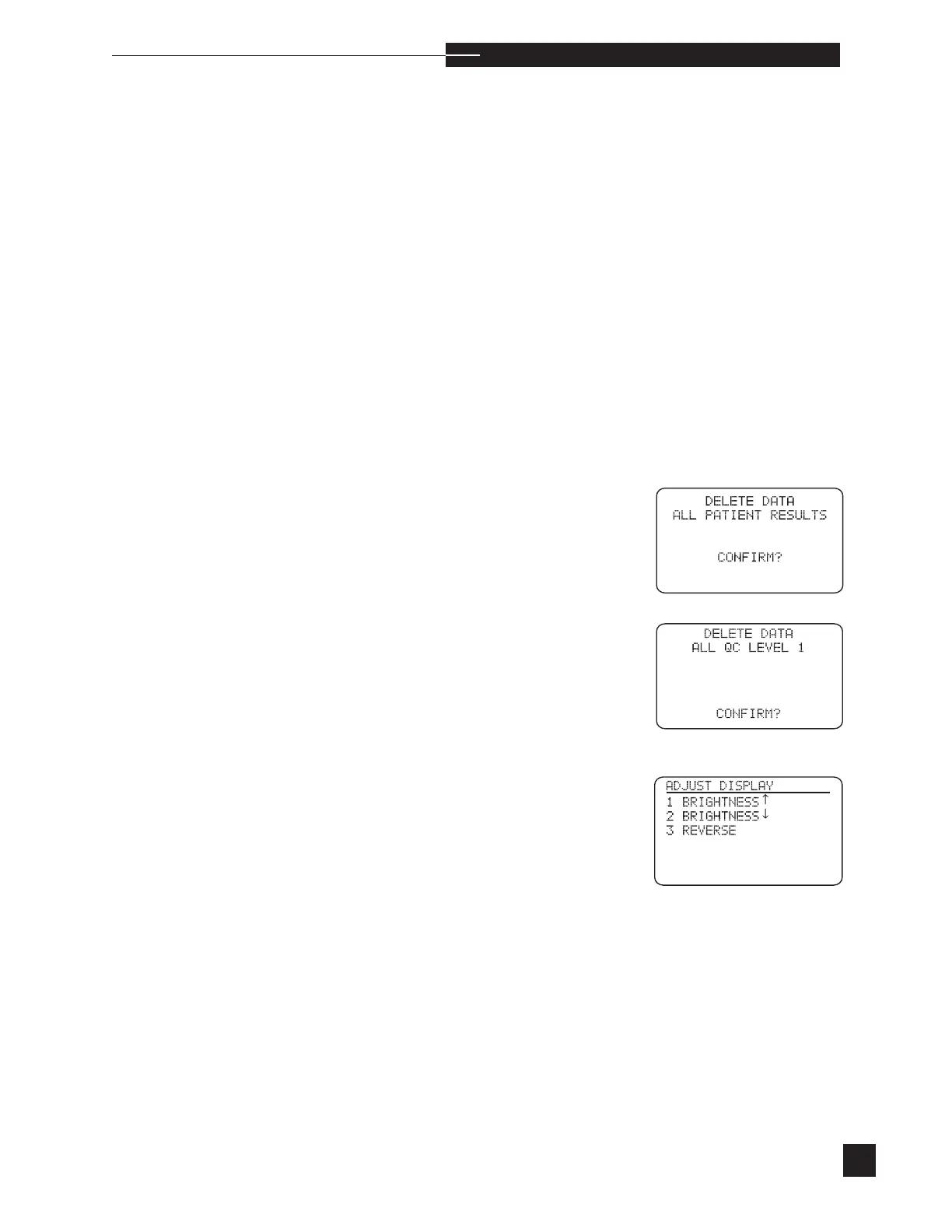
DELETE DATA
Delete all stored patient or quality control results.
ALL PATIENT RESULTS
Delete all stored patient results. Press YES to confirm deletion of all
patient results.
ALL QC LEVEL 1, 2 or 3, ALL HCT LEVEL 1, 2 ALL
PATIENT RESULTS
Delete stored quality control results or patient results.
Adjust Display
Adjust the brightness by continuing to press the number 1 or number
2 keys until acceptable. Reverse the contrast of the display by pressing
the number 3 key.



 To Next Page