137137
t r o u b l e s h o o t i n g
g
SENSOR MODULE WARMING UPSENSOR MODULE WARMING UP
SENSOR MODULE SENSOR TEMPERATURE
This error message appears when the sensor module
has not stabilized at 37
o
C.
•
Make sure the door is closed. The heating circuits will not
function with the door open.
•
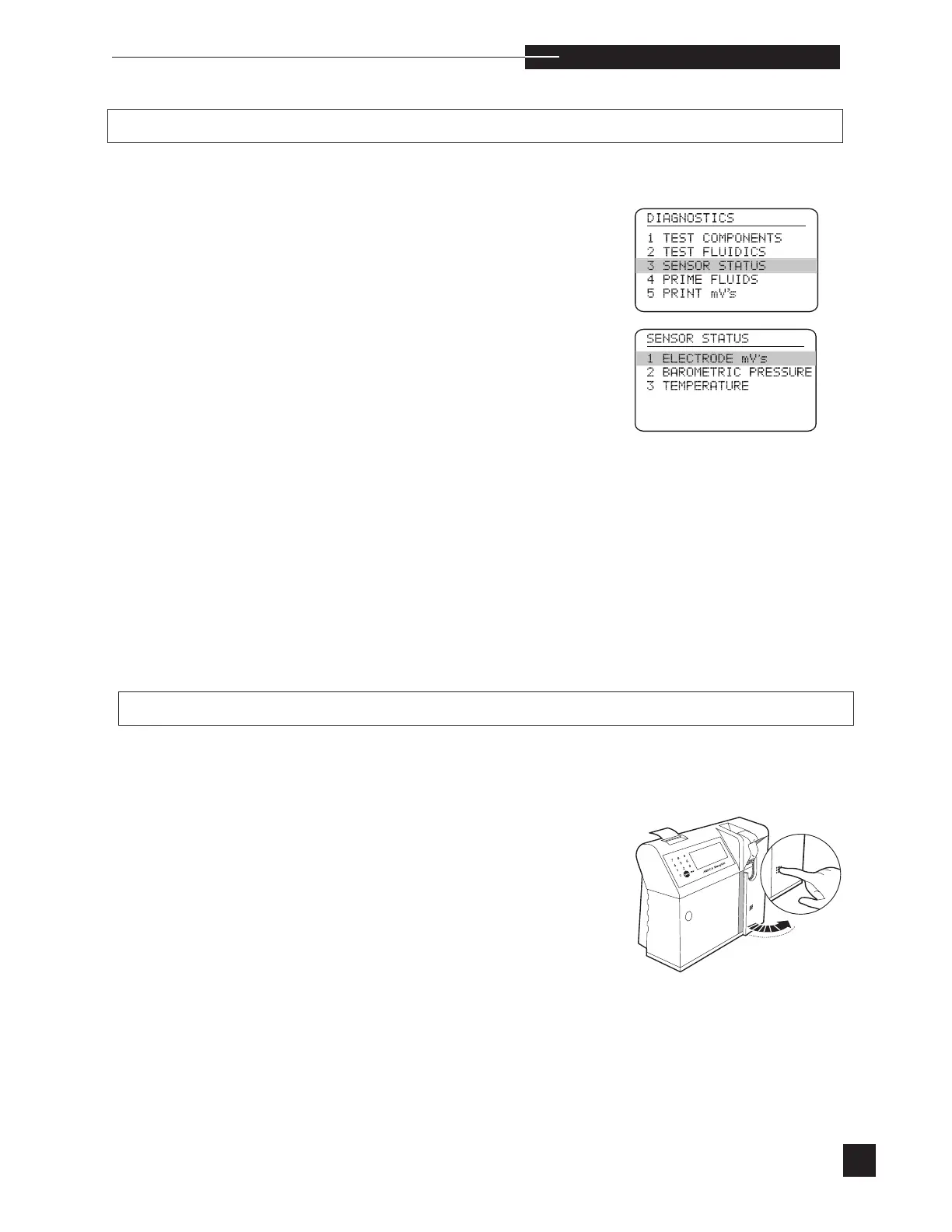
Select SENSOR STATUS from the
DIAGNOSTICS menu.
•
Select TEMPERATURE to observe the real time sensor
and valve temperatures.
•
Close the access door and wait up to 30 minutes for
WARMING UP to disappear.
•
If WARMING UP remains displayed after 30 minutes,
remove the sensor module, check and clean the contacts,
reinstall and wait up to 30 minutes.
•
If WARMING UP remains displayed after 30 minutes,
install a new sensor module, and wait up to 30 minutes.
•
If the temperature remains out of range, contact your
EasyStat dealer.
This error indicates an abnormally high temperature in
the sensor module.
•
Open the access door and carefully touch the sensor
module. Note if it feels unusually warm or hot. Wait a few
minutes for this message to disappear.
•
Close the access door.
•
If the SENSOR TEMPERATURE display remains,
power the analyzer off and then on.



 To Next Page