132132
t r o u b l e s h o o t i n g
Air was detected in the sample.
•
Confirm that sample volume is sufficient (syringe mode -
120 µL, capillary mode - 95 µL).
•
There may be air bubbles in the sample itself (sample was
shaken). Anlyze a sample without air bubbles.
•
If the error continues, refer to FLOW in this chapter.
These messages indicate a small movement of cali-
brant, patient sample, or quality control material dur-
ing the measurement period of a calibration or analysis
cycle.
•
When any of these messages appear, repeat the calibra-
tion or sample analysis to confirm reproducibility.
Continued MOVEMENT messages could indicate damaged elec-
trode O-ring seals, or a partial obstruction in the sample flow path.
Obstructions are most common in the sample probe, sensor module, or
electrodes. Follow the instructions for obstruction removal described ear-
lier in this section under FLOW/Sample probe/sensor module obstruc-
tions.
•
Remove the syringe and tubing from the sensor module.
•
Discard any unused bleach from the syringe and fill the
syringe with water.
•
Flush the flow path with water. Repeat 4 times using a
syringe full of water each time.
•
Install the sensor module and reconnect the pump tubing.
•
Confirm a successful SAMPLE FLOW test with the test
block installed.
•
If an obstruction remains, remove the sampler from the
sensor module (refer to Replace Components/Sensor
Module in Operating the Analyzer)
•
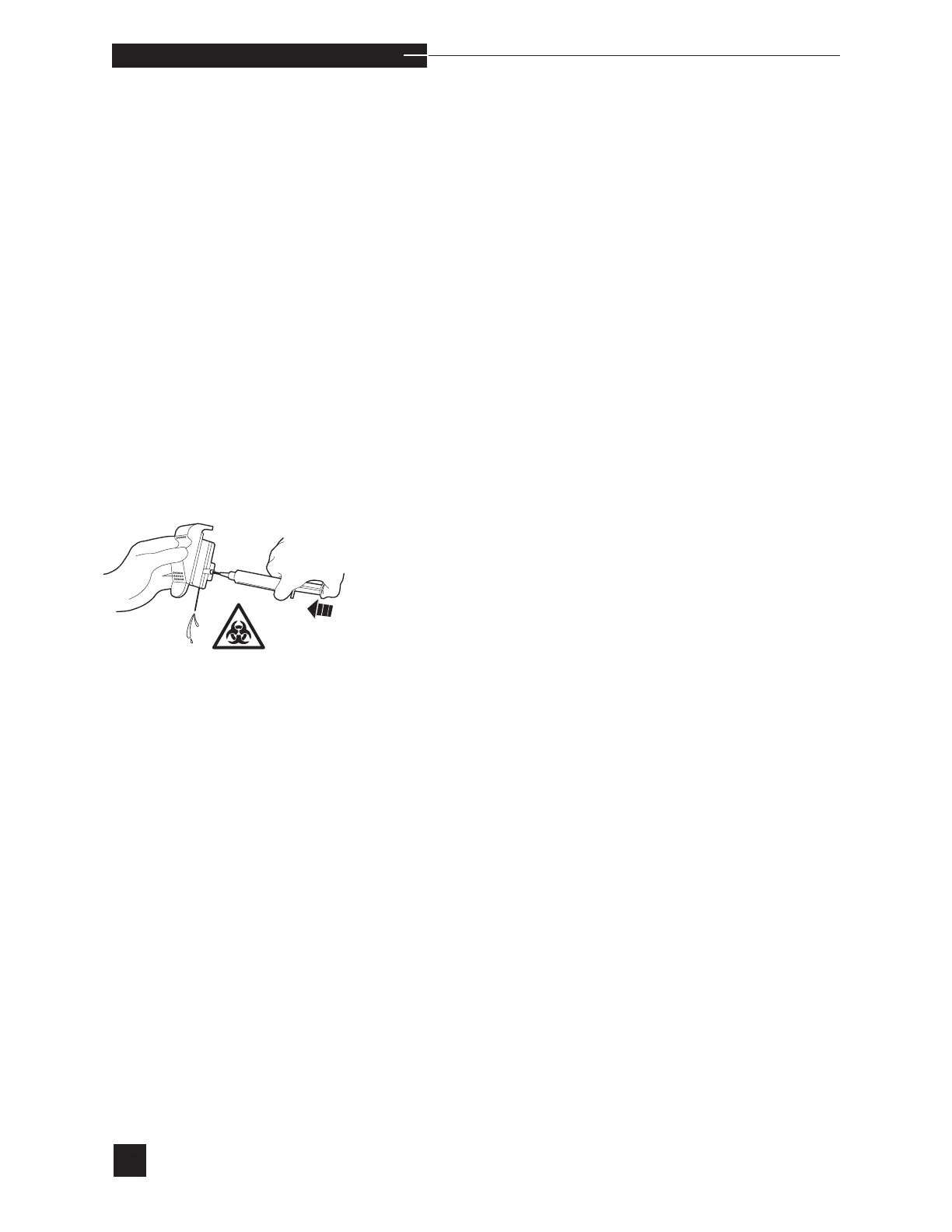
Take a syringe filled with water and attach with small tub-
ing segment to the sampler in the syringe mode and flush
the flow path.
•
Install a new sampler if the obstruction cannot be removed
•
Confirm a successful SAMPLE FLOW test with the test
block installed. Remove the test block and reinstall the
EasyStat electrodes.
•
Release the compression plate and close the sampler.
•
Perform the SAMPLE FLOW test. If successful, resume
normal operation.
•
If the failure continues, it is the bubble detector that is
obstructed. Placing a warm damp paper towel at its outlet
for a period of time usually loosens the material block-
ing the flow path and it can then be flushed. Perform the
SAMPLE FLOW test. If successful, resume normal operation.
•
If an obstruction remains, replace the sensor module.



 To Next Page