128128
t r o u b l e s h o o t i n g
•
Look for red dye movement through the pump tubing. If
the red test dye does not move, proceed to the instructions
for “No red dye movement during FLOW test”.
•
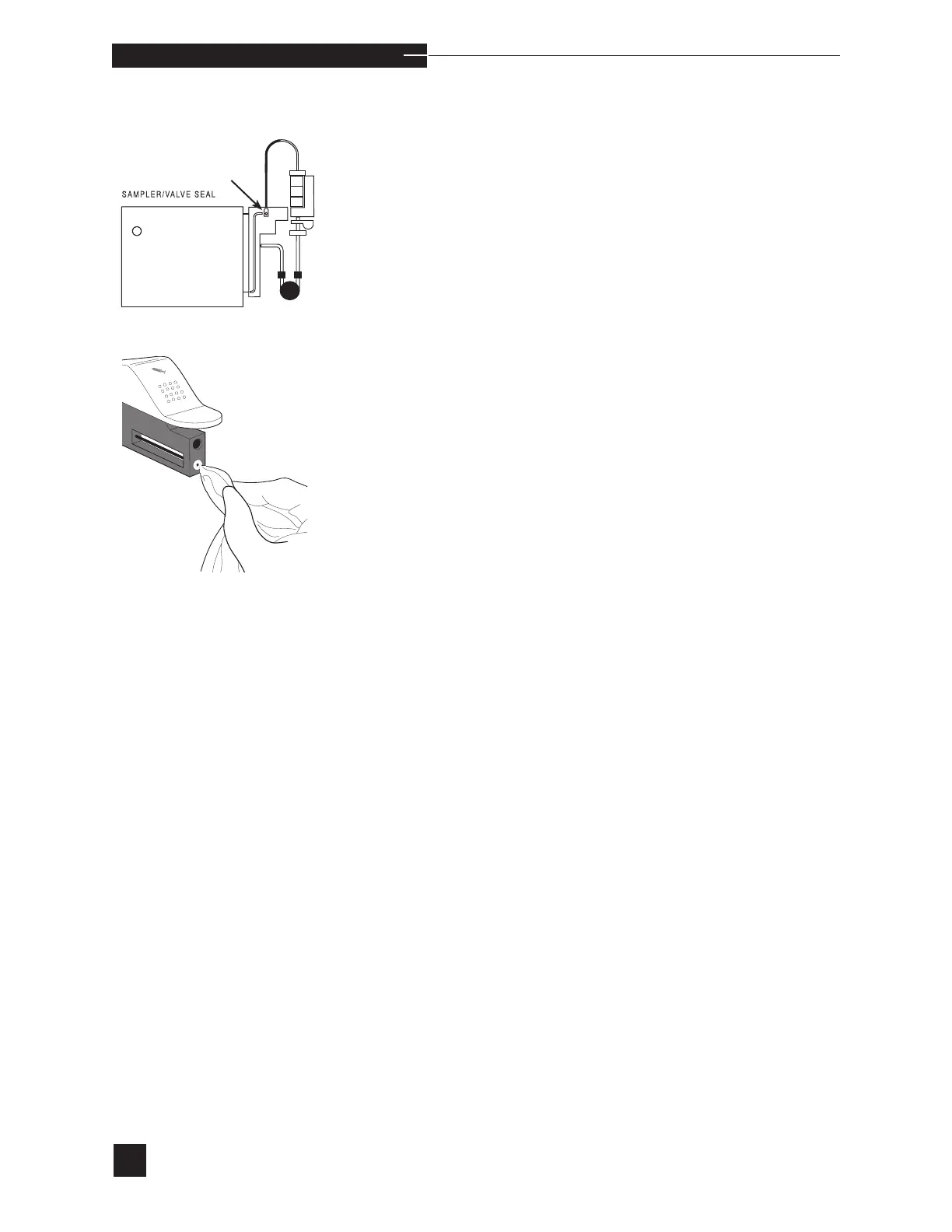
If there is fluid movement, this indicates a poor sampler/
valve module seal.
•
Inspect the sampler/valve module interface.
•
Move the sampler to the capillary position.
•
Inspect the seal on the sampler and the top of the valve
module for debris. Clean these areas with a 10% bleach
(0.4-0.6% NaClO) solution on a damp cloth, then repeat
the SAMPLE FLOW test.
•
If the error persists, replace the probe wiper and retest.
•
If failure continues, the valve module or the reagent mod-
ule may be defective.
•
Reinstall the reagent module and repeat the REAGENT
FLOW test (sampler closed).
•
If successful, resume operation.
•
If failure continues, remove the valve module and flush
with water as described under VALVE MODULE/VALVE
ERROR. Repeat the REAGENT FLOW test (sampler
closed).
•
If failure continues, install a new reagent module.



 To Next Page