144
o p e r a t i n g t h e a n a l y z e r
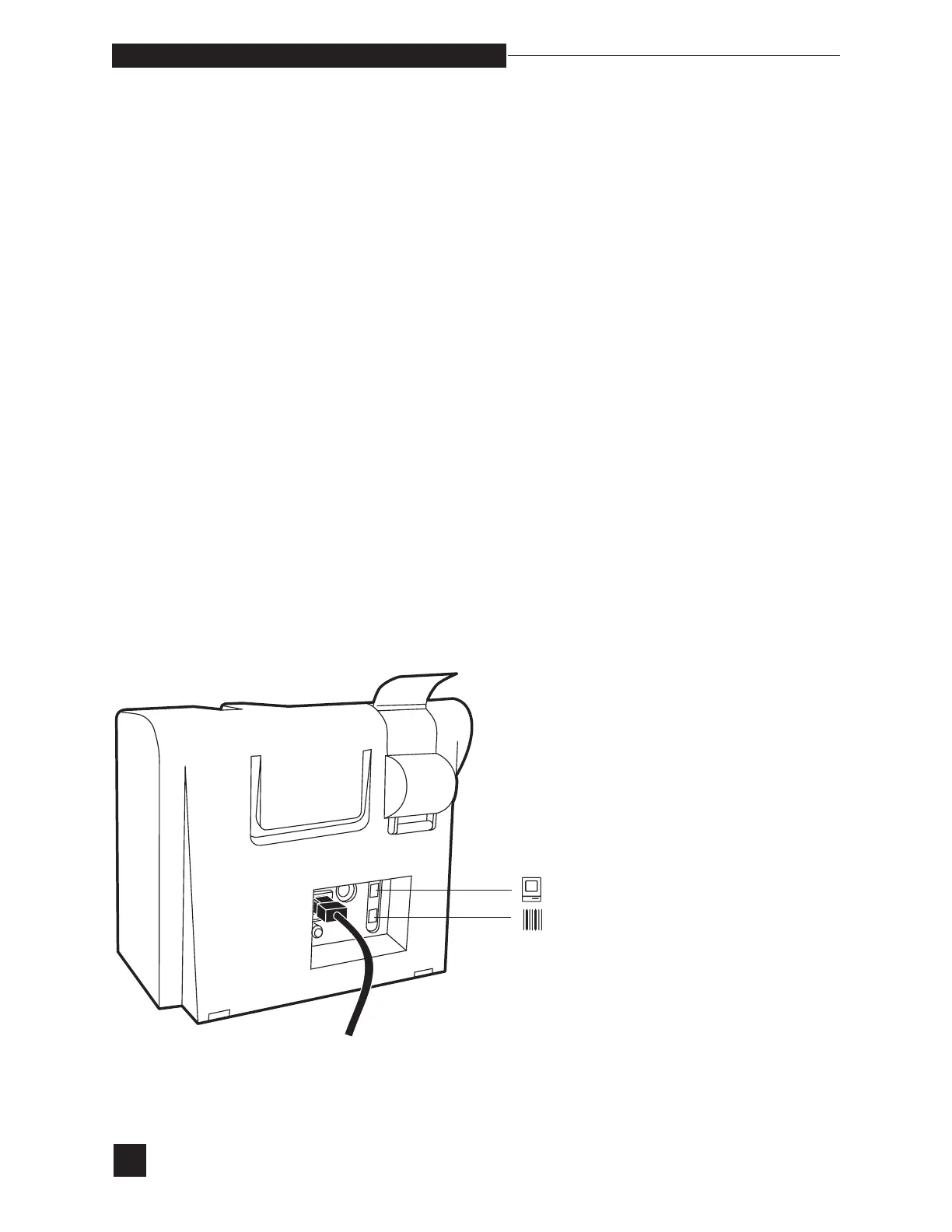
c o m p u t e r c o n n e c t i o n
RS-232 Serial Interface Connection
Barcode Reader Connection
For computers running:
•
Windows 95, select Hypertrm from Accessories/Hyperterminal
•
Windows 98 and above, select HyperTrm from Accessories/
Communications/HyperTerminal
Choose any name and “Direct to Com1” under Connect using:.
Use the RS-232 protocol stated above. Under Flow control use the
“Hardware” setting. From the File/Properties menu selection, choose
Settings. Under the ASCII Setup, choose “Append line feeds to incom-
ing line ends” under ASCII Receiving.
If running Windows 3.1, select Terminal from Accessories. Select
Communications under Settings, and use the RS-232 protocol as
stated above.



 To Next Page