83
o p e r a t i n g t h e a n a l y z e r
r
ss
s
Select SETUP MENU from the SECOND MENU to set the func-
tional parameters of the EasyStat analyzer.
Enter the security code if SECURITY CODE is turned ON
under USER OPTIONS. Turning the SECURITY CODE
ON prevents unauthorized personnel from entering and changing the
SETUP MENU.
USER OPTIONS
Set:
DATE/TIME, LANGUAGE, CORRELATION,
REPORTED PATIENT DATA, BAROMETRIC
PRESSURE, SECURITY CODE
Make sure you remove the reagent Module when changing the
DATE/TIME.
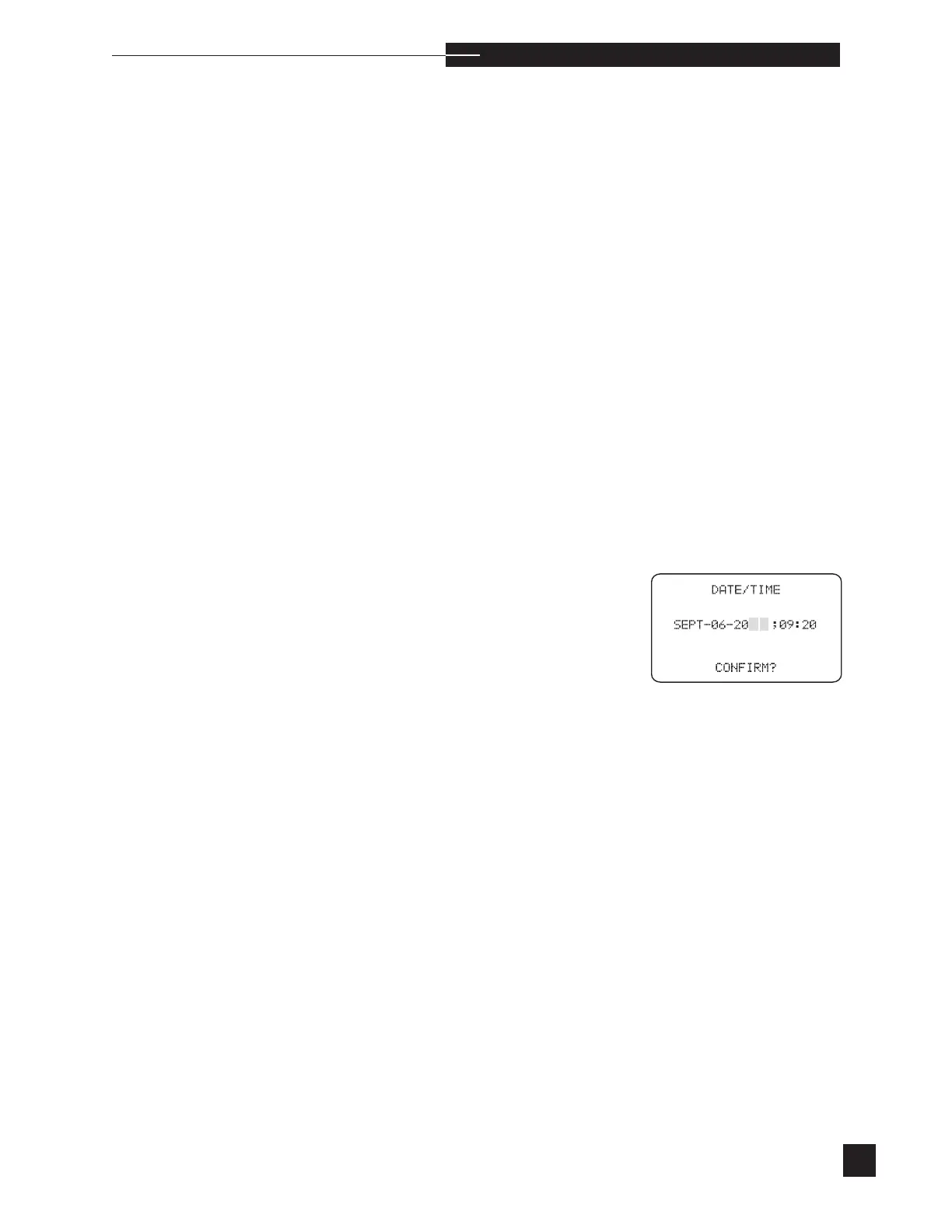
DATE/TIME
Set the month, day, year and time (expressed as a 24 hour clock).
Press NO to edit the current date and time. The cursor appears
beneath the month. Each time NO is pressed, the month changes.
When the correct month appears, press YES and the cursor moves
to the day. Enter the correct day by pressing the number keys. Press
YES to proceed to the year and time. Press NO to correct the previous
entry and YES to advance. When all entries are confirmed, the dis-
play returns to USER OPTIONS.



 To Next Page