28
"Special" Calibration cont.
Units: Choose the system of units
desired. Turf units are the same
as English units except Area is
in thousands of square feet.
Use the "+" and "-" buttons
to choose between EnG
(American English Units),
MEt (Metric) and TurF (Turf
units).
Valve Voltage: Selects the
operating voltage for the
servo valve. Factory setting is
12 volts. Use the "+" and "-"
buttons to toggle between 8
and 12 on display. NOTE: if
using an old style Micro-Trak
servo valve, (see illustration), set to 8 volts.
Material: Use "+" and "-"
buttons to select between
liquid (H2O displayed) or
anhydrous ammonia (nH3
displayed). If in NH3 mode,
rates will be displayed in
pounds (kg) actual N and totals will be displayed in pounds (kg)
anhydrous ammonia (NH3).
V
alv
e Resp
onse S
peed:
A
llo
w
s adjustmen
t of response to
"tune" the sy
st
em f
or use with v
er
y fast or slo
w v
alv
es
.For
example, if using a ball
valve that takes several
seconds to open or close in
manual mode, and the
system responds sluggishly,
use the "+" button to adjust
the valve response number to 1, 2
or 3. The range of adjustment is
-4 t
o +3, factory setting is zero.
NO
TE:
e
xercise caution when increasing the valve response
speed. If using a relatively fast valve (1-3 seconds open-to-
close),
the system may become unstable with higher valve
r
esponse speed numbers entered.
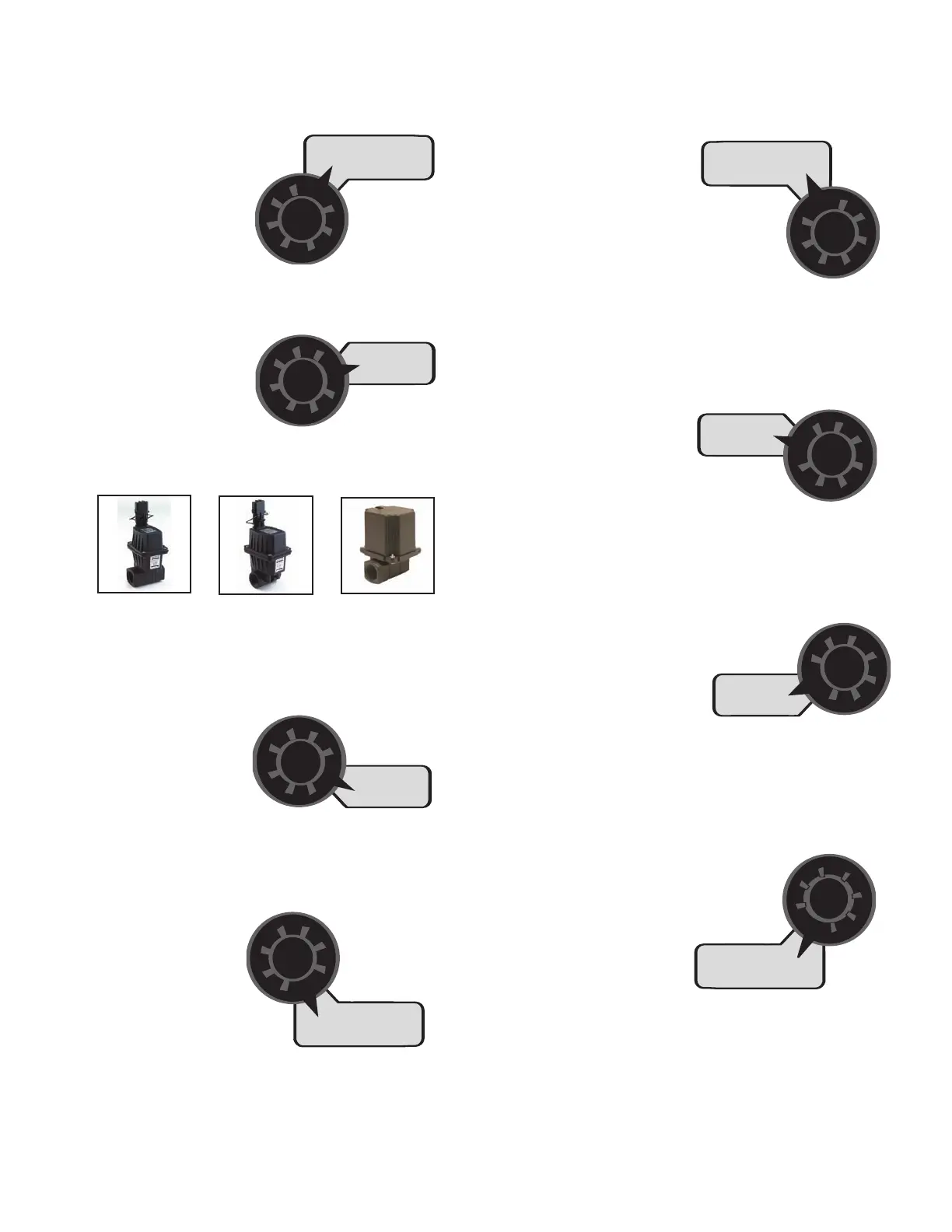
1" old servo
8 volts
3/4" old servo
8 volts
new servo
12 volts
Fill Tank Size: If using the
Tank feature, this
setting can be used to
enter the volume of
the tank. Use the "+" and
"-" buttons to choose OFF or any value from
1-65,535. Then when the tank is filled, the
tank counter can be reset to full by simply
turning the rotary switch to the TANK
position and pressing the "+" button.
Depending on the "UNITS" setting, the TANK SIZE units will be
either gallons or liters. If "material" is set to NH3, the Tank Size
will be in lbs. or kg. Anhydrous Ammonia (NH3).
Tank Alarm Set Point:
Use the "+" and "-"
buttons to set the level
where the Warning LED
star
ts flashing and the
word "FILL" flashes on the display. Range is
OFF or 1-65,535. When the tank value drops
below the set point, the alarms will notify the user
that the tank le
vel is low.
Auto Shut
off ON/OFF:
When Auto Shutoff
is enabled (ON) the servo will run toward
minimum flow for 4 seconds any
time the system is put in
HOLD or all booms are
turned off, or if in AUTO
mode and speed goes to zero.
This feature is normally used only in Dry Application systems
where the HOLD condition must stop a hydraulic auger or
c
on
v
e
yor belt.
A
ut
o D
ela
y
T
ime:
T
ypic
ally used when
using relatively slow ball valves for boom
shut-off
, this feature delays adjustment of
the ser
v
o valve until the boom valves are
open. Use "+" and "-" buttons
t
o set from zero (OFF)
t
o 4 sec
onds.
To exit Special Calibration, press and hold the CAL button for 2
seconds. The console will store any changes and revert to
nor
mal op
er
a
tion.
NO
TE:
y
ou must e
xit S
p
ecial
Calibration to save changes.



 To Next Page