47
Appendix B: cont.
Fine Tuning Speed/Distance Calibration Value (Without Run/Hold Switch Kit
Installed)
This procedure is used to verify the calibration of systems WITHOUT
run/hold switch kit installed. In order to achieve accurate
measurements, each step in this fine tuning procedure should be
performed as precisely as possible.
Note: If your system does have an optional run/hold switch kit
installed,refer to page 46 for instructions.
Preparation:
• Once the system is fully installed and calibrated, select a
straight tract of ground that is similar to your actual field
conditions and as level as possible.
NOTE:Using a course with a different ground surface,such
as a hard-surface road, will result in different readings
than exact field conditions.
• Measure a distance of 1000 feet (500 meters).Clearly mark the
beginning and end points with flags or something highly
visible to the op
erator.
Procedure:
1. You are now ready to drive the measured course. Pick a
lo
cation on the vehicle to use as a marker for starting and
stopping (do
or handle,mirror,step,etc.). Position the vehicle at
the beginning of the measured course with the marker
adjacent to the starting flag and STOP the vehicle. Turn all
booms OFF.
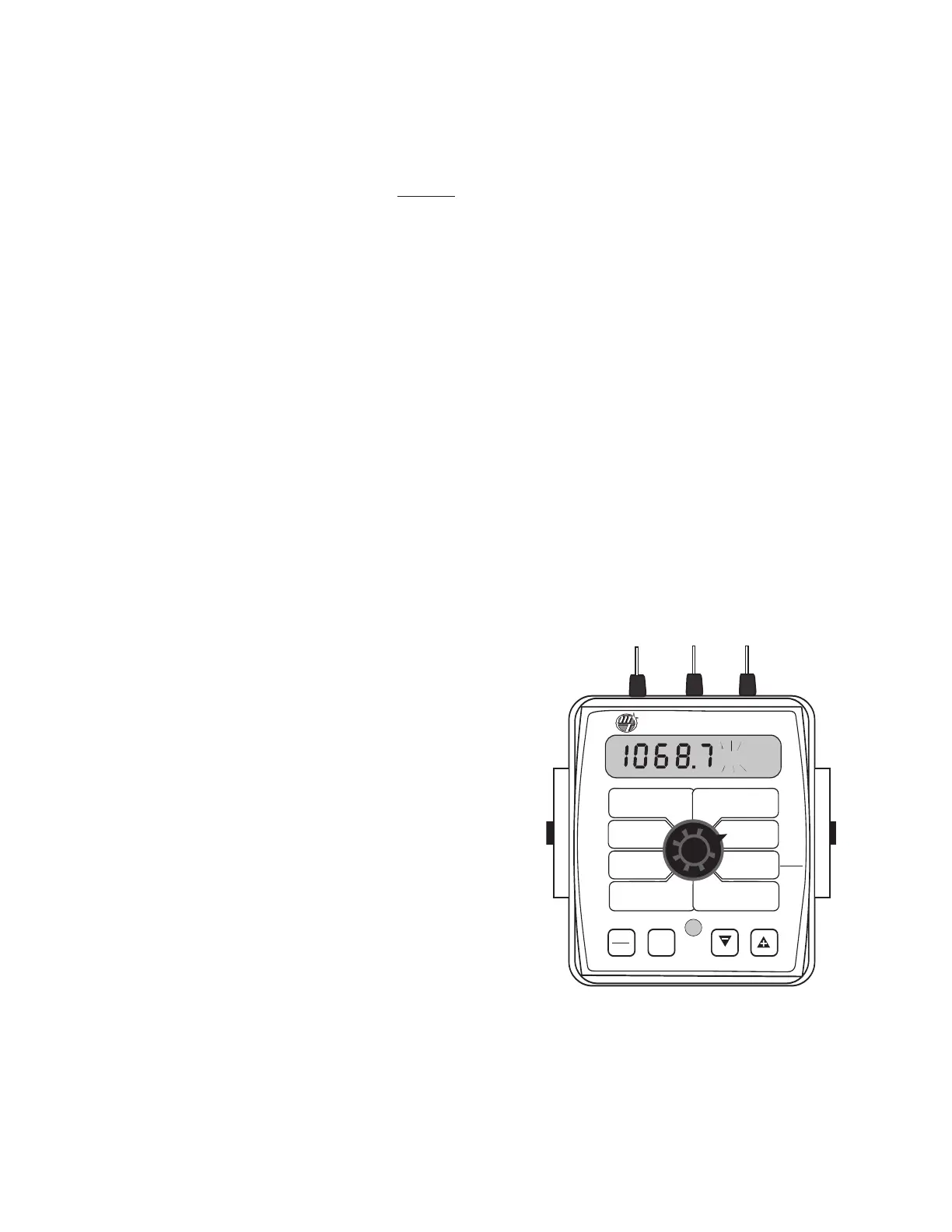
2. With the console turned ON, turn the rotary dial to the
“DISTANCE” position. Be sure the display shows 0. If not, reset
the distanc
e counter by pressing and holding “RESET”until the
display returns to 0 (approximately one second). Booms must
be OFF. The word CLEAr will be displayed when reset is
pr
essed
.
3. Begin driving the pre-measured course. The console display
numbers will increase, adding to the distance total as you
drive. STOP the vehicle when the marker is adjacent to the
ending flag. The vehicle MUST not move until the remaining
steps of this procedure have been completed.
4.
W
ith the r
otary dial still at DISTANCE (SPEED CAL), press and
hold the “CAL”key for one second.When the CAL icon appears,
the numb
er displa
y
ed is the sp
eed calibration value. Press and
r
elease the C
AL butt
on.
T
he CAL icon will begin flashing and
the display will show distance travelled.
5. When the display shows distance (“CAL” is flashing), verify
whether the number displayed is the exact distance you drove
(within + or - 1 - 2 %).
I
f not
,
while the displa
y sho
ws distance,
press the “+” or “-” key to adjust the figure to match the dis-
tance you actually drove. If the display reads too high, use the
“-” key to lower the displayed value. If the display reads too
low, use the “+”key to raise the displayed value.
6. When the number shown on the display matches (as closely
as possible) the actual distance driven,you have arrived at the
correct calibration value. If you cannot adjust the displayed
distance to exactly match the actual distance driven, adjust
the figure as close as possible to the actual distance. Exit
“CAL” by pressing “CAL”for one second.
The speed sensor is now calibrated. To verify proper
calibration, repeat the procedure a second time. Write down the
new speed calibration number and keep it in a safe place.If the cal-
ibration values are ever accidentally changed, you can simply re-
enter this number.
WIDTH
CAL
FLOW
CAL
MIN
FLOW
ADJUST
RATE
TARGET
RATE
SPEED
CAL
INLINE
BYPASS
TEST
SPEED
VOLUME /
MINUTE
DISTANCE
AREA /
HOUR
VOLUME
(1) (2) (3)
RATE
SPEED
AREA
(1) (2) (3)
TANK
CAL
AUTO
MAN
RESET
CAL
1 2 3 4 5
S
pray
M
ate
II
™
HOLD



 To Next Page