48
Fine Tuning Flowmeter Calibration Value
This procedure is used to verify and fine-tune the flowmeter
calibration. Every flowmeter is calibrated with water at the
factory and stamped with a calibration value. Enter that value
as a starting point and use this procedure to fine-tune that
value for your specific installation and spraying application.
This procedure should be repeated each time a new solution is
being applied (differing solutions will have a different specific
gravities and different flow characteristics) or when the
flowmeter installation has been altered.
Procedure:
1. Put enough water in the sprayer tank to perform this test.
(Preferably 100 gallons or more. The larger the volume of
water used, the more accurate will be the calibration.)
2. Start sprayer pump and turn on booms.Run enough water
to purge all air from lines. Turn off booms but leave pump
running.
3. Turn console rotary selector to the VOLUME position.
Select the counter (1-3) that you want to use. Press and
hold the RESET button until the display reads 0 (about 2
seconds).
4. Turn on all booms, and run a known amount of water
(preferably 100 gallons or more). *
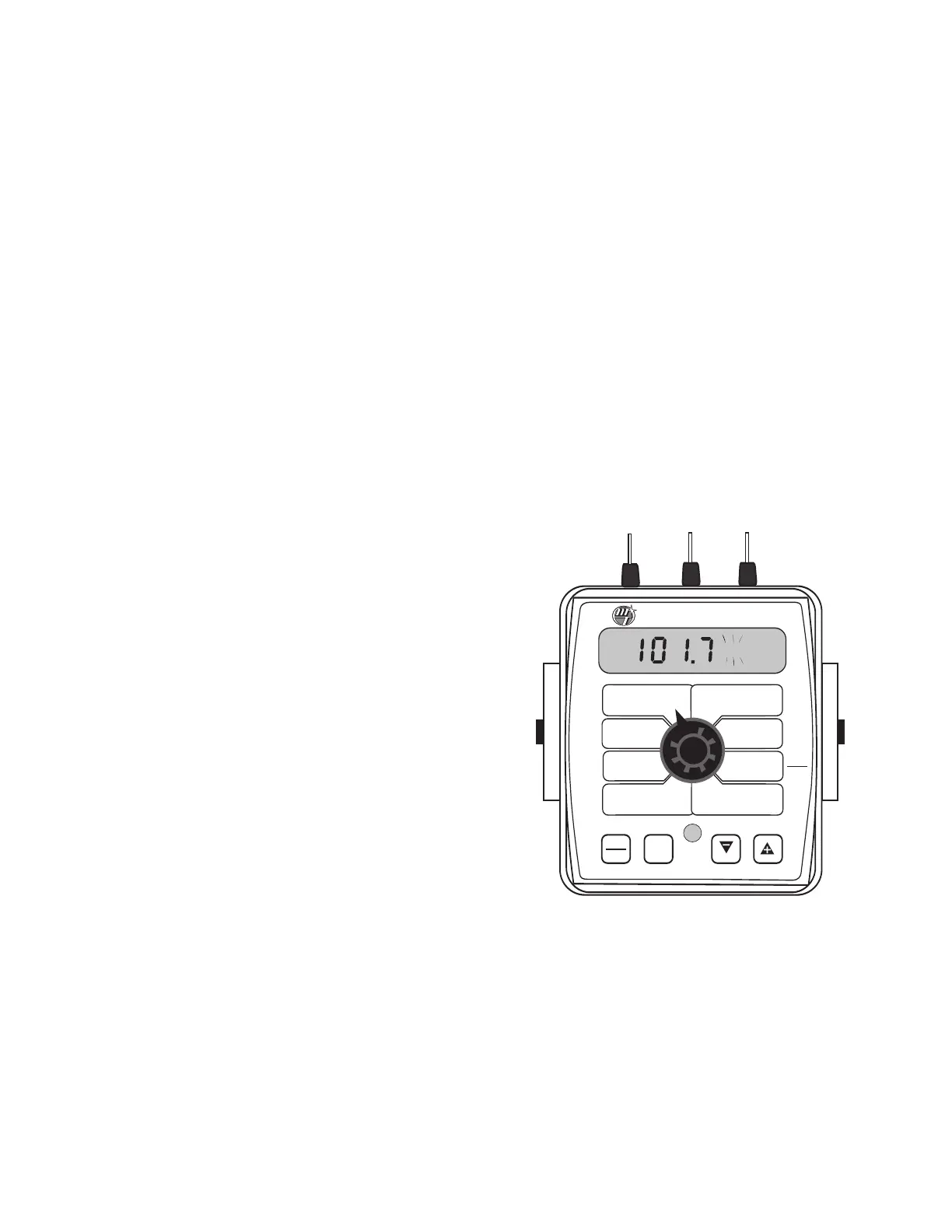
5. Turn off all booms. Compare the console’s VOLUME
reading with the known amount of water run.
See
Illustration. If the two amounts are within one or two per-
cent, no fine tuning is required. If the two amounts are
more than two or three percent different, continue with
the next step.
6. With the console still in the VOLUME position, enter
calibration (boom switches OFF, hold the CAL button until
r
ed w
arning light comes on; about one second). The dis-
play will show the flowmeter calibration value and the CAL
icon.
7.
M
omen
tarily press the CAL button. The CAL icon will
begin to flash and the total volume will be displayed.
8. When the TOTAL FLOW value is displayed, use the “+” or
“-” button to adjust the value to match the amount of
water run.
9. Momentarily press the CAL button. The word CAL and the
flowmeter calibration number will be displayed. You will
notice that the flowmeter calibration value has changed.
Write down the new flowmeter calibration value. This is
your “fine tuned” calibration value, keep it for future
reference.
10. Exit calibration by holding the “CAL” button until the red
warning light goes out (about one second).
*The most accurate method to measure the volume of water
run is to place a container under EVERY nozzle and add
together the amount from each nozzle. This assures that 100
percent of the water is collected and that all nozzles are
spraying equally. It is important to perform this procedure at a
flow rate similar to that which will be used in the field. It is also
possible to disconnect the main boom line and run it to a large
measuring container but a valve must be installed and
properly adjusted to simulate actual field conditions.
WIDTH
CAL
FLOW
C
AL
MIN
FLOW
ADJUST
RATE
TARGET
RATE
SPEED
C
AL
I
NLINE
BYPASS
TEST
SPEED
VOLUME /
MINUTE
DISTANCE
AREA /
HOUR
VOLUME
(1) (2) (3)
RATE
SPEED
AREA
(1) (2) (3)
TANK
CAL
AUTO
MAN
RESET
MANAUTO
CALHOLD
1 2 3 4 5
™
SprayMate
II
Appendix C:



 To Next Page