32
A
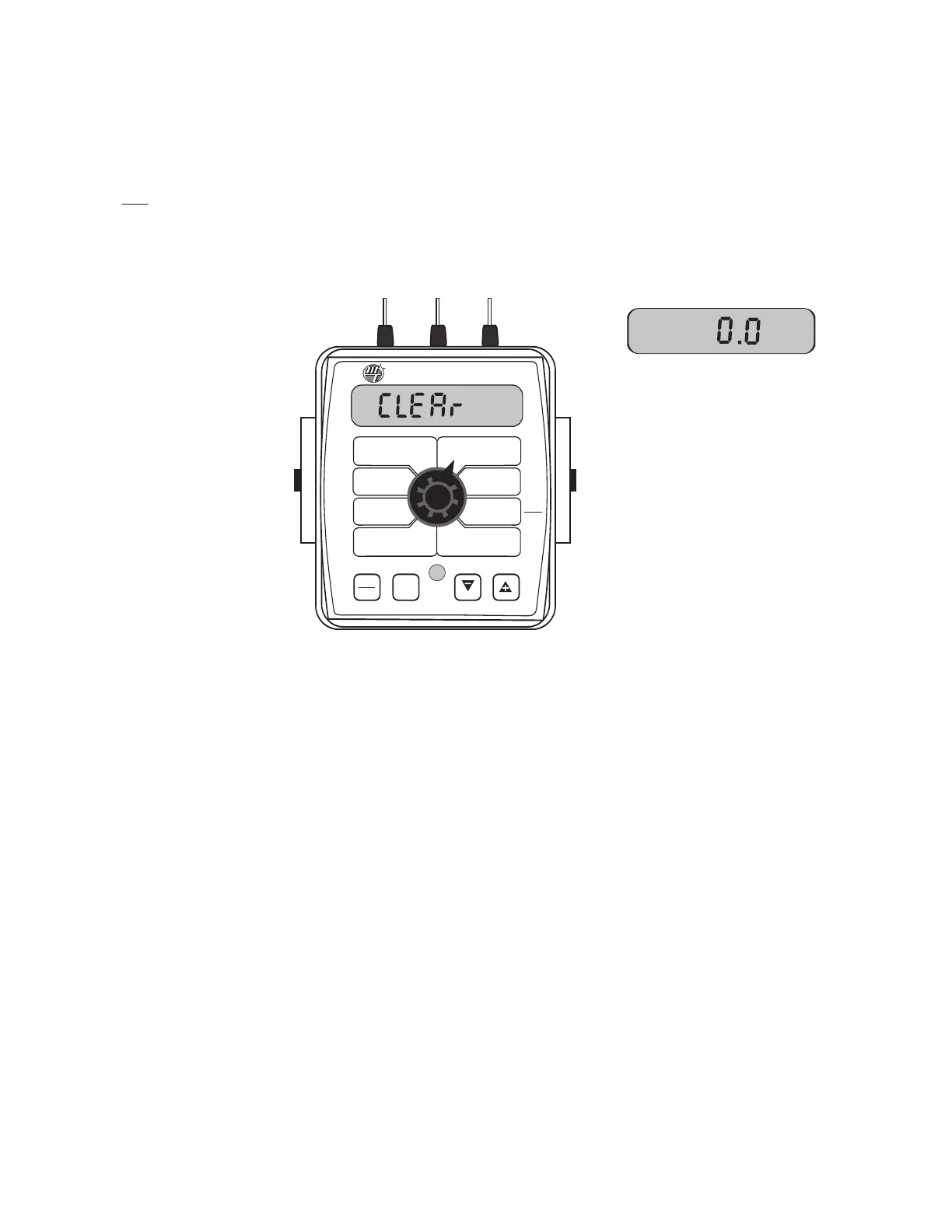
fter the "-" (RESET) button has been
h
eld for 3 seconds, the "CLEAr"
message will be replaced by 0.0,
indicating that counter pair #3 has
been cleared.
When the desired counter number is displayed, press the "-"
(
RESET) button and "CLEAr" will be displayed.
N
OTE: holding the
"
-" (RESET) button for 2 seconds will clear both the #3 AREA
counter and
the #3 VOLUME counter whether the rotary switch
is in the AREA or the VOLUME position.
If the "-" button is
released before 2 seconds have elapsed, the counters will not be
cleared and the "CLEAr" message will be replaced with the
previous total.
WIDTH
C
AL
F
LOW
C
AL
MIN
FLOW
ADJUST
R
ATE
TARGET
R
ATE
SPEED
CAL
INLINE
BYPASS
TEST
SPEED
VOLUME
/
MINUTE
DISTANCE
AREA /
HOUR
VOLUME
(1) (2) (3)
RATE
SPEED
AREA
(1) (2) (3)
TANK
CAL
AUTO
MAN
RESET
MAN HOLD
C
ALHOLD
3
™
S
pray
M
ate
II
To clear counters:



 To Next Page