Version 1.9 Page 107 of 170
The <Print> option allows you to create a report to be printed or exported in pdf, Excel, Word or
Html format.
4.3.4 EXPORT
To export data of one or more tests to Excel, add at least one test to the ‘TEST ANALYSIS’ table and
press <Export>. You will be asked whether you want the extended version (for each row of data the
test heading and the patient’s data is repeated – this is useful for pivot tables) or the simple version
(only numerical data for the test).
Figure 94 –Export result in Excel with the Extended version
It is also possible to export ONLY the selected tests in OJN format (a compressed file containing the
database as well as video and images).Choose the required tests, press the Export button, and
choose the option OJN.
Figure 95 - Export Formats
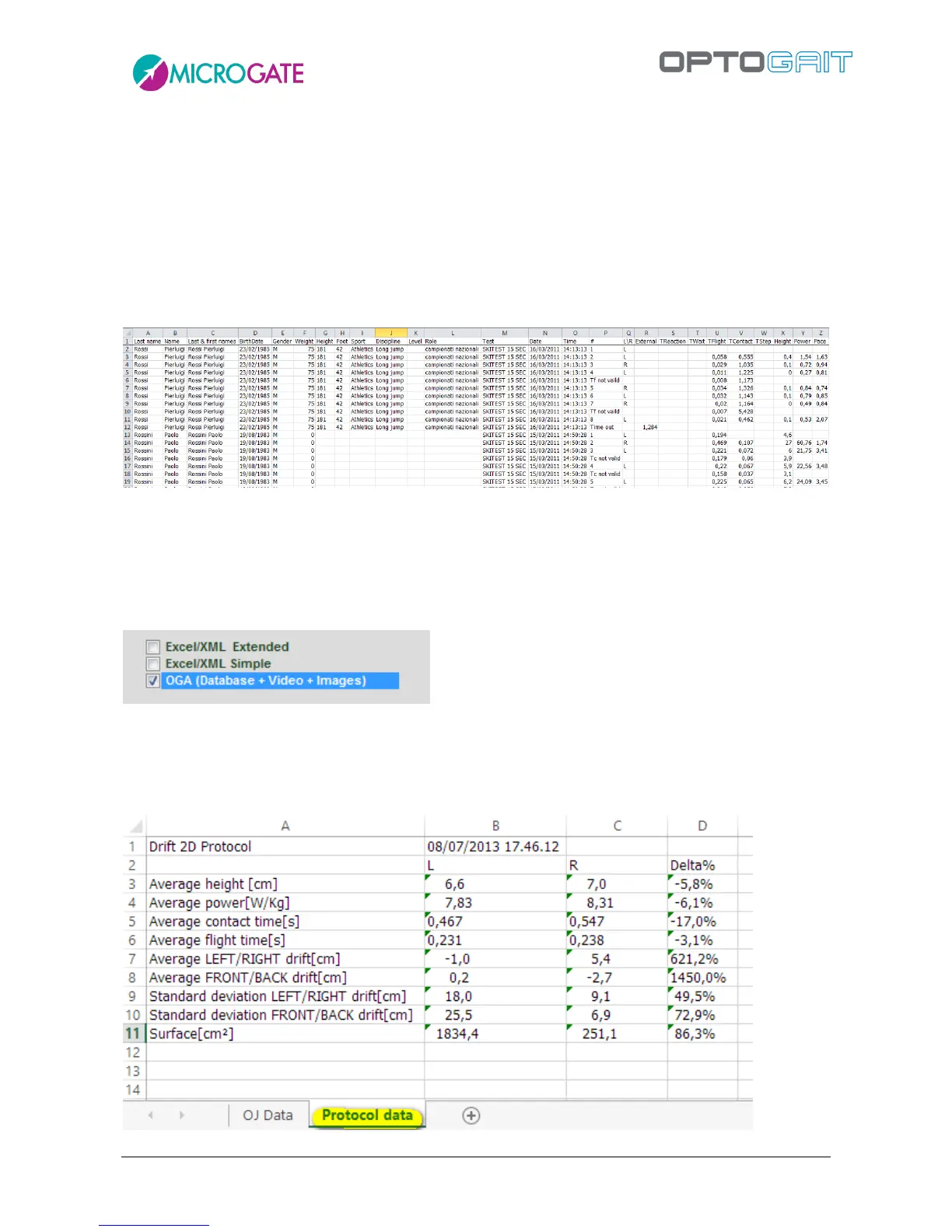
It is now possible to export a single protocol in Excel format. In addition to the classic feature of
exporting data of single tests, now (in a second Excel worksheet) also core protocol data (a Drift Test
in the example) is exported.



 To Next Page