Version 1.9 Page 49 of 170
4.2.1.1 EXECUTE CONFIGURATION
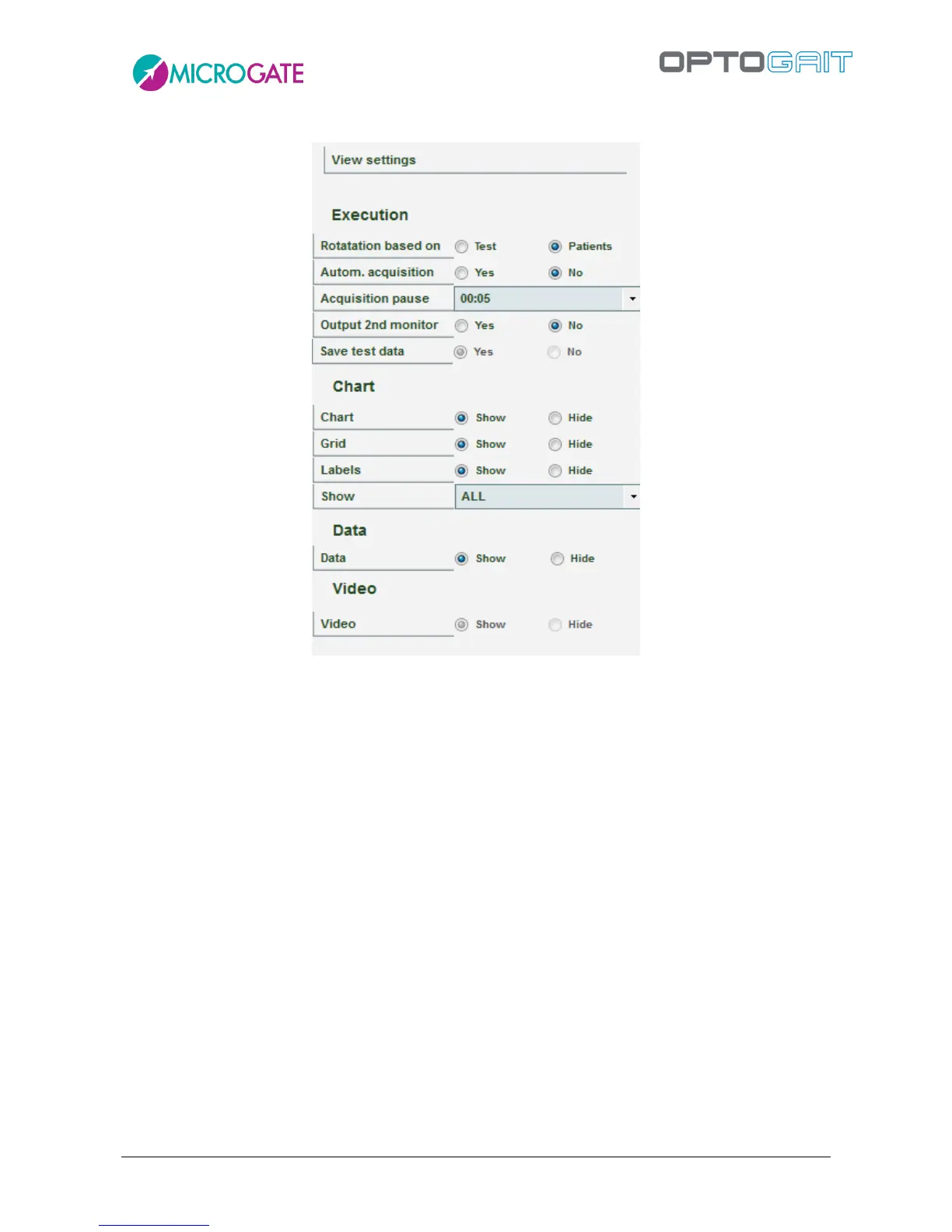
Figure 38 – Execute Configuration
Test data viewing can be configured by the user. The parameters are:
Execution
o Rotation based on: if more than one test or patient is selected, this indicates the
chosen mode
Test: after each performance, the next test begins for the same patient
Patient: after each test performance this goes on to the next patient doing
the same test
o Automatic acquisition: if this parameter is set to Yes, it is possible to skip the
manual saving phase at the end of each test; when the patient finishes a test, it is
saved, then, after a few seconds (as configured in the parameter ‘Acquisition
Pause’) the next test begins automatically (performed by the same patient or by
another, depending on the settings).
o Acquisition Pause: indicates the pause time between one test and another, which
are acquired automatically. Used only if Automatic Acquisition = YES
o Output 2nd monitor and Save Test Data: see chap. 4.2.1.2 on Video Feedback
o Metronome: see chap. 4.2.1.3



 To Next Page