Version 1.9 Page 109 of 170
Maximum flight time [ms]: allows you to set a maximum flight time in milliseconds; if the
flight time is higher, it is considered incorrect. This is, for example, useful for a ‘round trip’
test, where the patient exits the measurement area, turns around and enters it again. The
time for changing direction would be considered an abnormal flight time; this parameter
allows you to prevent this.
4.4.1.3 REACTION TEST CONFIGURATION
Reaction time configurations include:
Reaction time range [ms]: indicates the time frame in milliseconds within which the reaction
signal must be given randomly.
Acoustic signal type: allows you to choose whether to generate the acoustic signal using the
sound card, which may not be present, or the internal loudspeaker, generally always
available in personal computers.
4.4.1.4 VIDEO
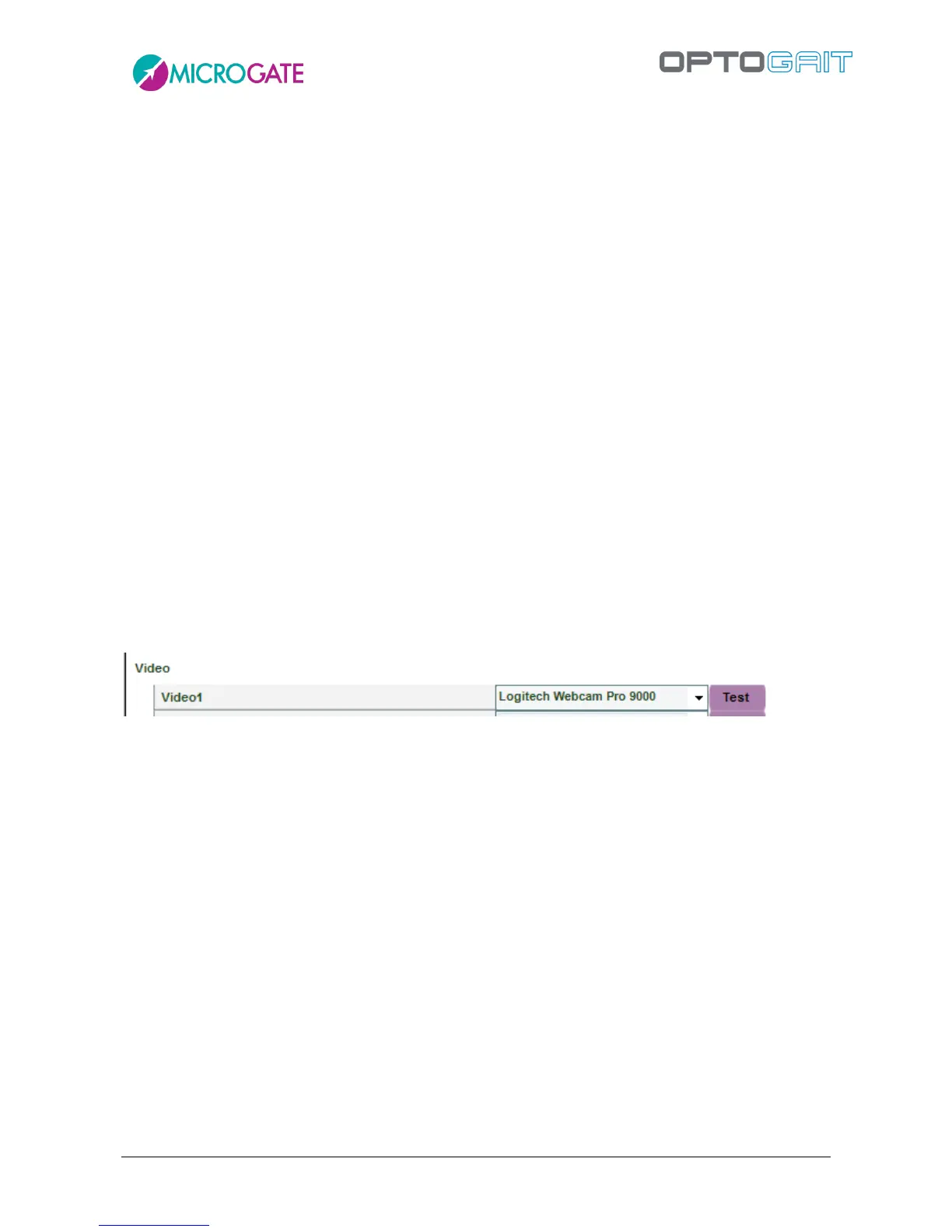
After connecting the webcam(s) to the PC USB port and installing the drivers, the video camera can
be tested. Under the heading ‘Video’, select a Logitech webcam from those available and press
<Test>. The choice of webcams has been limited only to high-range Logitech webcams to prevent
synchronization problems between OptoGait and video data. Webcams by other manufacturers are
displayed in grey.
Figure 96 - Webcam choice
4.4.1.4.1 Video Test
After pressing <Test> the webcam configuration panel in basic mode with the commands for
changing gain and exposure (shutter time) is displayed. For better quality and fluidity of videos we
recommend using a brief exposure time, such as 1/100 or 1/200, and then adapting gain to obtain
the correct image exposure (neither too bright nor too dark). We recommend not setting ‘Auto’
which could slow down the movie clip acquisition.
With <Device> you can recall the control panel of the webcam’s standard driver.<Default> sets the
standard value pre-defined by the manufacturer.



 To Next Page