Version 1.9 Page 127 of 170
4.4.5.2 SPORTZONE SETUP
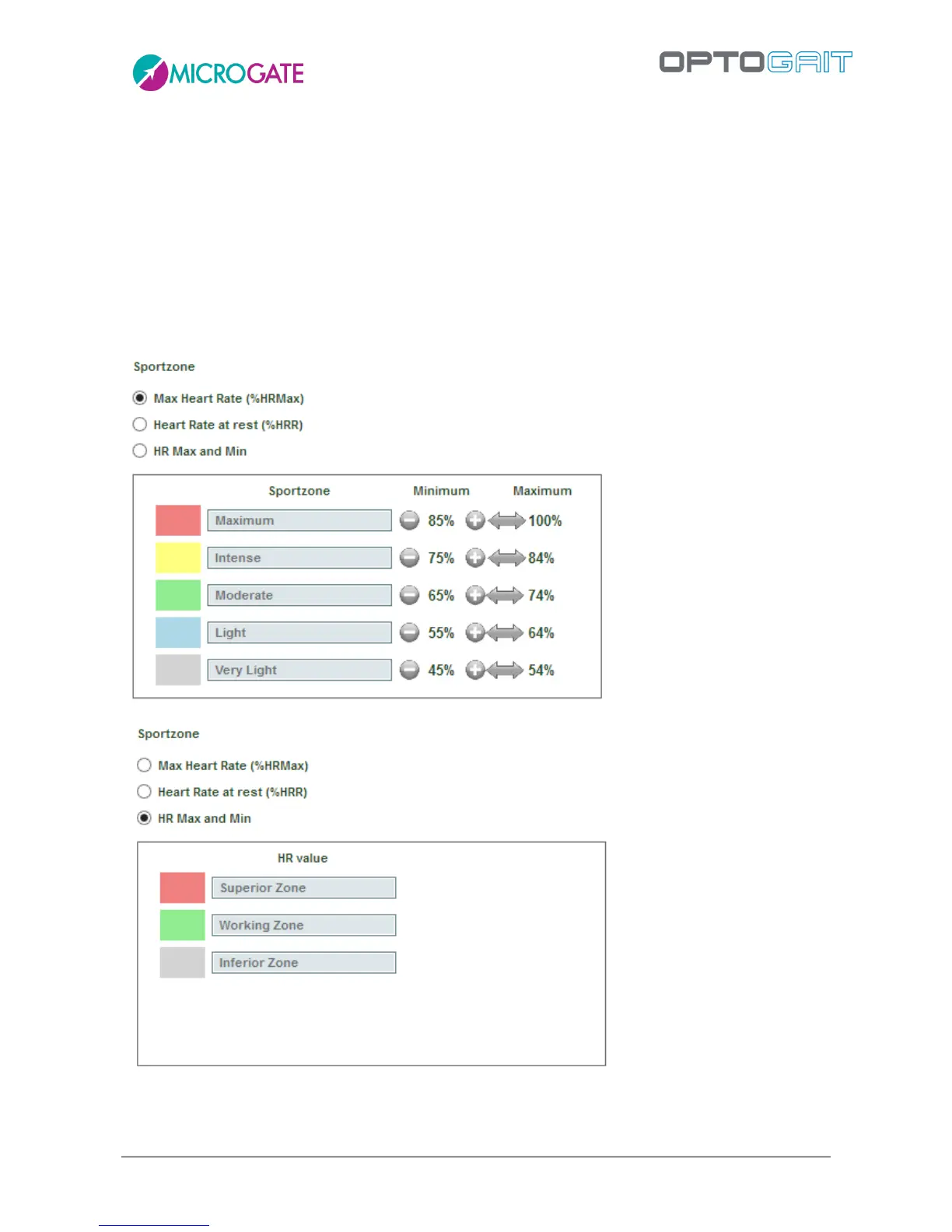
From the Utility menu you can configure how the so-called "SportZone" will be displayed on graphs
of executed tests. There are 3 possible settings:
5 coloured bands (with customizable names), each one being a percentage of the athlete's
Maximum Heart Rate
5 coloured bands (with customizable names), each one being a percentage of the athlete's
Resting Heart Rate
3 coloured bands (with customizable names), respectively below, within and above the set
bottom and top limits
The percentages of the various bands of course refer to the frequency of every single athlete and
must be entered in the relevant fields of each athlete's card.



 To Next Page