Version 1.9 Page 82 of 170
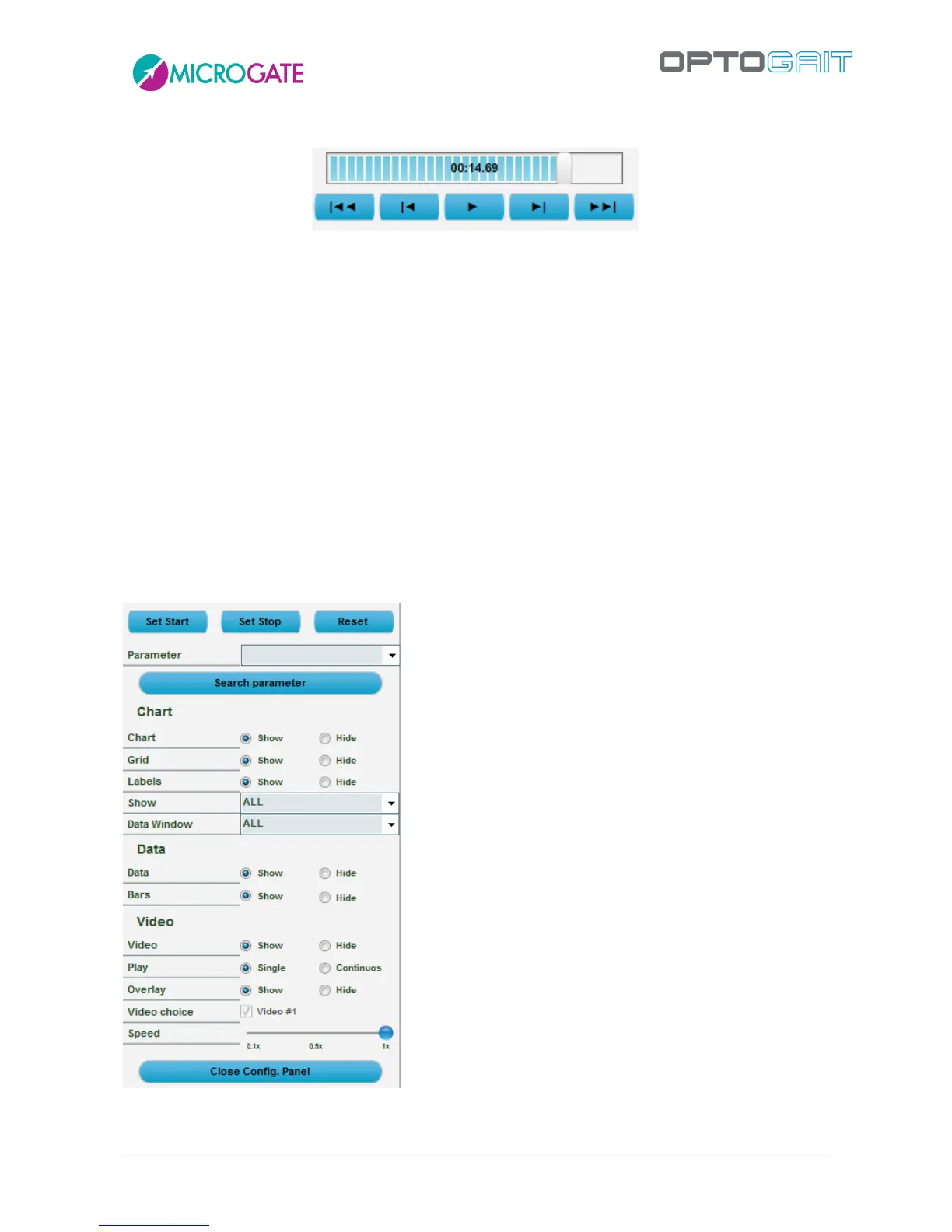
At the top left (see figure below) is the command panel for checking test progress.
Figure 64 – Command panel
From left to right the commands available are:
Back to the start of the test
Back one frame
Play/Stop
Forward one frame
Forward to the end of the test
Move the progress bar (slider) by moving the cursor with the mouse.
Instead of the buttons Back/Next, the right and left arrow keys on the keyboard can be used to move
forward/backward by single frames. The CTRL+Right Arrow and CTRL+Left Arrow can be used to
move by a thousandth of a second.
4.3.1.1 CONFIGURATION PANEL
Pressing <Configure> displays the choices available.
Figure 65 – Configuration Panel for the View test function



 To Next Page