Version 1.9 Page 46 of 170
4.2 TEST
4.2.1 EXECUTE
In this section the pre-defined tests or protocols are carried out. To define a test or protocol, see
the sections below. In addition, before performing a test, at least one patient must be inserted in
the database.
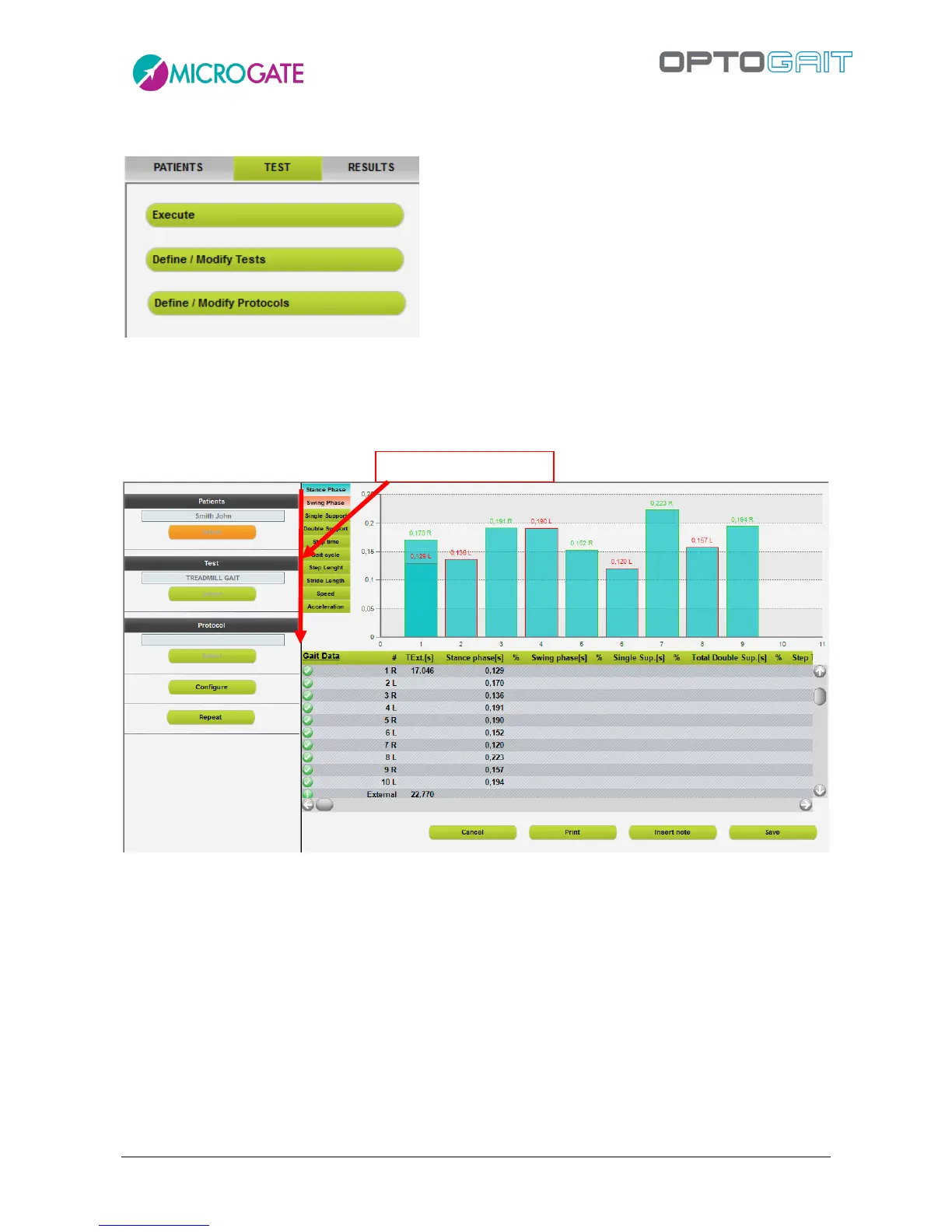
Figure 37 - Execute
To perform a trial it is advisable (but not obligatory) to follow the direction of the operations
indicated by the red arrow at least the first time you enter this section.
The basic flow is
select the patient
select the test type (using tests or protocols)
optionally configure some viewing parameters
press Execute and have the patient perform the jump test or the running/gait test
Save, Cancel or Repeat the test



 To Next Page