Version 1.9 Page 45 of 170
Once the video has been saved, its title and description can be edited by clicking on the thumbnail,
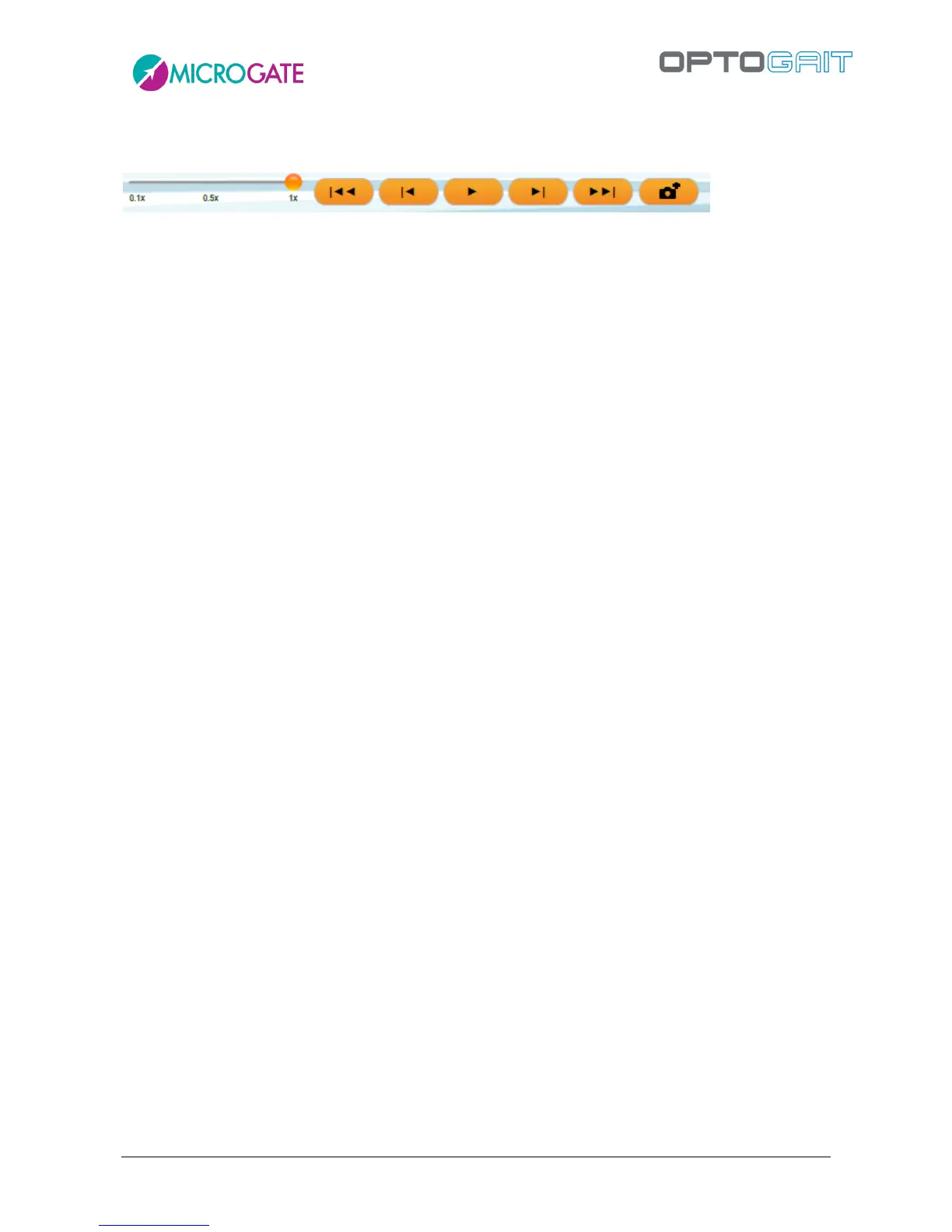
while clicking on the video itself begins playback, with the following buttons appearing underneath:
Slider for slow-motion playback (from 10% to 100%)
Go to first frame
Back one frame
Play/Stop
Forward one frame
Go to last frame
Save current still image
To delete a photo, video or still image, select it and click <Delete Selected>.



 To Next Page