Version 1.9 Page 22 of 170
2.2 DESCRIPTION
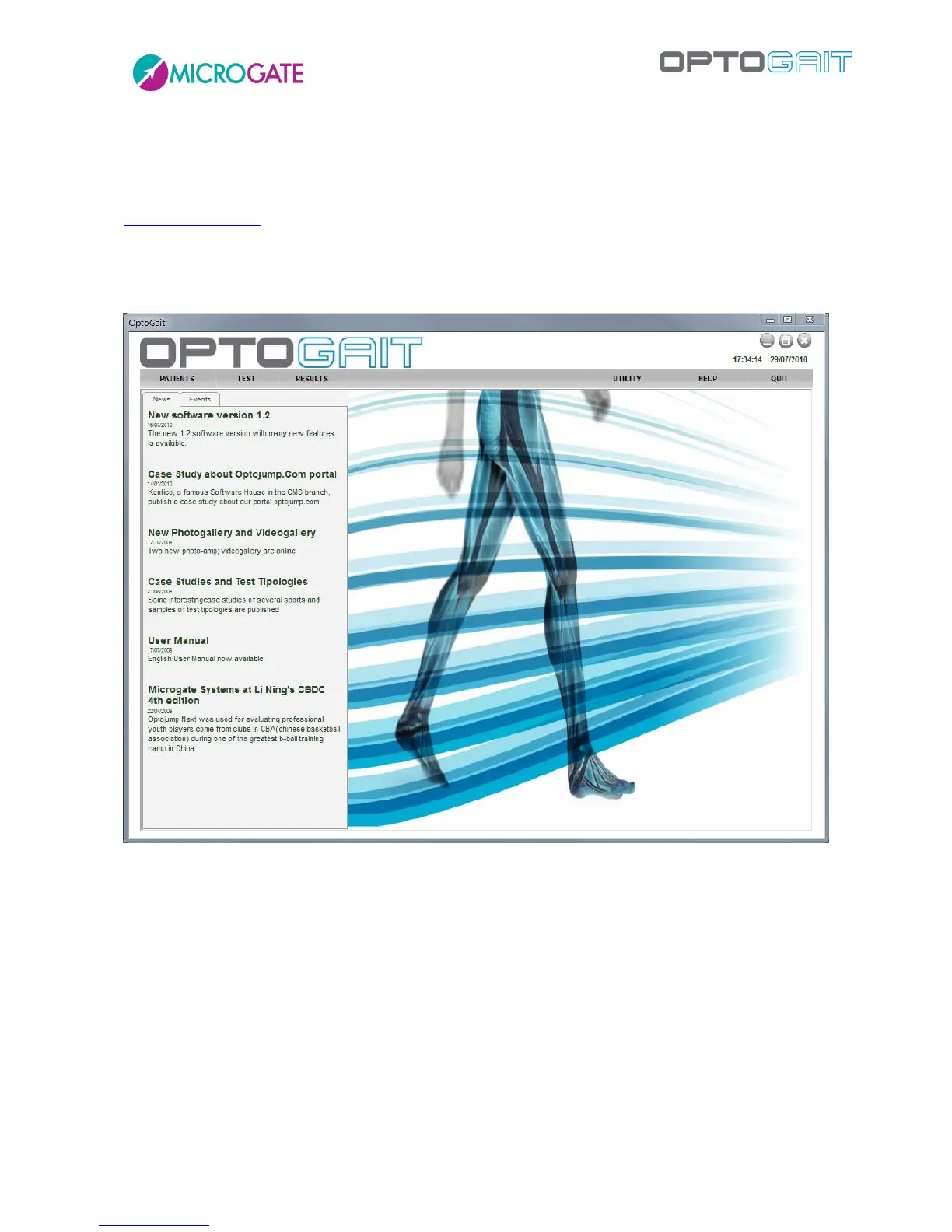
The welcome screen of the OptoGait software shows a horizontal bar with the most important menu
items and an area with News and Events, which are automatically updated from the web site
www.optogait.com in the appropriate language. In case of missing Internet connection, the
information will not be downloaded; it is also possible to deactivate the Internet connection with a
configuration parameter (see chap. 4.4.1.7). Click on a news title or an event to open the complete
description in a browser window.
Figure 8 – First page
The interface with which the OptoGait system is managed is divided into three main sections:
Patients, Tests and Results.
2.3 PATIENTS
This is the section where the patients' profiles are created and stored. A profile can contain all sorts
of information: personal data, notes, patient photo, etc. Each patient can be added to one or more
groups or subgroups. Therefore the Athletes' Personal Data can be fully customized and adapted to
the user's requirements, and imported and/or exported from/to other programs or formats (xml,
Excel, etc.).



 To Next Page