Version 1.9 Page 116 of 170
Video taken by webcam No. 1 on 2/4/2009 at 12:32:16 in ASF format
The images (analysed still frames) saved using the command ‘Save images in report’ are located in
the subdirectory Images and have the following similar format:
Image_DD_MM_YYYY_HH_MM_SS_ZZZZZZZZ-ZZZZ-ZZZZ-ZZZZ-ZZZZZZZZZZZ.EEE
If there is an error when loading the database, OptoGait will notify you of it at program startup,
suggesting you look for the database or continue. In the latter case, OptoGait will create a new
empty database.
The software makes it possible to handle more databases (one at a time) for particular needs. For
example, the trainer of a team can separate the tests of one season from another (warning: in this
case he will not be able to do any comparisons or analyse the history). Also a free-lance professional,
who does tests for various customers, can create a database for every team to be tested.
It is also possible to export database data in a compact format (one single file containing database,
videos, and images) in order to transfer them from one PC to another or to hand them to the
customer to review. Free software downloads are available at www.optogait.com.
The commands used for these purposes are the following:
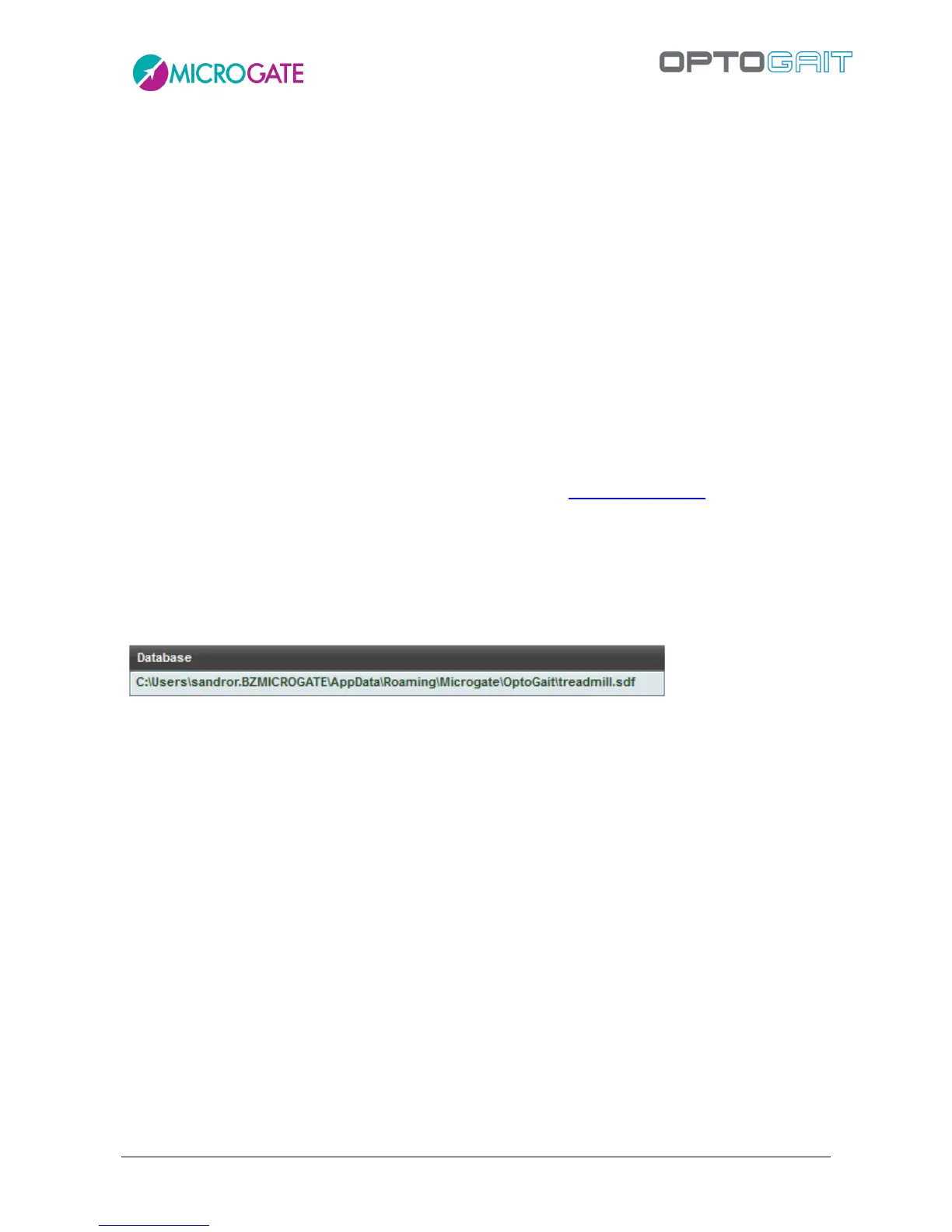
4.4.3.1 CURRENT DATABASE
The path indicates which database is used; the commands below, <New> and <Select>, allow you
to edit the directory and the file to use.
4.4.3.2 NEW
Creates an EMPTY database and sets it as current; you will be asked in which folder to place it.
To organize the still images of a database it is useful to create an empty subdirectory (folder) for the
database.
Example:
Create a folder called MyTests on your hard disk (in the root directory or under
Documents\Microgate\OptoGait ).
Then create a folder for each new (empty) database inside this folder. Now each database will be
stored in a separate folder with its video and image files.



 To Next Page