Version 1.9 Page 51 of 170
4.2.1.2 VIDEO FEEDBACK
The main idea of this new feature is to show the patient directly some main parameters of the test
he/she is carrying out. This allows to request real-time 'corrections' of some trial anomalies, making
the test become an exercise, not only a diagnosis. Particular attention is paid to the concept of
asymmetry, i.e. the difference between right and left foot (expressed in %) with respect to a
particular parameter.
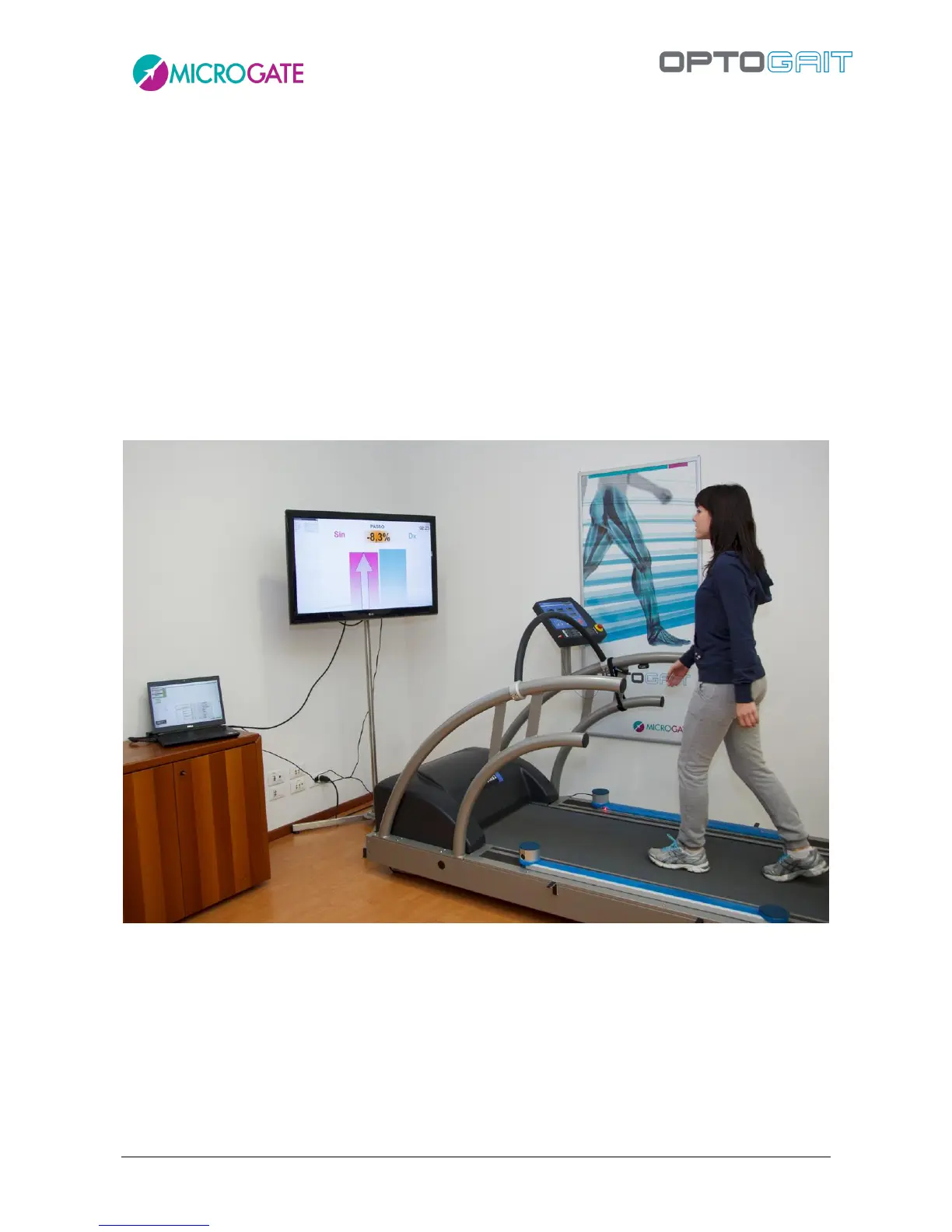
A classic example is a treadmill gait test, where the patient has a monitor in front of him/her (better
if a large-screen TV), where the operator can choose which parameter among those available to
display, depending on the pathology or rehabilitation.
During the gait test, the patient receives a numerical/graphical feedback (in the form of
green/orange/red colours and up/down arrow symbols) indicating what is not 'working' and how to
correct it (e.g. making the left gait longer or increasing the rhythm, etc.).



 To Next Page