Version 1.9 Page 99 of 170
4.3.1.8 PRINT
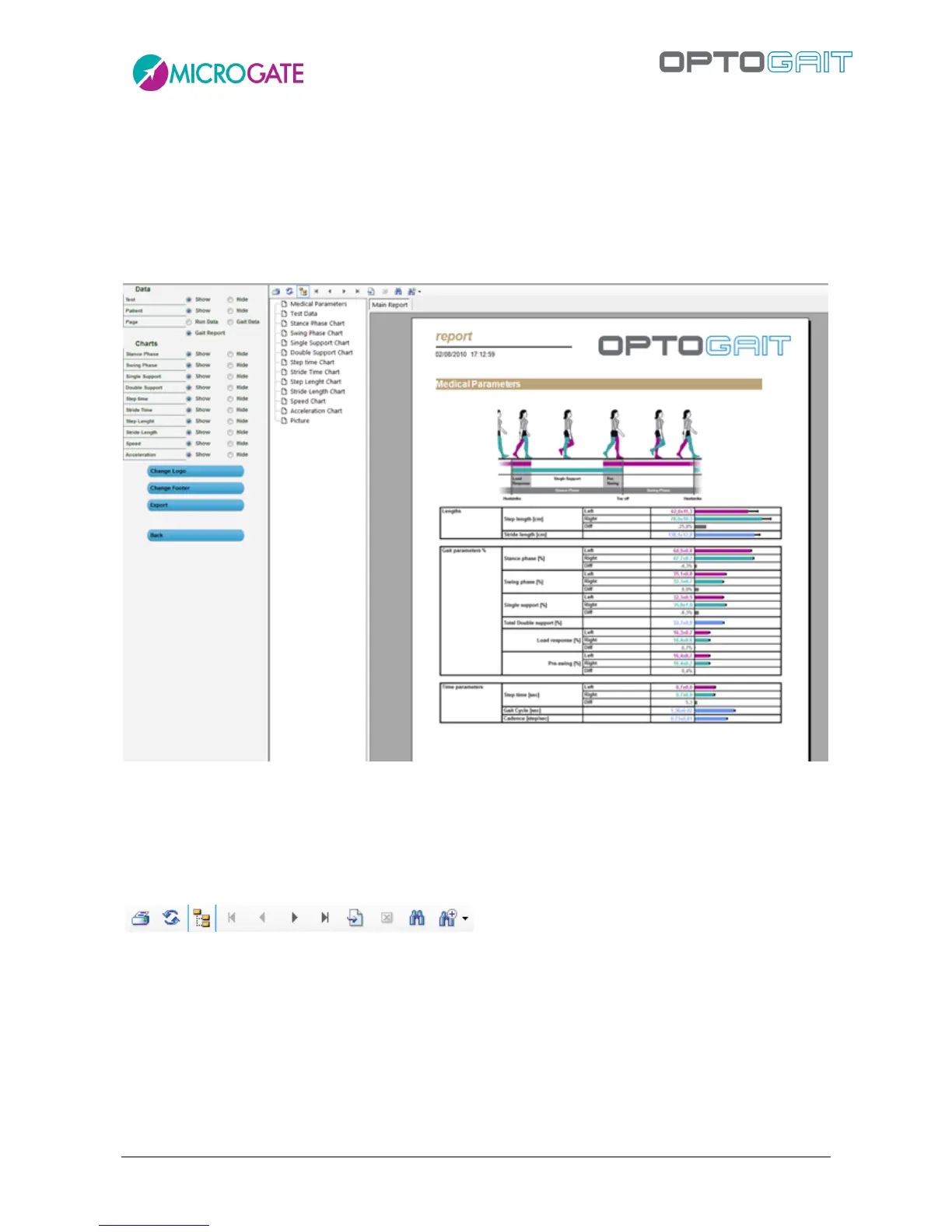
When <Print> is pressed, a multi-page report is printed with the patient’s data, summarizing
(average) test data, numerical test data (times, heights, power, etc.) and all the charts of the
previous window.
A box containing the index with the pages allows you (by clicking on each page) to rapidly select the
desired section.
Figure 82 – Report Print
The radio buttons on the left allow you to show or hide particular sections of the report for both
Data and Charts. Press <Apply> after changing any of the parameters to view the changes to the
report.
The command toolbar above the report allows you to perform the following operations:
Figure 83 – Print Report Command Toolbar
Print the report on the printer set in the dialog box
Refresh the data
Show/Hide the page index
Go to first page
Go to previous page
Go to next page
Go to last page



 To Next Page