Version 1.9 Page 48 of 170
Test cycle
We have seen that it is possible to select more than one patient and/or trials, using multiple
selections or choosing a protocol, (a pre-defined sequence of pre-defined tests), and therefore have
a ‘cycle’ of tests performed. In this case the arrows will appear in the respective boxes for
moving the selected data.
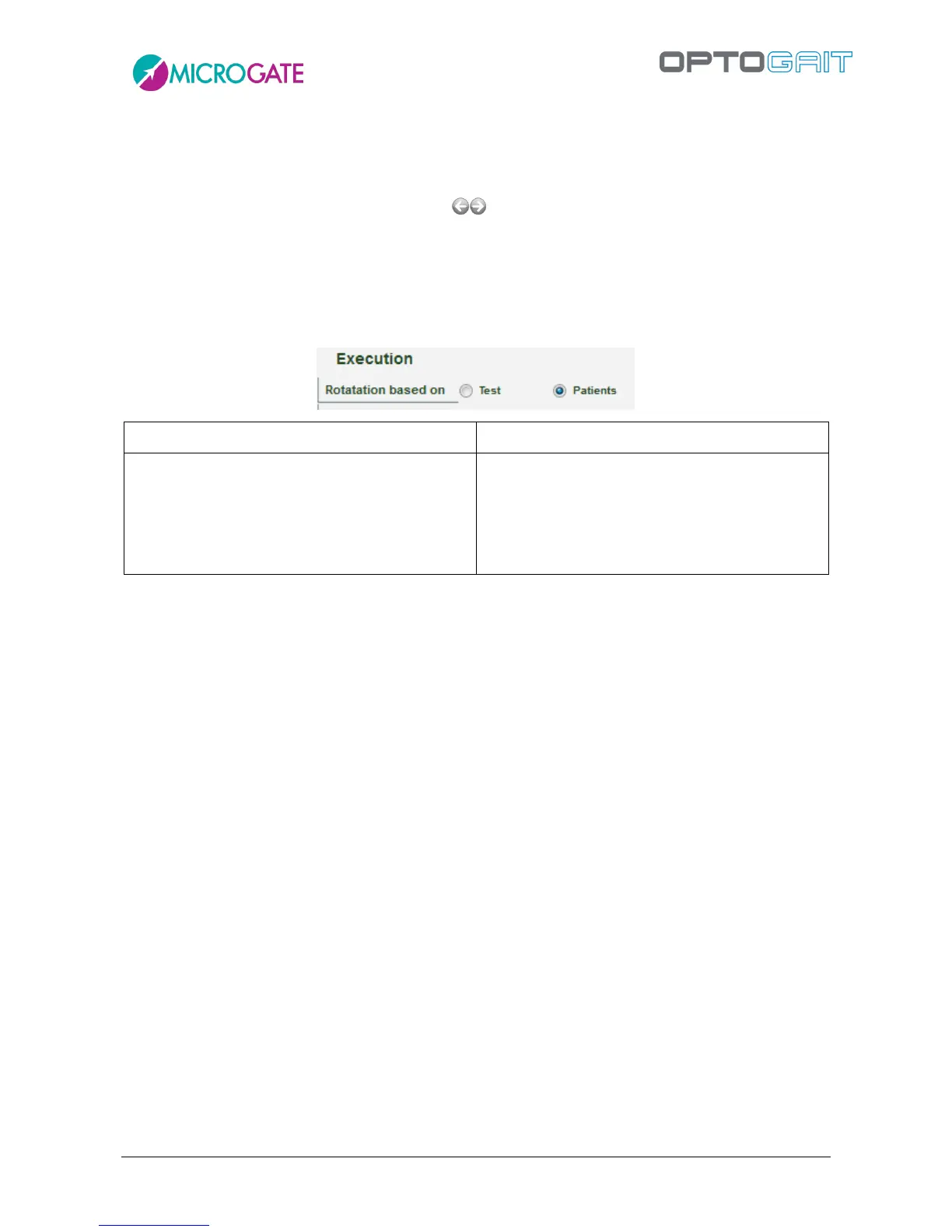
Let’s suppose we select two patients ('Rossi' and 'Smith') and two tests ('Squat jump', 'Stiffness').
Depending on how the parameter 'Rotation based on…' is set, the following types of sequence can
be set:
TIP: When patient, test or protocol selection is made, it is possible to double-click with the mouse
on the line of the grid to select the single data item and confirm automatically.
The videos are always acquired in size 640 x 480, even if they are displayed small.
The test acquisition can be simulated even if the OptoGait hardware device is not connected. The
keys that simulate the device are:
F8 – when pressed simulates the status “inside the measurement area”, when released
simulates the status “out of the measurement area”
F4 – every time it is pressed, it simulates an external impulse (e.g. photocell, etc.)
Note: the only function that cannot be simulated is the acquisition of a Sprint/Gait test: it is not
possible to know the length of steps. While this type of test is allowed, it will finish without the
acquisition of steps.



 To Next Page