Version 1.9 Page 125 of 170
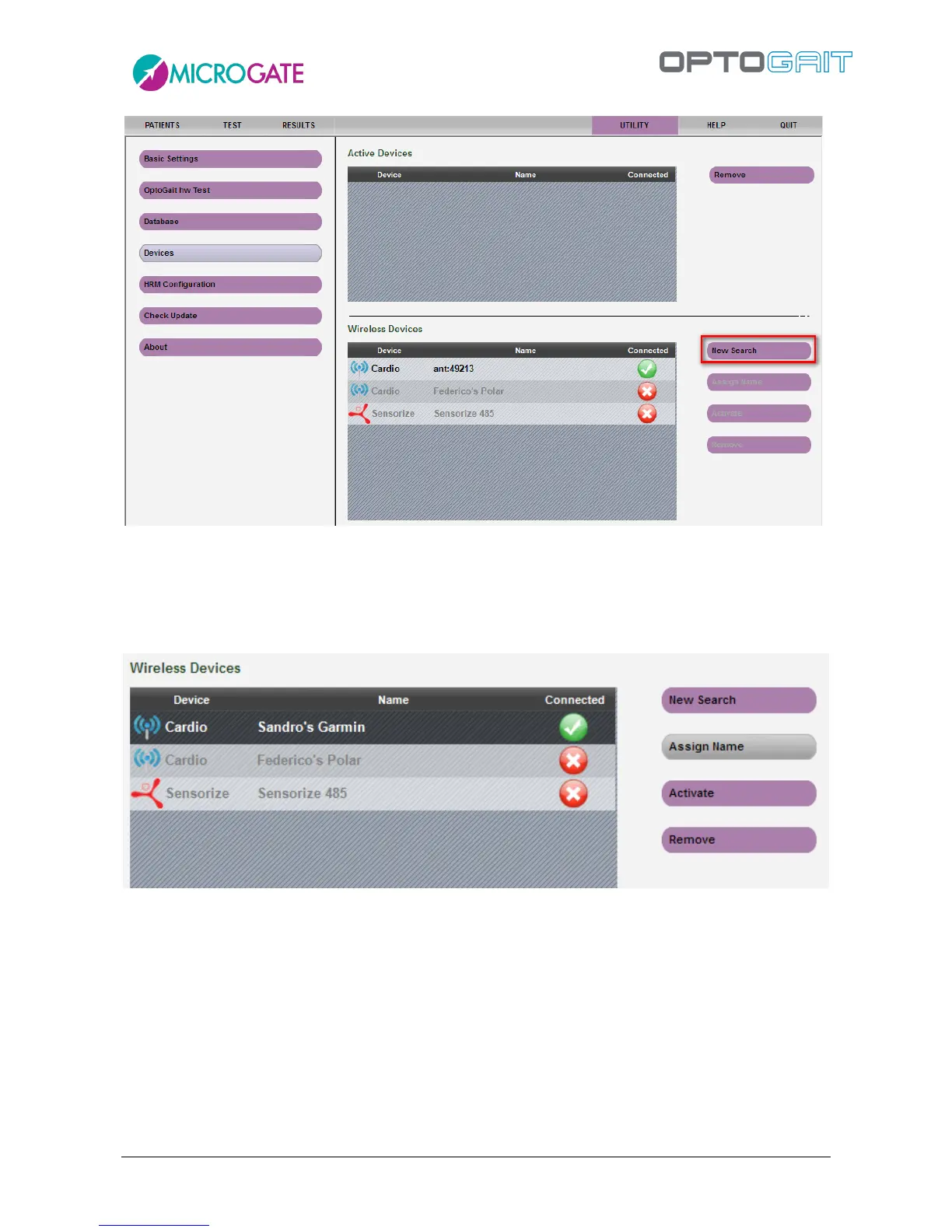
To recognize it later and find it among other chest wraps, it is advisable to name it using a mnemonic
name (e.g. “AthelteName Garmin Wrap” or “Polar#42” if you have numbered the wraps
progressively, etc.) using the <Assign Name> function.
Repeat for all the devices that you want to use; the icon near the name indicates if the device is
currently connected or not.
During the test session it is possible to ACTIVATE only one registered heart-rate monitor at a time.
To do so, select the device and press the <Activate> button. The device will move to the top of the
list and is ready for use.



 To Next Page