Version 1.9 Page 85 of 170
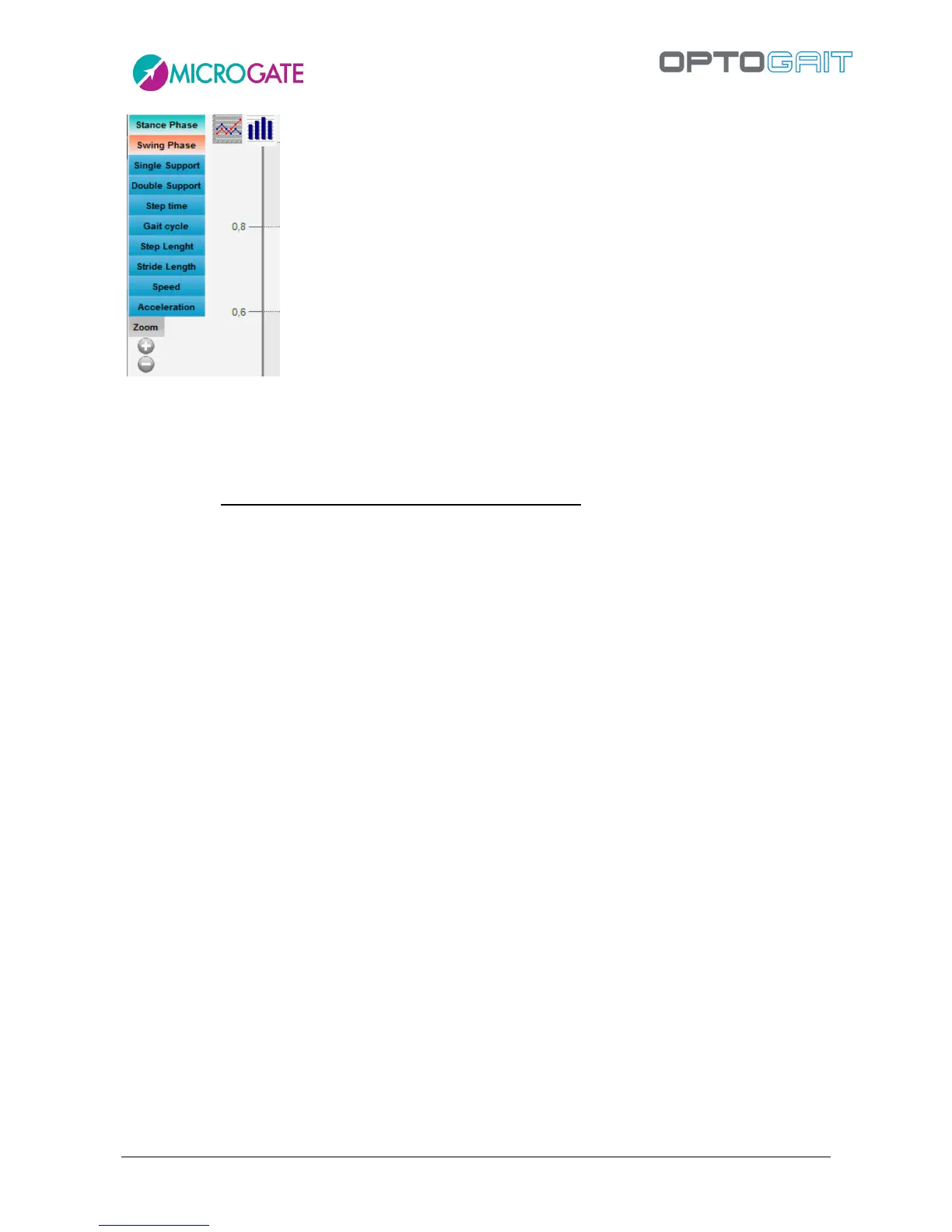
Figure 69 – Chart options
If a setting is not available, it is displayed in black. e.g. if no second webcam is connected, the option
'View video#2' is disabled).
The OptoGait software has a graphic tool for analysing images acquired by webcams. To enter this
section, just double-click with the mouse on the still picture to process (see chap. 5.4 Video
Analysis).
Press <Menu >> > to close the Configuration panel.



 To Next Page