Verifying the Flow Rate
The flow rate for each port of the SmartPrep should be verified every 3 to 6
months to ensure a proper flow of gas.
1. Insert the flow tube from port 1 into a beaker of water.
2. Select the appropriate Unit [n] from the SmartPrep menu.
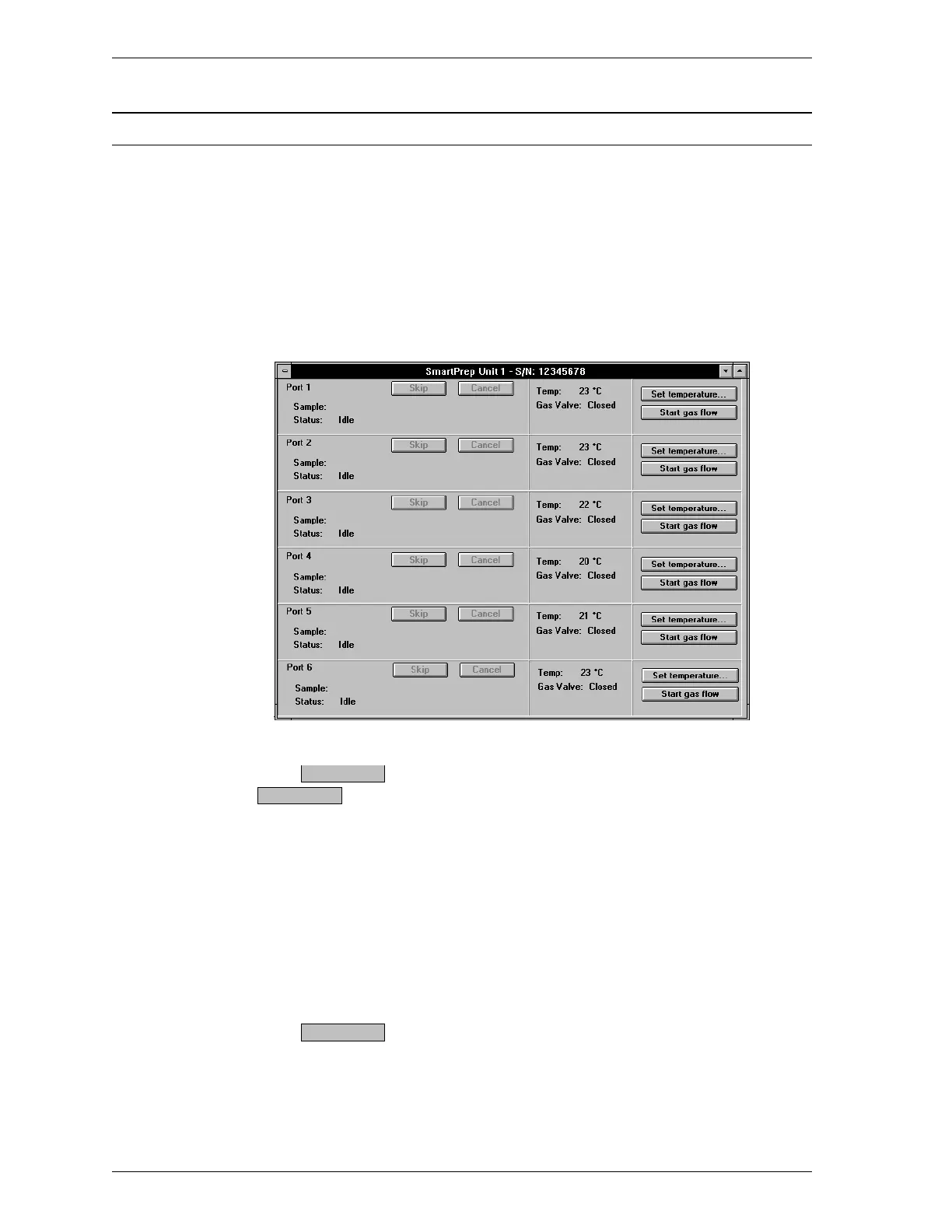
3. Select Show Status from the Unit [n] menu; the following dialog is
displayed.
4.
Click for Port 1. (Note that this push button changes to
.)
5. Observe the liquid in the beaker.
•
If there is a steady stream of bubbles, the flow rate is appropriate.
•
If the bubbles are sparse and erratic, turn the flow control knob for port
1 to the right (clockwise).
•
If the liquid appears too bubbly, turn the flow control knob for port 1 to
the left (counterclockwise).
6.
Click when the flow rate is as desired.
7. Repeat steps 1 through 6 for each port.
Start gas flow
Stop gas flow
Stop gas flow
Maintenance SmartPrep
4-2 Oct 01











 To Next Page