Parameter Files Directory
This option allows you to select the location for the predefined degas conditions
files. These files are displayed in the drop-down list on the Basic Sample Informa-
tion dialog box.
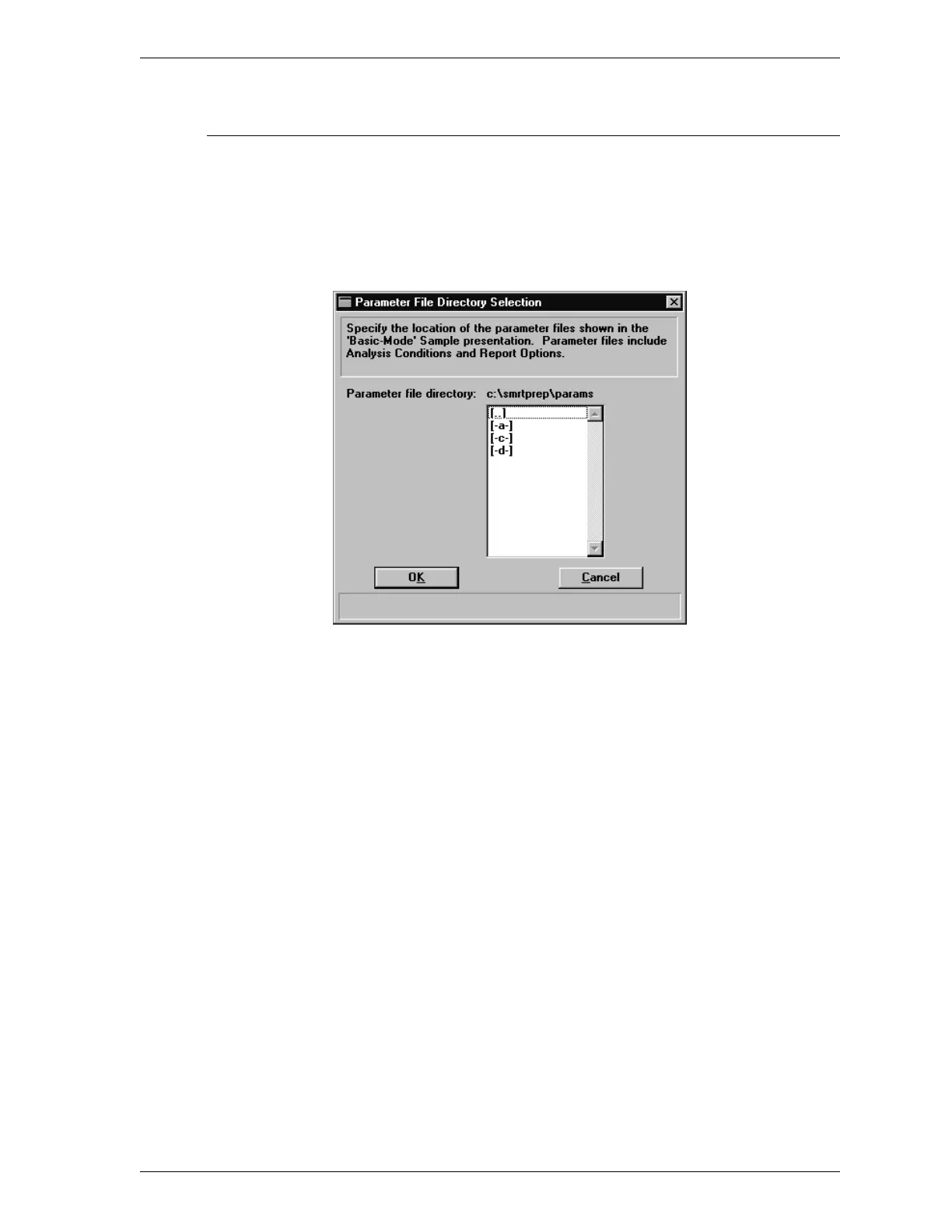
When you select this option, the following dialog box is displayed.
The directory you select here is the directory to which the program will go to ob-
tain the files for the Degas conditions drop-down list. When you create degas con-
ditions files, you should save them in this directory. If degas conditions files are
not saved to this directory, they are not included in the drop-down list.
SmartPrep Options Menu
Aug 98 3-37











 To Next Page