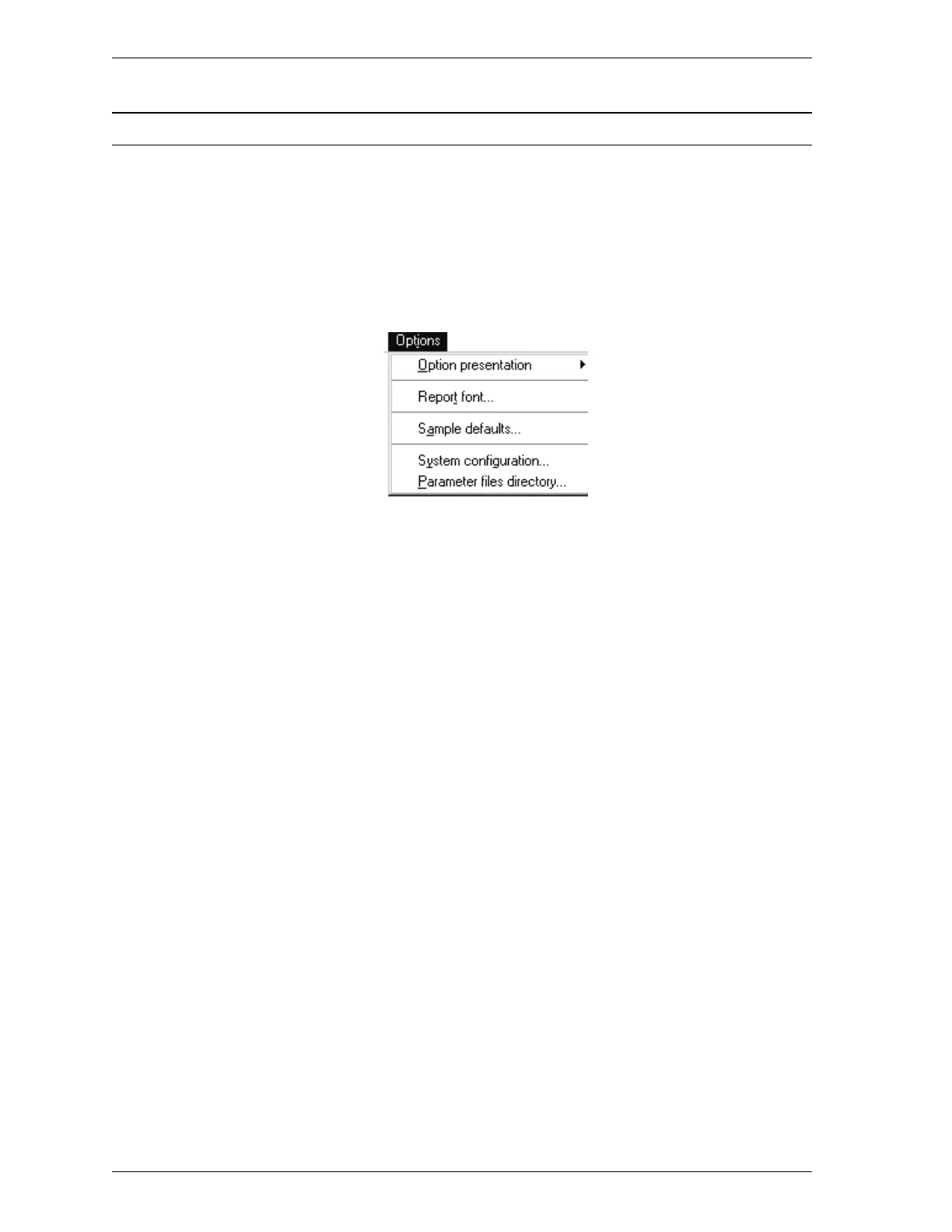
Options Menu
The Options menu contains choices that enable you to:
•
Select basic, advanced, or restricted sample information file format
•
Select a report font
•
Edit default values for sample information and degas conditions files
•
Specify printer options
•
Specify a directory for degas conditions files
Listed below are brief descriptions of the options contained on the Options menu.
Detailed descriptions follow this section.
Option presentation Allows you to display the sample information file
dialog box in either Basic, Avanced, or Restricted
format.
Report Enables you to select the font to be used for
printed reports.
Sample defaults Allows you to specify default entries for sample
information and degas conditions files.
System configuration Allows you to specify the printer to which reports
will be sent.
Parameters files directory Allows you to specify a location for the degas
conditions files used in the Basic format.
Options Menu SmartPrep
3-24 Aug 98











 To Next Page