Configuring Devices
The Setup software enables you to configure your control module (PC) so that it
detects attached SmartPreps. The control module cannot communicate with the
SmartPrep(s) until the Setup software has recorded your configuration(s).
The number of SmartPreps connected to the control module must always remain
accurately defined. Thus, if you add or remove a SmartPrep from your system,
perform the following steps to update your software configuration.
You must exit all applications associated with SmartPrep before running the
Setup program.
1. Insert the SmartPrep Setup diskette into a diskette drive.
2. Choose one of the following:
If... Then...
You are using Windows
3.1 or later:
Select File from the Windows Program Manager.
Select Run from the File menu.
You are using Windows
95:
Select Start from the Status bar.
Select Run from the Start menu.
3. Enter the name of the drive designator, followed by setup. For example:
a:setup
4.
Select .
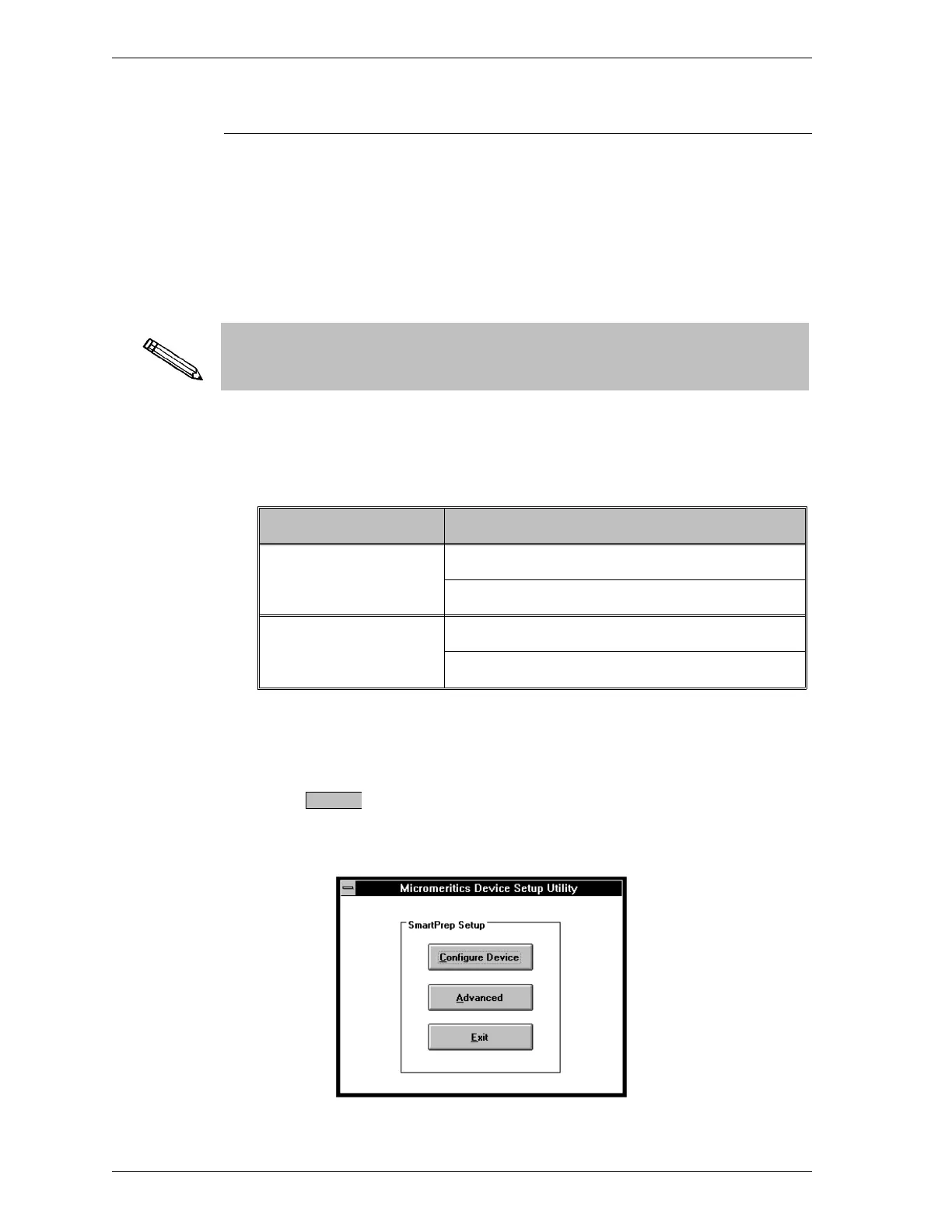
5. When the setup program is loaded, the following dialog box is displayed.
OK
Installation SmartPrep
1-12 Sep 98











 To Next Page