Show Status
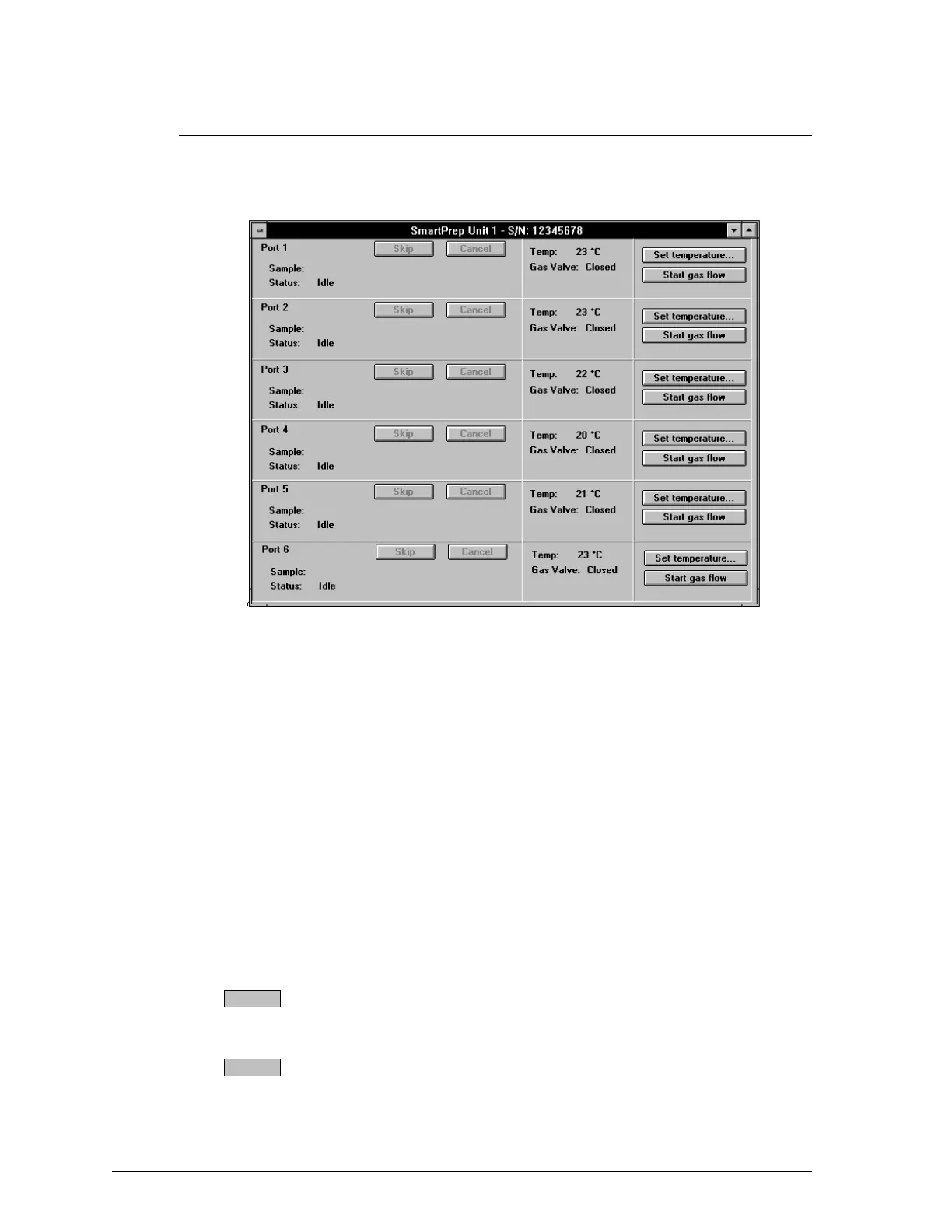
The Status dialog box enables you to monitor degas operations, set the tempera-
ture for a manual degas operation, and start and stop gas flow.
The information shown in this dialog box includes:
Sample Displays the name and path of the sample infor-
mation file being used.
Status Displays the current degas status as described be-
low.
1. Idle
2. Stage n of n: Ramping to nnn
o
C at
nn
o
C/min
3. Stage n of n: Soaking (number of
minutes remaining)
4. Cooldown
Press this button to skip the current degas stage
and proceed to the next stage.
Press this button to cancel the degassing
procedure.
Skip
Cancel
SmartPrep Menu SmartPrep
3-18 Aug 98











 To Next Page